
Is It Safe to Share Your Business Data Through Dropbox? An Honest Answer
Your crew's work lives on their phones and in your own Dropbox. Here is what that protects, what it doesn't, and what's left if ToolBerry ever goes away.
Aktualisiert am 23. Oktober 2026
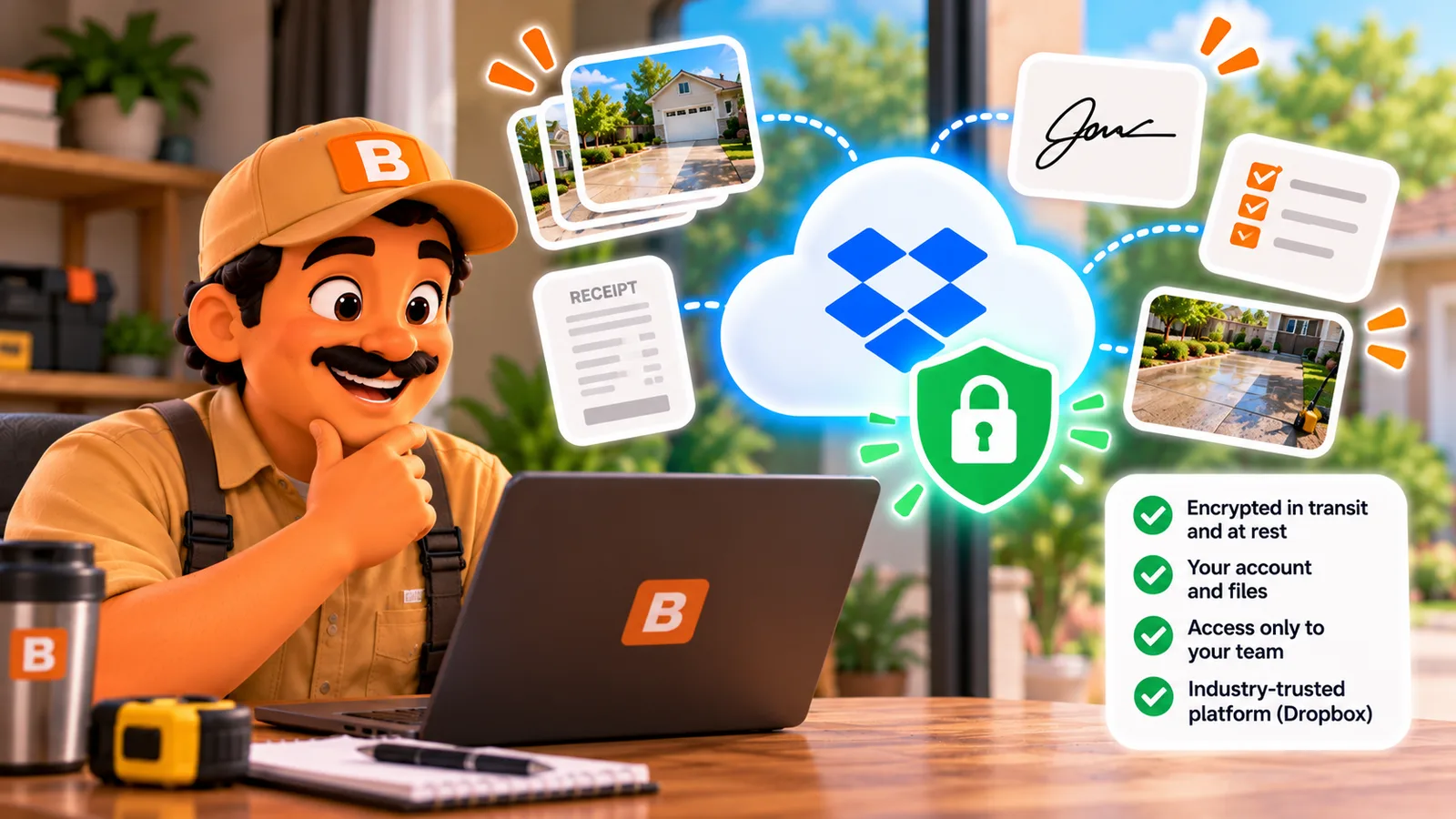
Your crew's work lives on their phones and in your own Dropbox. Here is what that protects, what it doesn't, and what's left if ToolBerry ever goes away.
Published October 17, 2026.
Is it safe to share my business data through Dropbox?
Yes, for most small crews, as long as you turn on a few settings. In ToolBerry's Shared multi-user, your jobs and customers live on your crew's phones and in your own Dropbox. ToolBerry keeps no copy on its servers, so there is one less company that can leak, sell or hand over your customer list. And if ToolBerry ever goes away, you can keep a backup file that opens without us.
I built it that way on purpose. Owners I talk to worry about where their data ends up: sold to marketers, caught in someone else's breach, handed to people they never agreed to. The simplest way I know to rule that out is to never hold the data. Why that matters for a small shop is in Their Breach, Your Letter: Why Protecting Customer Data Is So Hard for a Small Service Business.
How is my data protected?
Four locks protect it: your Dropbox account, your crew's phone locks, invite links that run out, and optional encryption. You control all four. None of them needs a ToolBerry account, and none of them asks you to trust a ToolBerry server.
- ToolBerry only gets one folder in your Dropbox. It asks for its own app folder (Apps/ToolBerry), not your tax returns or family photos.
- Invite links run out. A link expires after 24 hours and joins one phone. An old text forwarded later won't get anyone in.
- Each person gets their own access, and you can take it back. Removing someone cancels just theirs. Nobody else has to re-join.
- Logins stay on the phone. The Dropbox login is kept in the phone's secure storage and isn't copied into phone backups.
- You can scramble the shared files. Turn on encryption before you invite anyone, and the contents of what lands in Dropbox are unreadable to Dropbox, to us, and to anyone who breaks into the account. The key travels inside each invite, so your crew never types a password.
What does that look like for a real crew?
You decide who gets in, and when someone leaves, you cut them off from one screen. Their phone stops getting new work right away and erases its copy of the business the next time it connects. Everyone else keeps working without noticing. Here is one season, start to finish.
Imagine you run a two-truck pressure washing business: you, your brother-in-law, and a helper for the spring rush. You connect your Dropbox, turn on Shared multi-user and encryption, and text each of them an invite. They tap it and they're in.
In June, the helper leaves their phone on a customer's tailgate. You open the People page and tap Remove shared access. Once your phone is online, that access is cancelled. Whoever finds the phone gets no new work, and if it ever goes online, ToolBerry erases the business from it.
In October, the helper moves on. Same two taps. Your brother-in-law's phone and yours keep working.
In December, you add a tablet for the truck, so the business no longer depends on one phone.
What if ToolBerry disappears?
Your data stays with you. The app already on each phone keeps its own copy and keeps working for a while. Sharing between phones would likely stop, and anyone using ToolBerry in a web browser would lose the app. The data itself never depended on us, so keep a copy you can open without the app.
That copy is one tap away. The owner can tap Download Backup (Settings, Advanced) to save the whole business as a standard SQLite database file, or export any list to a spreadsheet file.
SQLite is a format the US Library of Congress recommends for keeping data long term, and its developers plan to support it through 2050. A tech-savvy friend can open the file with free tools.
The weekly copy in your Dropbox is packed for the app, and if you turned on encryption, only your crew's phones can read it. So the backup on your own computer is your real exit door.
The honest tradeoffs
Two risks matter most: everyone you invite carries the whole business on their phone, and your Dropbox account becomes the vault. The rest are details you should know before you switch it on. Here they are.
- Roles on Free hide screens, they don't lock data. Invite people you'd hand a shop key to (more in What Your Field Staff See on ToolBerry Free - and Why It's the Bare Minimum).
- The erase is a cleanup, not a guarantee. A phone that never comes back online keeps what it already had.
- A teammate's access reaches the whole ToolBerry folder, and someone handy could use it outside the app until you remove them.
- If someone gets into your Dropbox, they get your business. With encryption on, they get scrambled files, though your business name and device names stay readable.
- An unused invite link is a key. Anyone holding it can join until it's used or expires, so send it only to the person it's for.
- Encryption is a one-time decision. It has to go on before the first invite and can't be turned off. It scrambles what's saved from then on; what was already in your Dropbox, like older photos, stays as it was.
- A backup file is a plain copy of every customer and job. Treat it like your customer list: not in an email, not on a shared computer.
- You can't export the encryption key. If every phone on the crew is lost and ToolBerry is gone, the scrambled Dropbox copy can't be opened.
- ToolBerry isn't open source. What outlives us is your data in a standard format, not the app.
What should I do this week?
Four habits, about fifteen minutes to set up. Turn on two-step verification for Dropbox, decide on encryption before your first invite, make sure every phone has a passcode, and keep a monthly backup on your own computer. Together they shrink the biggest risks above.
- Turn on two-step verification for your Dropbox account (dropbox.com, Settings, Security). This is the most important step.
- Turn on encryption right after you turn on Shared multi-user, before anyone joins, if your jobs carry gate codes, alarm codes or anything you'd hate to see leaked.
- Make sure every phone on the crew has a real passcode. The copy on the phone is protected by the phone's own lock.
- Tap Download Backup once a month and save the file somewhere safe that isn't your phone.
If you haven't set up your crew yet, start with How to Add Your Team to ToolBerry, Step by Step (Including Your Own Tablet).
Questions, or think I got something wrong? Email contact@toolberry.net. ToolBerry is a free, offline-first field service management app for small service-trade businesses.
For the Technically Curious
- No server in the data path. Each device writes its own change files to the owner's Dropbox app folder and reads everyone else's. The Dropbox login uses OAuth with PKCE straight between the device and Dropbox. ToolBerry's servers serve the web app, the invite landing page and feature flags, and keep a short-lived record for six-digit own-device codes (a salted hash, no business data).
- Per-person grants. For each invite the owner's device mints a separate Dropbox refresh token on the owner's account. It travels in the link after the
#, which browsers never send to a server, sealed with AES-GCM. Remove shared access revokes that token at Dropbox. - Encryption at rest. AES-GCM with a 256-bit workspace key; each blob is a 1-byte header, a 12-byte IV and the ciphertext. The manifest (workspace name, device labels, membership) is not encrypted. The on-device database relies on the phone's own encryption.
- The snapshot. A full SQLite database, gzipped, with a one-byte header, refreshed weekly. Change files older than 14 days are compacted away; a device away longer than that re-syncs from the snapshot.
Further reading
- Can a crew shares one app without a server, in plain words (Coming Soon): how the crew shares one workspace without a server
- Your Data, Your Dropbox: How ToolBerry's Bring-Your-Own-Storage Works: the Dropbox model this is built on
- Who Actually Sees Your Customer List? An Honest Look at Privacy in ToolBerry: everything that does and doesn't leave your device
- Dropbox: how to turn on two-step verification
- SQLite long-term support and Library of Congress recommended format