
Can a crew shares one app without a server, in plain words (Coming Soon)
Every phone keeps the whole business. The owner's Dropbox keeps them in step. Nobody in the middle, including us.
Actualizado 27 de septiembre de 2026
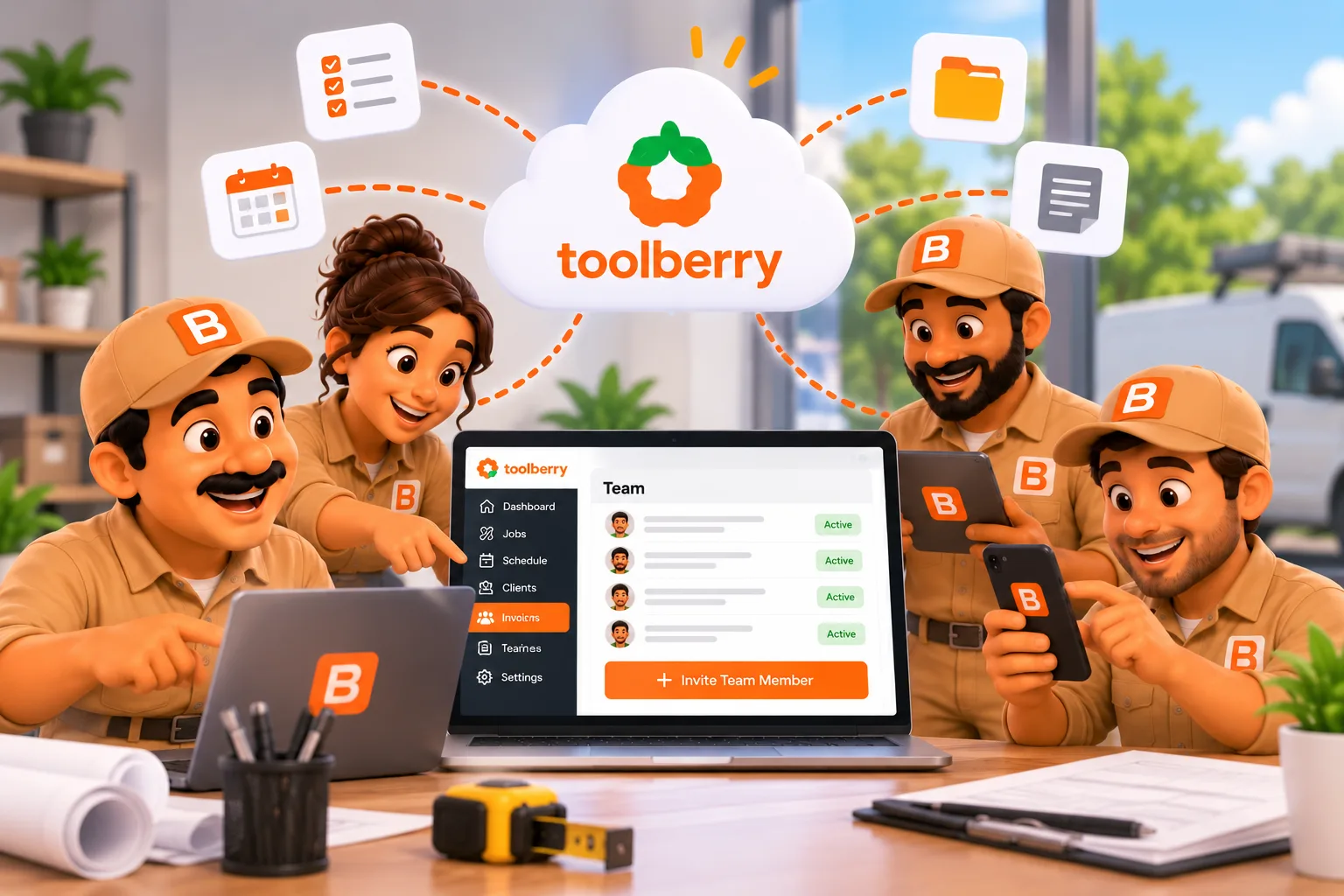
Every phone keeps the whole business. The owner's Dropbox keeps them in step. Nobody in the middle, including us.
Published September 29, 2026.
The short answer
Shared multi-user isn't available yet. When it lands on ToolBerry Free, a crew will share one workspace through the owner's own Dropbox, with no ToolBerry server in the middle. Each person's phone keeps its own full copy of the business. When someone makes a change, their phone leaves a small note about it in the owner's Dropbox, and the other phones pick it up.
Here's what that means in plain words.
What happens when my tech marks a job done?
Their phone saves it instantly, then leaves a note in the owner's Dropbox for everyone else.
Think of the owner's Dropbox as a clipboard hanging in the shop, and each phone as a full copy of the job book.
- Your tech taps "Complete." Their phone updates its own copy right away, signal or not.
- Their phone pins a note to the clipboard. Something like "this job, done, by this person, at this time." No signal? The note waits on the phone and goes up later.
- The other phones check the clipboard. Each one reads only the notes it hasn't seen yet and updates its own copy.
- Once a week, someone rewrites the book. One phone saves a fresh full copy to the folder, and old notes get cleared off so the clipboard never fills up.
Each phone only ever writes its own notes. Nobody overwrites anybody else's work.
Why couldn't the Dropbox sync you already have do this?
Because it was built for one person, and it moves the whole business in one file.
Today's Dropbox sync is for an owner moving between a phone and a laptop (see Your Data, Your Dropbox: How ToolBerry's Bring-Your-Own-Storage Works). It passes one full copy back and forth. That's fine when one person edits at a time.
Put three people on one full copy and the last phone to save erases everyone else's morning. So I rebuilt the sync underneath: small notes, one set per phone, instead of one big file.
What if two people change the same job?
The most recent save wins. Changes to different jobs never collide. For a crew where one person finishes a job and another picks it up later, that's almost never an issue.
How fast do changes show up?
Within minutes, not instantly. Your change goes up as soon as you save it. A teammate's phone picks it up the next time it checks, which happens when they open ToolBerry and every 10 minutes while it's open. It's "caught up by the next job," not "live like a group chat."
Where does ToolBerry sit in all this?
Nowhere. The notes go from your crew's phones to your Dropbox and back. We don't store a copy, and we don't run a server for it. That's the reason it can be free: there's nothing for us to pay for, so there's nothing to bill you per person.
When can I use it?
Soon. We'll announce it here the day it's ready. Over the next few weeks we'll cover how to invite your crew, who sees what, and how safe it is to keep the business in Dropbox. If you want a head start, connect Dropbox in ToolBerry today (Settings → Advanced → Storage). It's your backup now and your crew's shared folder later.
Questions? Email us at contact@toolberry.net. ToolBerry is a free, offline-first field service management app for small service-trade businesses.
Further reading
- Your Data, Your Dropbox: How ToolBerry's Bring-Your-Own-Storage Works
- Why ToolBerry Is Offline-First
- Why ToolBerry Runs a Real Database on Your Phone