
Lo que toda aplicación de servicios de campo realmente necesita (y lo que solo es un lastre)
Una lista breve y sincera: las pocas funciones que realmente sirven para gestionar una empresa de servicios, y la larga lista por la que pagas y que nunca abres.
Actualizado 26 de junio de 2026
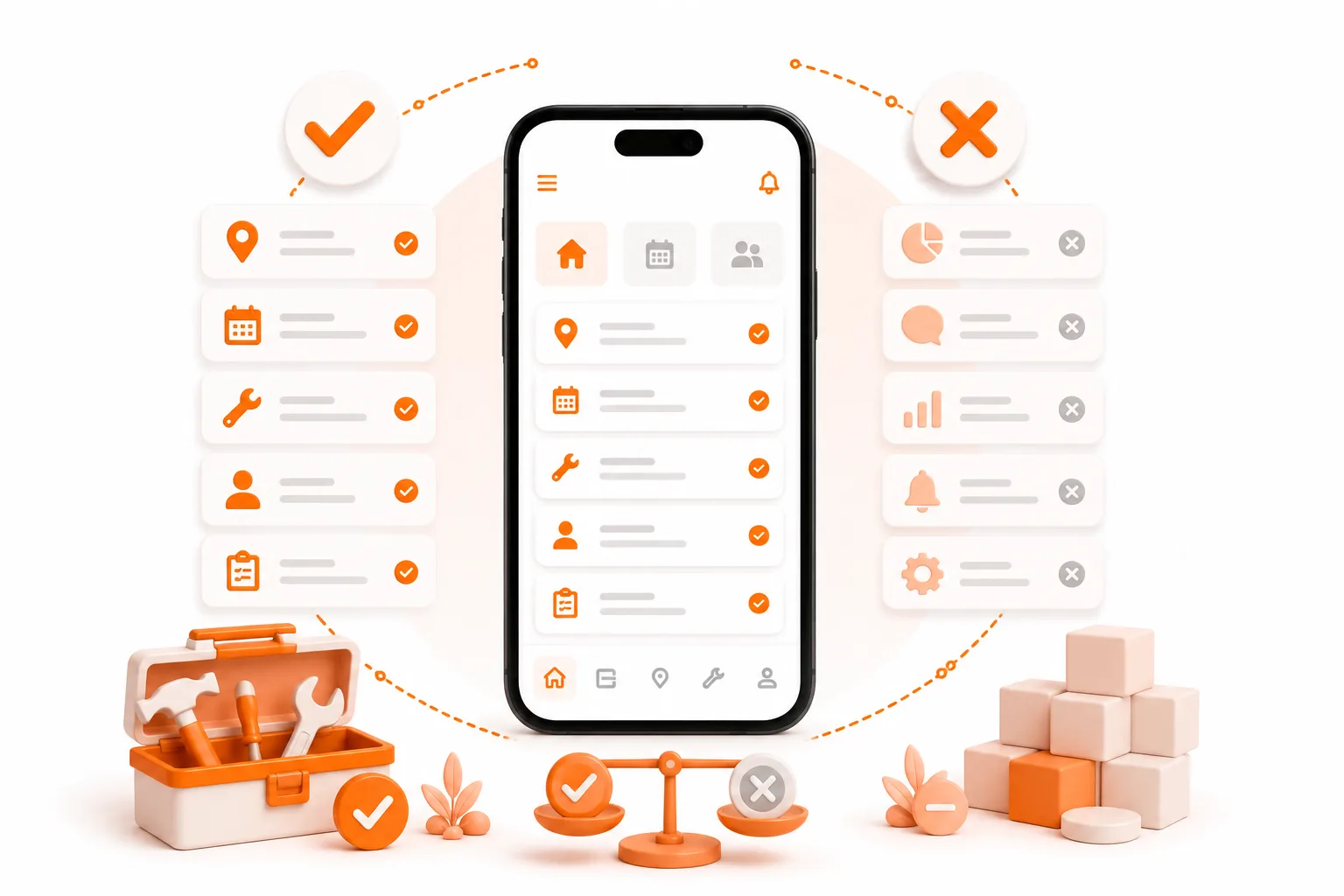
Una lista breve y sincera: las pocas funciones que realmente sirven para gestionar una empresa de servicios, y la larga lista por la que pagas y que nunca abres.
La respuesta breve
Toda aplicación de servicios de campo necesita la misma lista básica: registros de clientes y trabajos, programación de citas, órdenes de trabajo con fotos, presupuestos y facturas, y una aplicación móvil que funcione sin conexión, además de suficiente personalización para adaptarse a tu sector. Eso es lo esencial. Todo lo demás -despacho mediante IA, paquetes de marketing, seguimiento de flotas por GPS, centros de llamadas integrados- depende de cada situación: realmente útil para un taller con veinte camiones, puro lastre para un operador autónomo. El truco no está en encontrar la aplicación con más funciones. Está en encontrar aquella que dé en el clavo con lo esencial y te permita ignorar el resto.
(A título informativo, ToolBerry es una aplicación gratuita de gestión de servicios de campo, diseñada para funcionar principalmente sin conexión, dirigida a pequeñas empresas del sector de servicios -y todo el producto se basa en esa idea de «lo esencial, sin elementos superfluos»).
El operador que pagó por 100 funciones y utiliza 9
Dana dirige una empresa de climatización con dos furgonetas. Una demostración muy convincente la convenció para contratar una plataforma de renombre con una lista de funciones interminable, y paga algo más de 200 dólares al mes por ella. En una semana normal utiliza cuatro cosas: la agenda, los registros de clientes, las órdenes de trabajo y la facturación.
¿El motor de distribución con IA? Ella misma es la encargada de la distribución, y solo tiene dos furgonetas. ¿El mapa de la flota con GPS? Puede ver ambas furgonetas desde el escaparate del taller. El paquete de marketing, el portal de autoservicio para clientes, el panel de análisis con treinta informes, el centro de llamadas integrado... todo ello sin usar. Está pagando por la cabina de un 747 para ir al almacén de suministros.
Dana no está haciendo nada mal. La demostración vendió la larga lista de funciones. El trabajo solo necesitaba seis cosas. Esa brecha -entre lo que se vende y lo que se utiliza- es de lo que trata este artículo.
Lo esencial: lo que realmente necesita toda aplicación de servicios de campo
Estas funciones se ganan su lugar en casi cualquier negocio de servicios, desde autónomos hasta equipos pequeños. Si se hacen bien, la aplicación ya resulta útil. Si se hacen mal, ni todo un montón de extras la salvará.
Un verdadero sistema de registro
Un único lugar que albergue a tus clientes, sus ubicaciones y el historial de cada trabajo. No una lista de contactos, un cuaderno y tres años de mensajes de texto, sino un único registro en el que se puedan realizar búsquedas. Esta es la columna vertebral. Cuando un cliente llame preguntando qué hiciste la primavera pasada, la respuesta debería estar a tres toques de distancia, no en una prueba de memoria.
Planificación de trabajos recurrentes y puntuales
La mayoría de los oficios combinan servicios recurrentes semanales o mensuales con trabajos estacionales y puntuales. La aplicación tiene que gestionar ambos sin que tengas que volver a introducir la programación cada semana. Si solo gestiona citas puntuales, no se adapta a una ruta real.
Órdenes de trabajo con fotos y notas
El trabajo necesita un registro: qué se hizo, cuánto costó, una foto del antes y el después, la nota que dice «se ha sustituido un cabezal de la zona 3, 18 $ en piezas». Esto es lo que convierte un «él dijo, ella dijo» en un recibo, y lo que permite que cualquier otra persona cubra tu ruta.
Presupuestos y facturas a partir de los datos de tus trabajos
No deberías tener que volver a introducir el trabajo en una factura a las 10 de la noche. Los presupuestos y las facturas deberían generarse a partir del trabajo que ya has registrado. Que la aplicación procese la tarjeta o que cobres como ya lo haces importa menos que emitir una factura clara y rápida.
Una aplicación móvil que funcione sin conexión
El trabajo de campo se realiza en sótanos, urbanizaciones cerradas y parcelas rurales donde la señal se pierde. Una aplicación de servicio de campo que necesita cinco barras de cobertura no es una aplicación de campo. El funcionamiento sin conexión no es una característica adicional aquí, sino que forma parte de su esencia, porque el objetivo es utilizarla allí donde se realiza el trabajo.
Suficiente personalización para adaptarse a tu sector
Un técnico de control de plagas necesita un campo para el número de la EPA; un técnico de climatización, el tipo de refrigerante; un limpiador, los códigos de las cajas de seguridad. La aplicación debe adaptarse a la terminología y los datos de tu sector, no obligarte a meterlo todo a la fuerza en un cuadro de notas. No se trata de un capricho para usuarios avanzados: en el análisis de GetApp de más de 2.300 reseñas verificadas sobre aplicaciones de gestión de servicios de campo (FSM), el 88 % de los usuarios calificó los formularios personalizables como importantes o muy importantes.
Tus datos y una vía de salida
Tú lo has introducido; deberías poder llevártelo. Una aplicación que merezca la pena guarda tu lista de clientes en un lugar que tú controlas y te permite llevártela contigo. «Gratis» o barato no significa nada si tu negocio queda encerrado en la base de datos de otra persona.
El exceso de funciones: lo que probablemente estás pagando y no utilizas
Aquí viene la parte incómoda. En el software en general, la mayoría de las funciones no se utilizan: el estudio CHAOS del Standish Group reveló que alrededor del 64 % de las funciones se utilizan rara vez o nunca, y un análisis posterior de Pendo situó esa cifra más cerca del 80 %. El software de servicios de campo no es una excepción. Las grandes plataformas compiten por el número de funciones, y tú pagas por toda la lista, las utilices o no.
Los sospechosos habituales para un pequeño operador:
- Despacho mediante IA y optimización de rutas: resuelve el problema de un despachador. Con dos furgonetas y un solo propietario, no tienes despachador.
- Paquetes de marketing y automatización de reseñas: el paquete de marketing de Jobber cuesta 79 dólares al mes además del plan. Potente a gran escala; excesivo para un operador independiente que se basa en recomendaciones.
- Seguimiento de la flota por GPS: para gestionar a conductores a los que no ves. Tú estás en la furgoneta.
- Centro de llamadas integrado / recepcionista con IA: la recepcionista con IA de Jobber supone otros 99 $ al mes. Ideal para un taller que atiende 100 llamadas al día, pero innecesaria para la mayoría de las operaciones unipersonales.
- Paneles de análisis con treinta informes: lo que te interesa son tres cifras, no treinta.
- Portales de autoservicio para clientes: bonitos en teoría; en la práctica, la mayoría de los clientes de pequeños comercios solo quieren enviarte un mensaje de texto.
Ninguna de estas funciones es mala. Son respuestas a problemas que quizá aún no tengas.
«Exceso de funciones para ti» no significa «exceso de funciones para todo el mundo»
Para ser justos: cada una de las funciones anteriores es esencial para alguien. La gestión de envíos mediante IA es un salvavidas para un taller con treinta técnicos. El seguimiento de la flota por GPS se amortiza por sí solo cuando gestionas a conductores a los que nunca verás en persona. Un centro de atención telefónica es la opción adecuada cuando no puedes contestar tú mismo al teléfono. La línea divisoria no está entre lo que es una buena función y lo que es una mala función, sino en el tamaño de tu empresa y tu sector.
El error es comprar una plataforma construida en torno a esas funciones cuando lo que necesitas es lo básico, y luego pagar cada mes por ese 80 % que nunca utilizas. Adapta la herramienta al trabajo que realmente realizas hoy, no al negocio que podrías tener dentro de cinco años.
Cómo aborda esto ToolBerry
Hemos diseñado ToolBerry en torno a lo esencial y hemos eliminado deliberadamente todo lo superfluo. Todas las funciones imprescindibles mencionadas anteriormente -sistema de registro, programación de citas periódicas y puntuales, órdenes de trabajo con fotos, presupuestos y facturas, acceso móvil sin conexión, personalización según el sector- están incluidas en el plan gratuito, tanto para un operario autónomo como para un pequeño equipo.
En lugar de competir por el número de funciones, ToolBerry compite por la adecuación. Puedes renombrar las entidades para que se adapten a tu sector, añadir los campos personalizados que realmente necesitas, establecer tus propios estados y partir de una plantilla específica para tu sector. La adecuación supera a las funciones: una herramienta que se adapta al funcionamiento de tu sector se utiliza, mientras que una herramienta repleta de funciones que nunca vas a usar acaba abandonada.
Las funciones que dependen realmente del backend -sincronización del equipo en tiempo real, integraciones con terceros, pagos- se incluyen en los planes de pago que estamos desarrollando, para cuando tu negocio crezca lo suficiente como para necesitarlas. No se trata de un montón de extras añadidos a la fuerza para justificar una cuota mensual.
Las compensaciones sinceras
Desarrollar de forma ágil implica decir «no», y preferimos ser claros sobre lo que ToolBerry no incluye deliberadamente:
- No hay seguimiento de flotas por GPS ni gestión de envíos ni optimización de rutas mediante IA. Si tu principal problema es coordinar a conductores a los que no ves, nuestra herramienta no es para ti.
- No hay suite de marketing ni automatización de reseñas. Nos ocupamos de la gestión de los trabajos, no de la generación de clientes potenciales.
- Todavía no hay procesamiento de tarjetas. Generas la factura en ToolBerry y cobras como ya lo haces; los pagos forman parte de los planes de pago que estamos desarrollando.
- La gestión de equipos y los datos de la plantilla en tiempo real son funciones de pago y aún están en desarrollo. Si las necesitas ahora, ponte en contacto con nosotros y te informaremos de las novedades.
Si gestionas una empresa más grande que realmente necesita esas funciones, una plataforma como ServiceTitan o FieldPulse es la mejor opción; y te lo diremos sin intentar venderte en exceso el plan gratuito.
Cómo evaluar cualquier aplicación de servicios de campo en quince minutos
- Realiza un trabajo real de principio a fin. Introduce cinco clientes reales y lleva un trabajo desde su programación hasta su facturación. ¿Te parece que el núcleo funciona bien o te pone trabas?
- Cuenta las funciones que realmente usarías. Si son seis de sesenta, estás pagando por cincuenta y cuatro que no vas a utilizar.
- Comprueba si se adapta a tus necesidades. ¿Puedes renombrar elementos y añadir los campos que necesita tu sector, o acabas metiéndolo todo en un cuadro de notas?
- Compruébalo sin conexión. Activa el modo avión en mitad de un trabajo. ¿La aplicación sigue funcionando o se queda cargando?
- Comprueba la salida. ¿Puedes recuperar tus datos si decides darte de baja?
- Suma el coste mensual real: el plan básico más los complementos que realmente necesitarías, no el precio de etiqueta.
La mejor aplicación para ti es aquella cuyo núcleo es excelente y el resto es opcional.
¿Tienes alguna pregunta?
Desarrollamos ToolBerry como ingenieros en activo, y reflexionamos detenidamente sobre qué debe formar parte del núcleo y qué es solo lastre. Cuéntanos qué es lo que realmente utilizas -y de qué no te perderías nunca- en contact@toolberry.net.
Descarga ToolBerry desde la App Store o Google Play, o visita toolberry.net y te redirigirá al lugar adecuado.
Gratis para autónomos. Sin necesidad de crear una cuenta ni de tarjeta de crédito. Funciona sin conexión.
Para los curiosos en materia técnica
¿Por qué ToolBerry apuesta por la personalización en lugar de limitarse a añadir más funciones? Porque ambas soluciones resuelven el mismo problema de formas opuestas, y una de ellas se adapta sin volverse pesada.
El enfoque basado en el número de funciones codifica rígidamente cada flujo de trabajo: una pantalla para este oficio, un módulo para aquel, un ajuste para cada caso extremo. El producto se hincha, la interfaz se vuelve más pesada para todos y la mayor parte queda sin usar. El enfoque de la personalización ofrece un pequeño conjunto de bloques de construcción sólidos -registros, trabajos, órdenes de trabajo, activos- y permite a cada operador darles forma: renombrar entidades, definir campos y estados personalizados, partir de una plantilla de actividad. Un técnico de control de plagas y un técnico de climatización utilizan la misma aplicación optimizada, configurada de forma diferente, en lugar de dos aplicaciones sobrecargadas que intentan abarcarlo todo.
Ese modelo basado en la configuración nos resulta económico de mantener y ligero de ejecutar para ti, ya que las definiciones residen en tu dispositivo junto con tus datos. La aplicación las lee en tiempo de ejecución y muestra el formulario adecuado: sin rutas de código específicas para cada sector, sin idas y venidas al servidor. Es la misma arquitectura que permite que el nivel gratuito siga siendo gratuito: el dispositivo se encarga del trabajo. Encontrarás más información sobre los mecanismos de personalización en «Built to Bend».
Lecturas recomendadas
- Las mejores aplicaciones gratuitas de servicio de campo en 2026: una comparación honesta -qué aplicaciones dan en el clavo y cuánto cuestan-
- «Built to Bend»: por qué ToolBerry te permite personalizarlo todo -la adaptación es más importante que las funciones, en profundidad
- Por qué ToolBerry da prioridad al modo sin conexión: por qué el modo sin conexión es fundamental, no un extra
- ¿ToolBerry es realmente gratis para siempre? - Cómo una aplicación local y sencilla se mantiene gratuita