
¿Quién ve realmente tu lista de clientes? Una visión sincera de la privacidad en ToolBerry
La aplicación más privada es aquella que, para empezar, nunca tiene tus datos. A continuación te explicamos en qué aspectos ToolBerry lo consigue y, con la misma franqueza, en cuáles no.
Actualizado 23 de julio de 2026
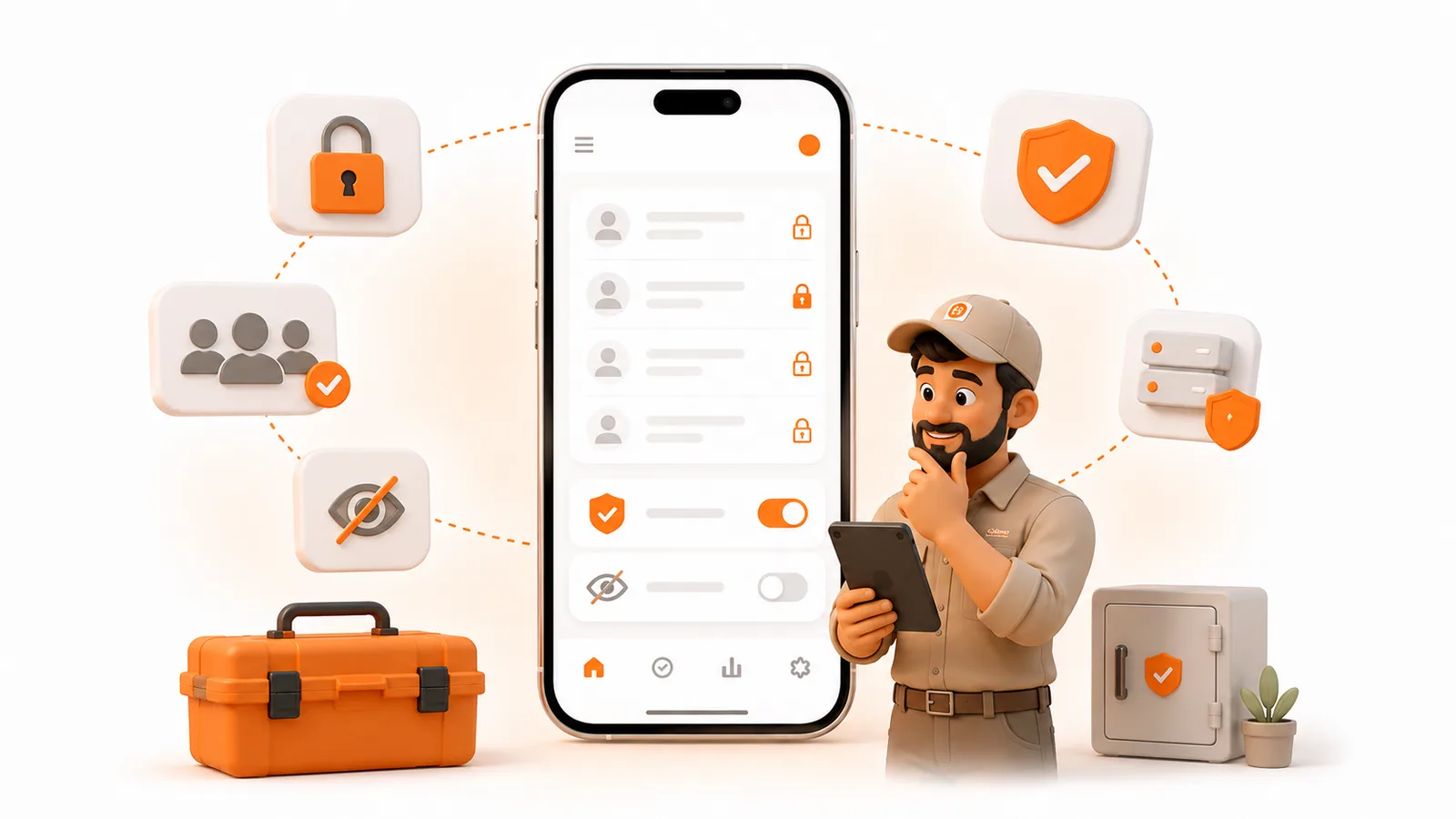
La aplicación más privada es aquella que, para empezar, nunca tiene tus datos. A continuación te explicamos en qué aspectos ToolBerry lo consigue y, con la misma franqueza, en cuáles no.
Imagina que regentas un taller de climatización con dos furgonetas. A lo largo de diez años has creado una lista de 1.800 clientes: nombres, direcciones particulares, códigos de acceso a las puertas, qué unidad hay en el espacio bajo el suelo, quién te sigue debiendo dinero por el compresor. Esa lista es el negocio. Es lo primero que salvarías si la oficina se incendiara.
Ahora hazte una pregunta sencilla sobre la aplicación en la que la guardas: ¿quién más puede verla?
En el caso de la mayoría de los programas de gestión de servicios de campo, la respuesta sincera es: «Nosotros podemos, y también cualquiera que consiga acceder a nuestro sistema». En el caso de ToolBerry, la respuesta sincera es más interesante. Te lo vamos a contar todo, incluso las partes que no son muy halagadoras.
¿Por qué es tan difícil proteger tus datos, para empezar?
Porque la forma habitual en que funciona el software es sacar tus datos de tu dispositivo y guardarlos en los suyos.
Casi todas las aplicaciones de servicios de campo dan prioridad a la «nube»: introduces los datos de un cliente y ese registro se envía a los servidores del proveedor para que sus funciones puedan funcionar. Eso no es un error. Es el modelo en sí. Pero significa que tu lista de clientes ahora se encuentra en un lugar que no controlas, custodiada por una empresa cuya seguridad no puedes auditar.
Y eso resulta ser un riesgo real, no teórico:
- El 15 % de todas las filtraciones de datos en 2024 involucraron a un tercero, lo que supone un aumento del 68 % en un solo año (Informe de investigaciones sobre filtraciones de datos de Verizon de 2024). Tus datos ya no solo están expuestos a tus propios errores, sino también a todos los proveedores que tienen una copia de los mismos.
- Esto ocurre específicamente con las herramientas de servicio de campo. En agosto de 2024, un investigador de seguridad descubrió que ServiceBridge, un proveedor de gestión de servicios de campo, había dejado 31,5 millones de documentos expuestos en una base de datos sin contraseña: órdenes de trabajo, facturas e inspecciones que contenían nombres, direcciones, correos electrónicos y números de teléfono de clientes (según informó el investigador Jeremiah Fowler; artículo publicado por Bitdefender). No se trata de un intermediario de datos ni de un banco. Se trata de una herramienta para gestionar exactamente el tipo de negocio que tú diriges.
Tus clientes ya lo intuyen. El 81 % de los estadounidenses afirma que los datos que recopilan las empresas se utilizarán de formas con las que no se sienten cómodos, y el 73 % considera que tiene poco o ningún control sobre ellos (Pew Research Center, 2023). Y esto se traduce en dólares: el 75 % de los consumidores estadounidenses afirma que dejaría de comprar a una marca tras un incidente cibernético (Vercara, 2023). Cuando la filtración lleva tu nombre en la factura, son tus clientes los que se marchan.
¿En qué se diferencia ToolBerry?
En su modo predeterminado, ToolBerry nunca saca tus datos de tu teléfono, por lo que no hay nada por nuestra parte que pueda filtrarse.
Cuando abres ToolBerry sin iniciar sesión, tus clientes, trabajos, obras y horarios se guardan en una base de datos real en tu dispositivo. La parte de la aplicación que se comunica con nuestros servidores ni siquiera se activa hasta que inicias sesión y activas la sincronización. Hasta entonces, no hay cuenta, ni contraseña, ni servidor que contenga tu lista de clientes. Si mañana se produjera una filtración en nuestros sistemas, no habría nada tuyo que pudieran encontrar.
Esa es la esencia, y de ahí se derivan varias cosas:
- Sin rastreadores. ToolBerry no incluye SDK publicitarios, píxeles de marketing, cookies entre sitios ni huellas digitales. Ni Google Analytics, ni el píxel de Meta, nada de eso.
- Sin barreras de registro. Como no necesitamos una cuenta en el servidor para identificarte, no hay que facilitar ningún correo electrónico, contraseña ni código SMS solo para empezar.
- Tus copias de seguridad van a tu nube. Cuando conectas Dropbox, tus datos se guardan en una «carpeta de aplicaciones» de Dropbox que está restringida exclusivamente a ToolBerry. Y si estableces una frase de contraseña de cifrado, esta se codifica primero en tu dispositivo, con una clave que nunca recibimos y que no podemos recuperar. Explicamos todo el funcionamiento en «Tus datos, tu Dropbox».
Se trata de la misma arquitectura sobre la que escribimos en «Por qué ToolBerry da prioridad al modo sin conexión». La privacidad no es una característica que hayamos añadido a posteriori. Es consecuencia de la decisión de hacer de tu dispositivo la fuente de información fiable.
Entonces, ¿qué sale de tu dispositivo? (la parte sincera)
Dos cosas: una pequeña cantidad de datos de diagnóstico en todo momento, y tus datos empresariales solo si activas la sincronización. Aquí tienes la explicación detallada.
Cuando activas la sincronización Pro, tus datos empresariales sí que se envían a nuestros servidores. Esta es la contrapartida que no vamos a ocultar. En el momento en que inicias sesión en Pro y activas la sincronización de equipo, tus clientes, contactos, obras, órdenes de trabajo y facturas se copian a la base de datos de ToolBerry para que tus otros dispositivos puedan descargarlos. Las fotos de los trabajos y los PDF firmados se envían a nuestro almacenamiento privado de archivos. Tus datos se cifran durante el traslado hasta nosotros y permanecen cifrados donde se almacenan. Todas las conexiones a nuestros servidores utilizan HTTPS. La base de datos y el almacenamiento de archivos están cifrados en reposo, se encuentran en una red privada sin acceso público y cada espacio de trabajo está aislado del resto. Lo que no es es un cifrado de extremo a extremo: nuestros servidores pueden leer tus datos, porque así es como los sincronizan con el resto de tu equipo. Si quieres la versión en la que tus datos, literalmente, nunca pasan por nuestras manos, esa es la opción «sin cuenta» mencionada anteriormente, que aún así puede sincronizar tus dispositivos a través de tu propio Dropbox. La sincronización es una función real con un coste real en materia de privacidad, y debes elegirla a sabiendas.
En ambos modos, siempre se envía una pequeña cantidad de datos de diagnóstico a un proveedor. Para detectar fallos y corregir errores, ToolBerry envía informes de error, algunos datos de uso y tiempos de rendimiento a Sentry (un único servicio de monitorización muy conocido, sin redes publicitarias involucradas). Adjuntamos un identificador de dispositivo aleatorio en lugar de tu nombre, y los registros de errores no están pensados para contener tus datos empresariales. Dos advertencias sinceras: tu espacio de trabajo se incluye como etiqueta y, una vez, al registrarte, registramos la región aproximada y la dirección IP desde la que se realizó la instalación para comprender qué medidas están dando resultado. Actualmente no hay ningún opción dentro de la aplicación para desactivar esto. Si eso te preocupa, es justo que nos exijas que lo hagamos.
Las direcciones que buscas se envían a Mapbox. Cuando utilizas la búsqueda de direcciones o los mapas, la dirección que escribes se envía a Mapbox para convertirla en una ubicación. Así es como funciona el mapa; conviene saberlo.
¿Cómo se consigue la configuración más privada?
Tú decides el equilibrio. Si la privacidad es tu máxima prioridad:
- Utiliza ToolBerry sin crear una cuenta para que todo se guarde en el dispositivo. Este es el modo más privado, sin lugar a dudas.
- Si necesitas una copia de seguridad o un segundo dispositivo, conecta Dropbox y establece una frase de contraseña de cifrado. Anota la frase de contraseña en un lugar seguro. No podemos recuperarla, y esa es precisamente la idea.
- Bloquea tu dispositivo. Dado que tus datos se almacenan en tu teléfono, tu código de acceso y el cifrado del dispositivo son la puerta de entrada. En el plan gratuito, eso es lo único que se interpone entre tu lista de clientes y cualquiera que encuentre un teléfono perdido.
Conclusión
La configuración predeterminada de ToolBerry es genuinamente privada de una forma que la mayoría de las aplicaciones de servicio de campo, por su propia estructura, no pueden serlo: tu lista de clientes permanece en tu dispositivo y nosotros nunca la almacenamos. Si activas la sincronización, cambias parte de esa privacidad por funciones para el equipo y la tranquilidad de contar con una copia de seguridad, un intercambio justo para muchas empresas, siempre y cuando lo hagas con los ojos bien abiertos. Preferimos decirte exactamente dónde está ese límite antes que fingir que no existe.
¿Tienes alguna pregunta sobre esto? Envíanos un correo electrónico a contact@toolberry.net.
Más información
- Por qué ToolBerry da prioridad al modo sin conexión: por qué tu dispositivo es la fuente de información fiable
- Tus datos, tu Dropbox: cómo funciona la copia de seguridad «trae tu propio almacenamiento»
- Por qué ToolBerry ejecuta una base de datos real en tu teléfono: el motor SQLite que hay detrás de todo esto