
Do New Jobs Reach My Tech Offline or With the App Closed?
Your crew keeps working with zero bars. Here is when a new job lands on their phone, and when it can't.
Aktualisiert am 17. Oktober 2026
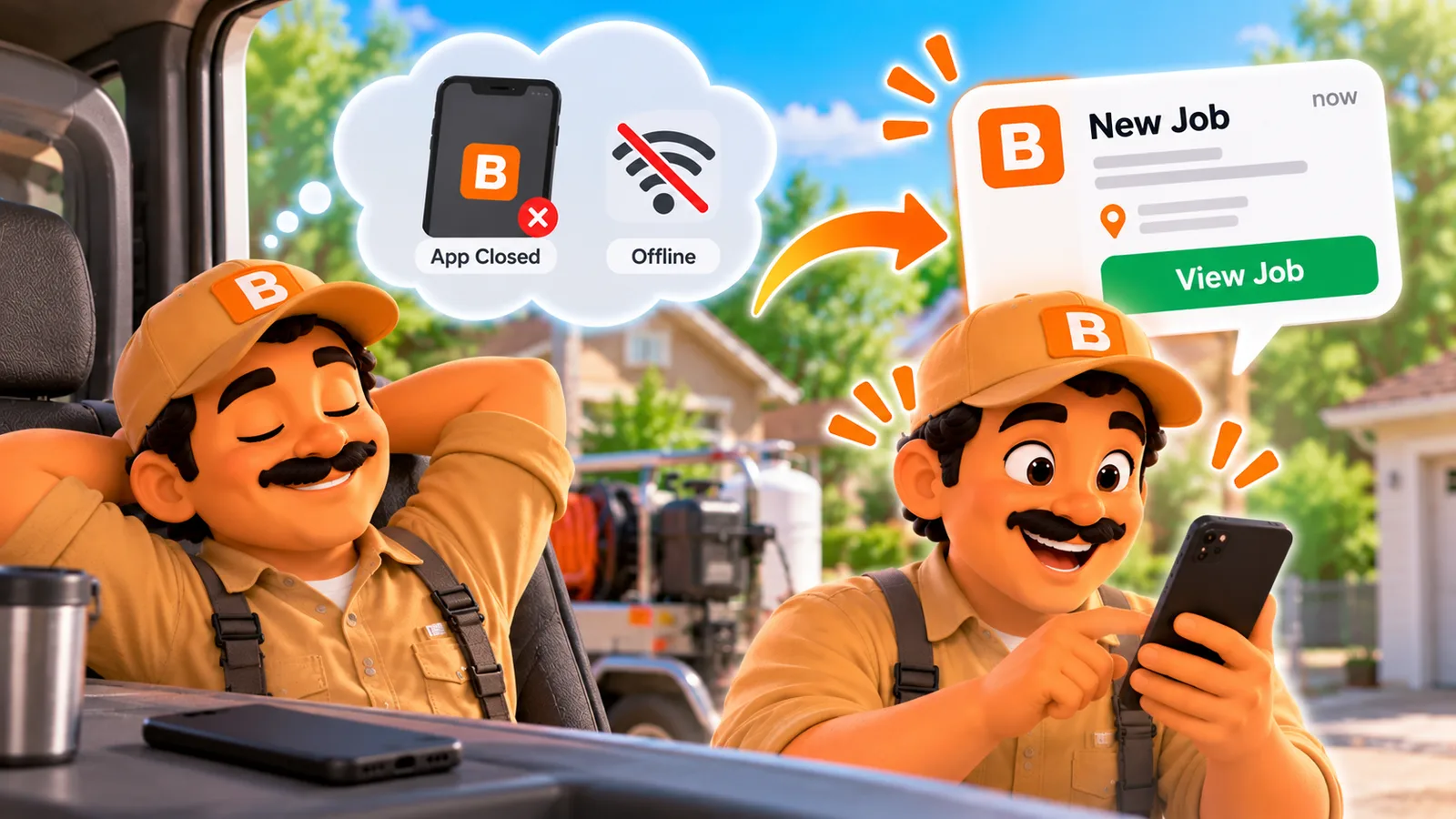
Your crew keeps working with zero bars. Here is when a new job lands on their phone, and when it can't.
Published October 15, 2026.
Do new jobs reach my tech offline or when the app is closed?
You assign a job, your tech is in a basement with no bars, and you wonder if they'll ever see it.
Your tech keeps working with zero bars, and new jobs land the next time their phone has signal and ToolBerry gets a chance to check in. With the app open, that's within about 10 minutes of your phone sending it, or right away when signal returns. In the background, the phone wakes ToolBerry on its own schedule and shows a "New job assigned" alert.
With no signal, nothing new can arrive, but everything your tech does goes out the next time ToolBerry runs with signal. If they swipe the app away, the job waits until they open it.
What does that look like on a real workday?
You assign tonight, your tech sees it before they leave, and a dead zone at the job doesn't stop the work. Here is a normal day for a small HVAC shop with one owner and one tech, where the furnace sits in a basement with no signal.
Imagine it's 7 p.m. and a customer calls: no heat, can someone come first thing? You add the job on your phone, put the gate code in the notes and assign it to your tech.
Your tech's phone is on the kitchen counter with ToolBerry in the background. Sometime that evening the phone wakes the app, it picks up the job, and an alert shows: "New job assigned." If the phone doesn't get to it, the job appears when your tech opens ToolBerry in the morning.
In the basement there are zero bars. Your tech opens the job, reads the notes, ticks the checklist, photographs the cracked igniter, and logs two hours and a $38 part. All of it saves on the phone.
Back in the truck, with ToolBerry open or in the background, the phone finds signal and sends everything up. Next time you open ToolBerry, the photos, hours and expense are there.
I built it this way on purpose. Waiting on a page load in a customer's driveway costs time, so the phone does the work and the network catches up later.
When exactly does a new job show up on their phone?
It depends on whether ToolBerry is open, in the background or swiped away, and on the kind of phone. An open app checks for news on its own about every 10 minutes. In the background or swiped away, the phone decides when ToolBerry runs, and some phones won't run it at all until your tech opens it.
| Your tech's phone | When a new job arrives |
|---|---|
| ToolBerry open, with signal | Within about 10 minutes, and right away when signal comes back or the app comes to the front |
| ToolBerry in the background | When the phone decides to wake the app, with a "New job assigned" alert |
| Swiped away on iPhone | Not until they open ToolBerry. iPhones don't wake apps that were swiped away |
| Swiped away on Android | Not until they open it, with at most one "Check for updates" alert a day |
| No signal | Not until the phone has signal again |
There's no ToolBerry server in the middle on Free, so each phone checks your Dropbox, where your shared jobs are kept. Phones save battery by waking apps less often, so a background alert can come late.
What does this mean for how I dispatch?
Plan a little ahead: use ToolBerry for the job details and a phone call for anything urgent. A job assigned the night before has hours of chances to reach the phone. A job that has to start within the hour needs a phone call. These habits make the rest smooth:
- Assign the night before when you can. It gives the phone more chances to pick the job up.
- Ask your crew to leave ToolBerry in the background, not swipe it away, and to allow notifications.
- For anything urgent, call or text. I always call first. Then put the job in ToolBerry so the details live in one place.
- Have them open ToolBerry before they lose signal. One look in the driveway puts the job, notes and checklist on the phone before the basement.
On ToolBerry Pro, a new job shows up within seconds on any phone that has ToolBerry open and has signal. More in Free Shared Workspace or Pro? What Each One Is For, and When to Switch
The honest tradeoffs
Free is dependable but not instant: news from you travels on the phone's schedule. Your tech's own work never waits on signal to get done, and it goes out the next time the app runs with signal. A background alert can still come late. Two more things to know:
- Alerts need permission. If your tech turns off notifications or the assigned-job alert, new jobs still arrive, just quietly.
- Same detail, two edits. If you and your tech change the same detail while one of you is offline, the newest change wins on every phone.
What should I do next?
Turn on sharing, invite one teammate and try it with a test job. Put their phone in airplane mode with ToolBerry open, assign them a job from yours, then turn airplane mode off and watch it arrive. Setup is in How to Add Your Team to ToolBerry, Step by Step (Including Your Own Tablet).
Questions? Email contact@toolberry.net. ToolBerry is a free, offline-first field service management app for small service-trade businesses. Get it on the App Store or Google Play.
For the Technically Curious
- No push channel. Dropbox can't push to a phone, so an open app polls the shared folder every 10 minutes and also checks on reconnect, on returning to the front, and right after a local edit.
- Background wakes. iOS background app refresh and Android's job scheduler wake the app (15-minute floor, a hint only). The wake runs one sync, then announces new assignments before telling the OS it's done, so the alert isn't lost when the app is suspended.
- Killed apps. iOS never wakes a force-quit app. On Android a killed app has no web view to sync in, so a small native task posts the daily nudge instead of syncing around the conflict rules.
- Conflicts. Each change carries only the fields it changed, with the time of the last edit to each. A field takes an incoming value only if nobody changed it more recently, so every phone ends the same.
Further reading
- Why Your Field App Should Work With No Signal - and How to Test Whether Yours Does
- Why ToolBerry Is Offline-First
- How to Keep Your Crew on the Same Page Without a Group Chat - What a Shared Workspace Shares
- How to Add Your Team to ToolBerry, Step by Step (Including Your Own Tablet)
- Free Shared Workspace or Pro? What Each One Is For, and When to Switch