
Built to Bend: Why ToolBerry Lets You Customize Everything
Your software should speak your language - not the other way around.
Updated May 21, 2026
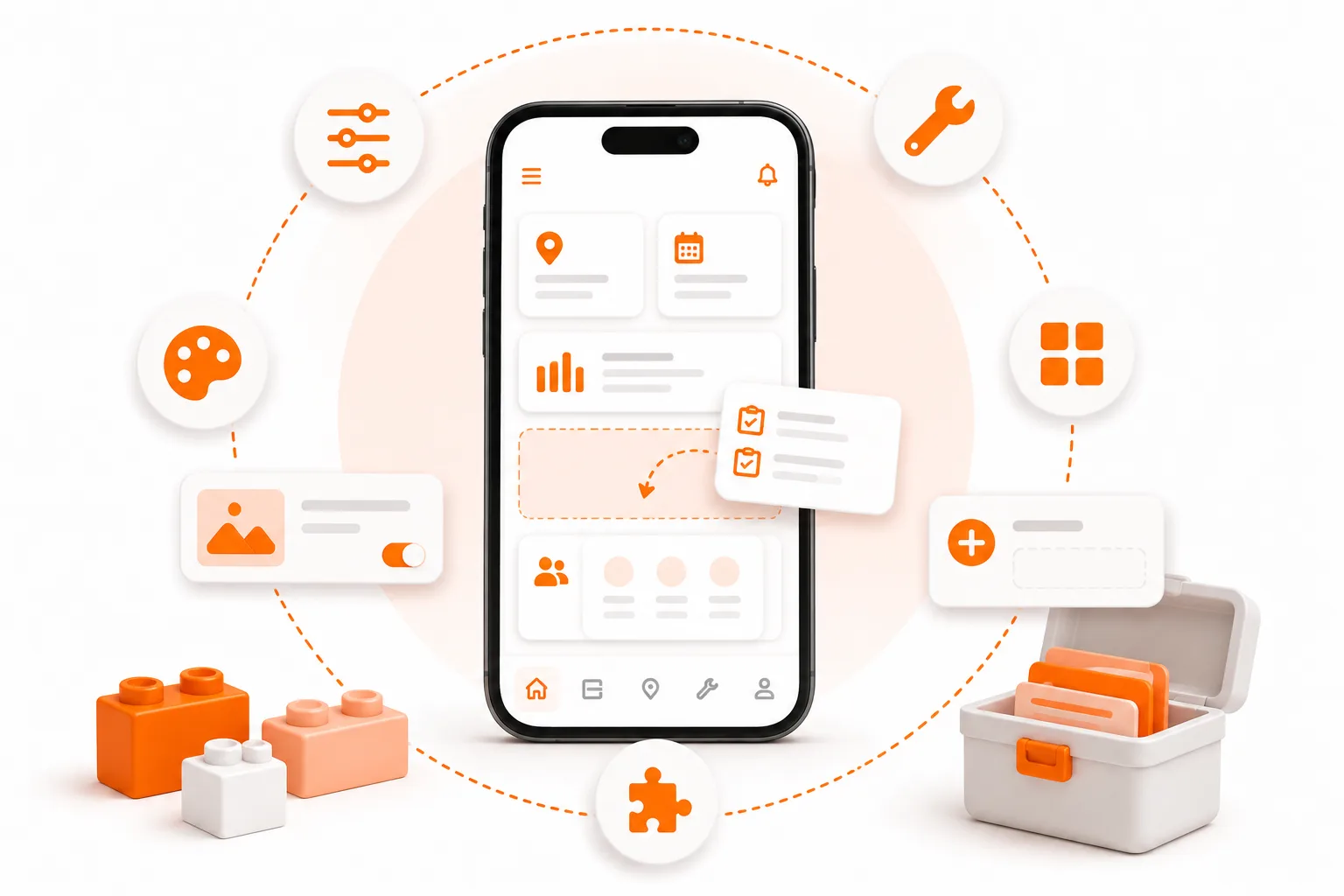
Your software should speak your language - not the other way around.
Meet Marco
Marco runs a four-person pest control operation outside San Diego. He's good at what he does, and his crew knows the routes cold. When he finally moved off paper two years ago, he picked one of the big-name field service apps because it had good reviews and a slick demo.
Three weeks in, the problems started.
The app called every job a "ticket." Marco's crew calls them service calls. Small thing, but it meant every conversation had a translation step - "the ticket, you know, the service call at the Rodriguez place." Then he discovered there was no way to track EPA registration numbers on chemicals. No dropdown for application method. No field for dilution ratio. The state audits pest control operators for exactly this stuff, and the software had nowhere to put it.
He tried the "notes" field. Typed everything in there. Within a month, nobody could find anything. The notes field is where information goes to die.
Marco's not picky. He's not asking for something exotic. He just needs the software to match the way pest control actually works - the words, the fields, the sequence of steps. And the tool he picked was built for "the average home service business," which turns out to be nobody's actual business.
He switched to ToolBerry four months ago. The first thing he did was rename "Work Order" to "Service Call." Then he added custom fields: Chemical Used (dropdown), EPA Reg Number (text), Dilution Ratio (number), Application Method (dropdown), Target Pest (dropdown). Required on every service call. Took him about twenty minutes.
Now the crew opens a service call, picks the chemical from a list, fills in the ratio, and moves on. When the state inspector shows up, Marco pulls the records on his phone. Everything's there, structured, searchable.
That's what customization is for. Not "power users" and not "enterprise configuration." Just making the tool fit the work.
The problem: your business doesn't fit their boxes
Marco's story isn't unusual. Every trade has its own vocabulary, its own data, its own workflow. A plumber's "service call" is a landscaper's "visit" is a commercial electrician's "work order." A residential cleaner cares about lockbox codes and pet info. An HVAC tech needs refrigerant type as a required dropdown. A landscaper needs a gate code, an irrigation zone map, and a note that says don't blow leaves toward the koi pond.
None of these needs are exotic. They're table stakes for the people actually doing the work.
And yet most field service software treats customization as an afterthought - or a premium feature. Here's what you'll find when you look at the dominant platforms:
- Housecall Pro tells users directly that the platform doesn't support custom fields. The suggested workaround is to use the notes box.
- Jobber offers custom fields, but only on their Connect plan ($119+/month), and only on six objects. Their own developer docs note that once fields are configured, users can't delete or reorder them without admin tools that are still being built.
- ServiceTitan has custom fields, but users in their own community forums describe frustrations with fields that don't save across repeat jobs for the same customer, or that technicians can't edit from the field.
- Kickserv users on Capterra cite limited customization as a top complaint. Field Service Guide's 2026 review names it as a specific weakness.
It's not that these are bad products. They're often quite good at what they were designed for. The problem is that "what they were designed for" is a generic home service business - and your business isn't generic.
A G2 reviewer of ServiceTitan put it plainly: the software can feel rigid, and companies end up adapting their processes to the tool instead of the other way around.
The data backs this up. In GetApp's analysis of over 2,300 verified FSM reviews, 88% of reviewers rated customizable forms as important or highly important. And Gartner Digital Markets found that "limited functionality" is the second most common reason FSM buyers switch software. Customization isn't a nice-to-have. It's the reason people leave.
Why this gap is so common
You'd think every FSM vendor would just ship better customization. Most don't, and the reason is structural.
Traditional FSM tools keep everyone's data in one shared cloud database. When you add a custom field, the vendor's reporting, billing, and sync infrastructure all have to account for it - across thousands of customers. Flexibility on your side becomes a maintenance problem on theirs. So they hedge: cap the field count, gate it behind a paid tier, or skip it entirely.
ToolBerry is built differently. Your data lives on your device in a local database. When you add a field, the only thing that changes is your own setup. There's no central system that has to reconcile your "EPA Reg Number" with someone else's "Coolant Type." We can give you more flexibility because the cost of that flexibility lives with you (a tiny bit of local storage) instead of with us (a sprawling multi-tenant schema).
It's the same architectural decision that lets us offer the free tier for life - and customization is the second biggest beneficiary, after price.
What you can actually customize in ToolBerry
Every one of these exists because someone doing real work told us they needed it.
Your vocabulary
Rename the core things in ToolBerry to match your trade. "Work Order" becomes "Service Call" or "Job" or "Ticket" or "Visit" - whatever your crew already says. The change shows up everywhere: menus, buttons, forms, lists. No more mentally translating between what you say out loud and what the screen says.
Custom fields on every entity that matters
Customers, sites, contacts, work orders, assets - all of them accept custom fields you define. Field types include text, numbers, dropdowns, dates, checkboxes, toggles, phone, email, and more. Fields can be marked as required so your crew can't skip them. The refrigerant dropdown. The gate code. The EPA number. The "dog in the backyard" warning. Real, typed, searchable fields - not sticky notes in a text box.
Custom statuses and workflows
"New → Scheduled → In Progress → Complete" is fine for most jobs. But if you need "Waiting on Parts" or "Re-treatment Scheduled" or "Pending Permit," you can add them. Your pipeline, your stages.
Custom asset and equipment tracking
Define the kinds of equipment your trade actually works on. An HVAC company sets up "Indoor Unit" and "Outdoor Unit" with fields for model, serial number, refrigerant type, and warranty expiry. A pest control op sets up "Bait Station" with location and condition. A pool service sets up "Pool Equipment" with pump model and filter size. Each asset type gets its own set of spec fields that make sense for that type of equipment.
Renamed fields and restructured forms
Don't like that we called it "Phone"? Call it "Best Number." Don't need "Email" on a customer record because your customers only text? Hide it. The form is yours to shape.
Trade templates as starting points
ToolBerry ships with starting templates for HVAC, plumbing, electrical, landscaping, pest control, and others. They pre-fill the fields, statuses, and asset types that make sense for your trade. They're meant to be edited - opinionated defaults, not permanent guardrails. Start with the template, then bend it to fit.
Why this matters more than you think
Customization isn't really about features. It's about adoption.
When the vocabulary of your software doesn't match the vocabulary of your crew, every screen becomes a translation exercise. You don't notice the friction at first. You notice it three months in, when you realize nobody actually fills out the forms anymore because the fields don't match the work.
The opposite is also true. When a tech opens a service call and sees exactly the fields they need - chemical, dilution ratio, target pest, application method - they fill it out. Because it makes sense. Because it matches what they just did. The data gets captured not because you built a policy around it, but because the tool fits the job.
That's the difference between software your crew tolerates and software your crew actually uses.
The honest tradeoffs
Setup takes a bit more than ten minutes. Out of the box, ToolBerry works - you can start adding customers tonight. But to get the full benefit of customization, you'll want to spend 30 to 60 minutes shaping it. Trade templates cut that down, but it's real time.
More flexibility means more decisions. A rigid tool tells you what to do. ToolBerry asks you what you want. For some people, that's freeing. For others, it's a tax. Start with the template and customize only the things that bug you - don't try to set up everything on day one.
We're opinionated about the building blocks. You can't redefine what a "customer" or "site" fundamentally is - we provide the core entities because they're the right entities for service businesses. Within each one, you have a lot of room. But we're not a no-code app builder. We're a field service tool that bends.
Some customization features are still coming. We're actively building out conditional field visibility (showing or hiding fields based on other values), and the customization system will keep getting deeper. What's here today is already more flexible than most competitors, but we're not done.
How to actually start
- Open ToolBerry. Don't sign up - there's nothing to sign up for. Pick the trade template closest to your business.
- Add five real customers and run a real day of work through it. See what's missing.
- Customize the three things that bug you most. Maybe it's renaming "Work Order." Maybe it's adding a dropdown. Maybe it's hiding a field you'll never use. Three things, not thirty.
- Live with it for a week. See if anything else gets in the way.
- Customize the next three things.
Most operators find the sweet spot inside the first month - somewhere between the default template and fully customized, tuned to their actual day-to-day.
The goal isn't a perfectly configured system. The goal is a system that doesn't get in the way.
Have a question?
We talk to operators about how they want their tool to work, all the time. Reach out at contact@toolberry.net and tell us what's missing in your workflow. The roadmap is shaped by what real people in real trucks tell us is in the way.
Grab ToolBerry from the App Store or Google Play, or visit toolberry.net and it'll route you to the right place.
No account. No credit card. Works offline. Bends to fit.
For the Technically Curious
Most readers can stop here. If you want to know how this works under the hood, keep going.
Why we can be more flexible than cloud-first competitors
Your data lives on your device in a local SQLite database - the same engine inside iOS, Android, and every major browser. When you add a custom field, a record gets created in your local database describing that field: its type, its label, whether it's required, and which entity it belongs to. The app reads those definitions at runtime and renders the right form. No server round-trip, no waiting.
A traditional FSM SaaS can't do this cheaply. They'd have to either let every customer alter a shared schema (risky) or build a generic attributes table that can't be properly indexed or reported on (which is what most of them do, and why custom fields on those platforms tend to be weaker).
How custom fields are stored
Custom field values are stored in a JSON column on each entity record, keyed by the custom field's unique ID. Standard fields (name, phone, address) live as proper columns. Custom fields live in customFields JSON. Both are queryable - you can filter and sort on custom fields, not just display them.
Entity renaming
Renaming "Work Order" to "Service Call" is implemented as a layer on top of our translation system. ToolBerry ships with English and Spanish; your custom labels sit in the same lookup pipeline. That's why renaming is consistent everywhere - menus, buttons, headers, breadcrumbs - without special cases.
Sync and customization
On the free tier, your customizations live entirely on your device. If you connect Dropbox (our BYOS model - see our previous post on that), field definitions and custom labels sync along with your data, so a new device picks up your full setup.
Further reading
- Your Data, Your Dropbox - how sync works
- Why ToolBerry Is Offline-First - the architecture that makes all of this possible
- Local-First Software - Ink & Switch