
Going Paperless at Your Own Pace (You Don't Have to Ditch the Notebook)
Going paperless doesn't mean throwing away your notebook. It means keeping the information that matters somewhere you can always find it.
Updated June 26, 2026
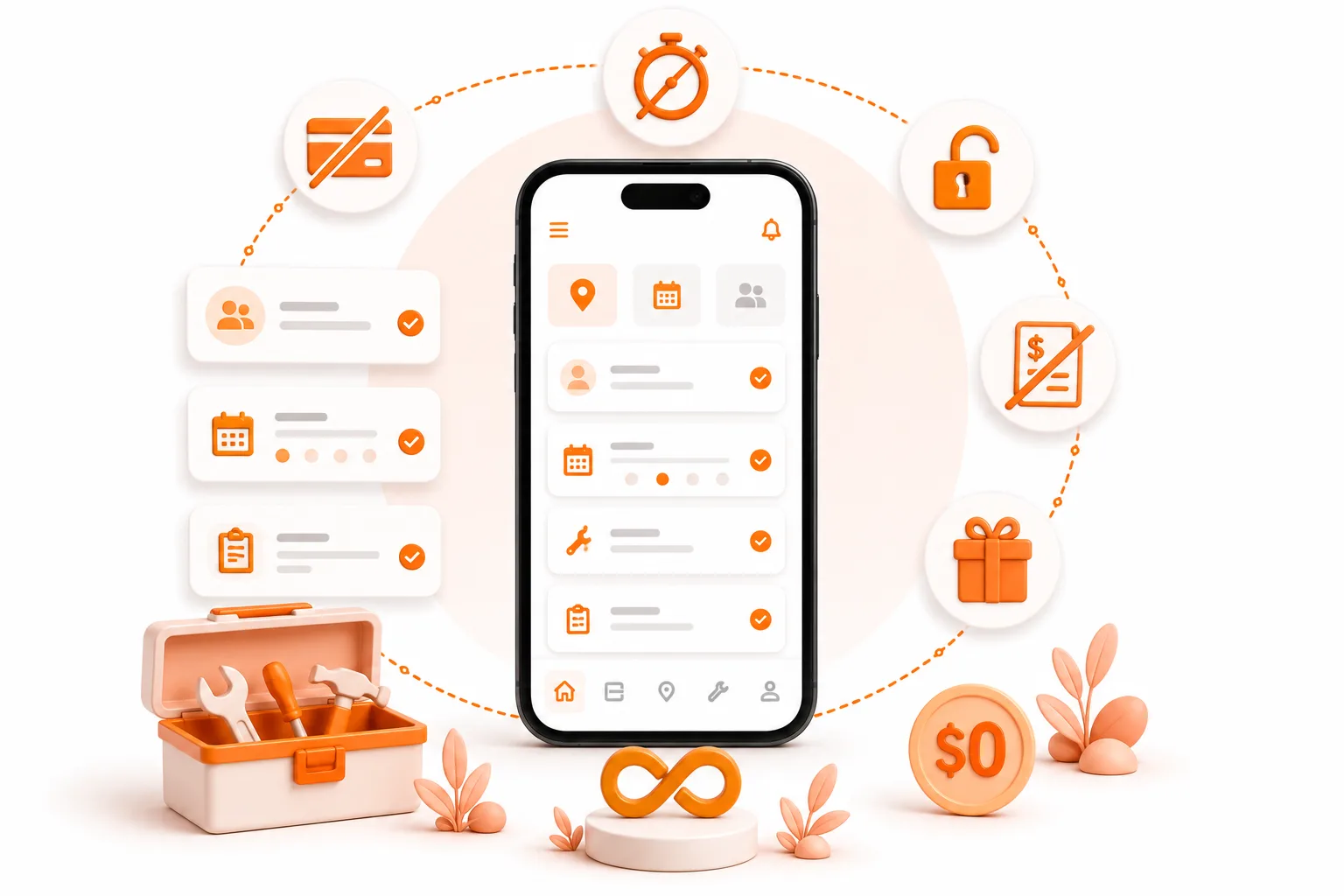
Going paperless doesn't mean throwing away your notebook. It means keeping the information that matters somewhere you can always find it.
Carlos runs a three-man landscaping crew in San Diego. He's been in the business for eleven years. His scheduling system is a green composition notebook - one fills up, the next one starts. He's looked at field service apps before, but every demo asks him to migrate his data, set up an account, and connect his invoicing before he can do anything useful. He closes the tab before the trial even starts.
Carlos doesn't need to go paperless. He needs to stop losing the things the notebook can't hold - the job photo he texted himself and forgot, the customer who called back about a site he serviced eight months ago, the crew member who can't reach him and doesn't know what's next.
That's the gap. And that's where ToolBerry starts.
Why does paper keep winning?
Paper has been a trusted tool in the trades for decades. Technicians, inspectors, and field crews prefer it because it's familiar, fast, and always available. No login required - and that's exactly the standard ToolBerry holds itself to. Open the app and it's ready, whether you have signal or not.
Common reasons field teams still rely on paper:
- Taking measurements and observations during site visits
- Completing inspection checklists in the field
- Carrying work orders in the truck
- Capturing customer information on the spot
- Logging maintenance notes before entering them later
The challenge isn't that paper doesn't work. It's that paper becomes harder to organize, share, search, and report on as a business grows. The moment information needs to move - from the field to the office, from last month to right now - paper hits a wall.
That's not a failure of the notebook. It's just the limit of paper.
What does going paperless actually mean?
It doesn't mean throwing out the notebook on a Monday and running everything digitally by Friday.
It means moving information into a system where it can be found, shared, and acted on - gradually, in the order that makes sense for how your business actually works.
The goal isn't paperless for the sake of it. The goal is fewer things falling through the cracks.
Do you need to set up your whole back office to start?
No. And that distinction matters.
Most field service apps position themselves as a complete back office replacement. They want your invoices, your accounting integrations, your payment processing - all connected before you've run a single job through the thing. Most people quit before they ever reach the part that would have helped them.
ToolBerry works the other way. There's no account to create. No credit card. No mandatory sync. You open the app and it's ready.
On your first day, you can add your three biggest customers and log one real job - with the site address, the notes, and the photo of the clogged drain you documented before clearing it.
The database lives on your device. That means it works in a canyon with no signal, on a property with a dead router, anywhere. If you're on the free tier, it stays there permanently - your data, on your phone, offline-first, always available.
How does ToolBerry support a gradual transition?
ToolBerry is designed to work alongside your existing processes, not replace them all at once. Here's how teams typically move through it.
Start with work orders. This is where most businesses begin. Creating and managing work orders digitally keeps office staff and field teams aligned - same job, same notes, same status - without requiring anyone to change anything else. The work order just lives in ToolBerry now.
Add photos and attachments. Technicians capture photos from the field and attach them directly to the job record. The after shot of a trimmed hedge, the before photo of a clogged gutter, the cracked pipe documented before the fix - all of it lives on the record, with the date and notes right there next to it.
Bring in sites and customer records. Once jobs are tracked digitally, the next natural step is organizing the places and people behind them. ToolBerry's Sites module keeps location-specific information - addresses, access notes, gate codes, equipment locations - attached to the right record.
Track assets and equipment. For businesses that service equipment - HVAC units, pool pumps, irrigation systems - ToolBerry's Assets module stores maintenance history, inspection records, and service activity against the specific piece of equipment at the specific site.
Move task tracking and checklists online when you're ready. In ToolBerry, work order tasks can be built directly into each job - with stage transitions to track where every task stands, and due dates that users can assign per task so nothing gets missed. This step follows naturally once the rest of your workflow is already running digitally.
What does the transition actually look like, month by month?
Here's how it tends to go for a landscaping business making the shift. Not a prescription - just a realistic pattern.
Month one: Work orders are created in ToolBerry. Technicians still take handwritten notes in the field.
Month two: Photos start getting uploaded to job records. Customer information moves into ToolBerry. The record that needs to last is digital.
Month six: Most operational records are managed digitally. Nobody had to be forced. The transition happened because the digital system became more useful than the paper one.
The crew stopped reaching for paper first. That's the whole transition.
What are the honest tradeoffs?
ToolBerry works alongside your existing invoicing setup. If you prefer to handle invoicing through a separate platform - QuickBooks or any other tool - ToolBerry is designed to run in parallel with that. Your invoicing workflow stays exactly as it is. No data loss, no disruption, no need to change how you currently bill your customers.
Want your data on multiple devices? Connect Dropbox once. ToolBerry includes a BYOS (Bring Your Own Storage) feature that lets you link your existing Dropbox account. Once connected, your jobs, customers, sites, and records sync automatically across your phone, tablet, and office computer - no manual transfers, no extra steps. If you're working from a single device, you don't need this at all and can skip it entirely.
It won't run your whole business on day one. ToolBerry handles jobs, customers, sites, contacts, and assets well. Broader integrations - accounting, fleet, payments - are on the roadmap, not on the shelf yet.
If you need a full back office in one tool right now, ToolBerry probably isn't the right fit yet. If you need to get organized, track jobs reliably, and work without depending on a signal - that's exactly what it's built for.
How do you actually start?
- Download ToolBerry from the App Store or Google Play, or open it at toolberry.net. No account. No signup.
- During setup, pick your industry - Landscaping, HVAC, Pest Control, Cleaning, whatever fits - and ToolBerry loads your job types, custom fields, and site templates automatically.
- Add your three most active customers. Name, address, one note if you have it.
- Log your next job. Attach a photo. Add a site note. See what a complete record looks like.
- Do that for a week. Most operators notice the difference within their first few jobs.
Carlos still runs his three-man crew with that green composition notebook on the seat of his truck. But today's jobs are in ToolBerry - the site notes, the photos, the customer who called back eight months later. He found what he needed in three taps.
The notebook didn't go anywhere. It just stopped being the system.
Start with one customer. One site. One job.
Quick answers - things people ask before they start
Does ToolBerry work without internet? Yes, fully. ToolBerry is offline-first by design. Everything - your jobs, customers, sites, assets - is stored on your device. You can create work orders, attach photos, and update records with zero signal.
What happens to my data if my phone dies or gets lost? Connect Dropbox through the BYOS option - takes under a minute - and your database backs up automatically in the background. If anything happens to your device, you can restore everything on a new phone in a few taps. Set it up early.
Is ToolBerry really free? The free tier has no time limit, no backend, no subscription, and no account required. Paid tiers add cross-device sync and team collaboration.
Have a question?
If you have any queries reach us at contact@toolberry.net or
Install ToolBerry from the App Store or Google Play,
Free. Works offline. No account needed. Start on your next job.
Further reading
- Why ToolBerry Is Offline-First - why the network is our backup plan, not yours
- Is ToolBerry Really Free Forever? - what the free tier actually includes
- Your Data, Your Dropbox: How ToolBerry's Bring-Your-Own-Storage Works - the full story behind BYOS