
Their Breach, Your Letter: Why Protecting Customer Data Is So Hard for a Small Service Business
You're probably too small for the privacy laws. You're not too small for the breach laws. Here's the gap, and what to do about it.
Updated August 13, 2026
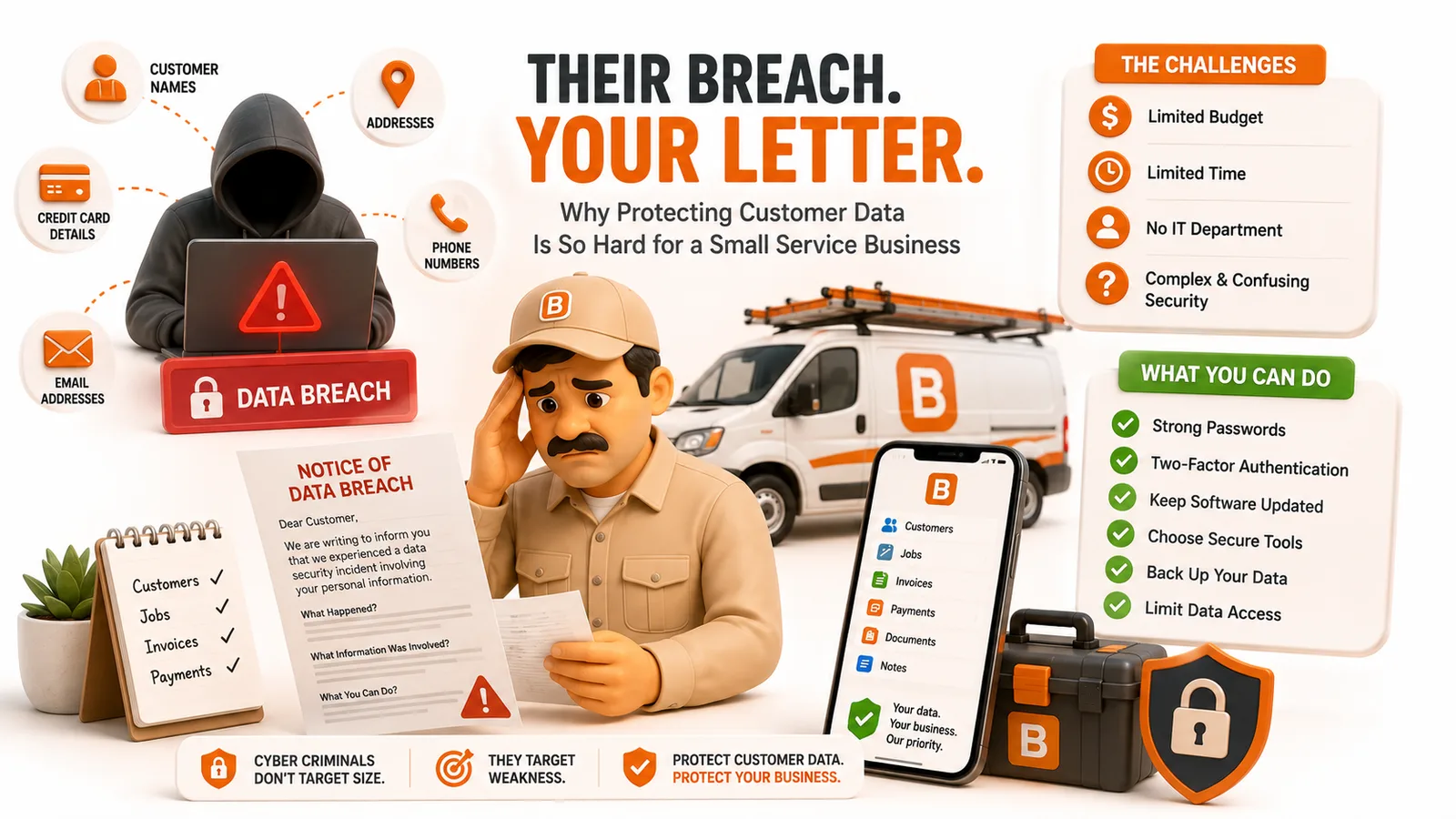
You're probably too small for the privacy laws. You're not too small for the breach laws. Here's the gap, and what to do about it.
Protecting your customers' data is hard because you don't hold most of it. Your software vendors do. And when one of them gets breached, the law in most states doesn't send the letter to your customers. It makes you send it.
That's the part nobody explains when they sell you scheduling software. Below is the honest version: why this is structurally hard for a small operator, what it actually costs you when it goes wrong, and where ToolBerry lands.
Why can't you just protect your own data?
Because you're not the one holding it. A typical service business types a customer once and that record ends up in five or six companies' databases: the scheduling app, the payment processor, the email tool, the review platform, the accountant's portal. You can lock your phone and pick good passwords. You cannot audit any of those companies.
And that's where the risk has moved. Verizon's Data Breach Investigations Report tracks this every year, and the trend line is ugly:
| DBIR edition | Breaches involving a third party |
|---|---|
| 2024 | 15% |
| 2025 | 30% |
| 2026 | 48% |
Nearly half of all breaches now run through somebody else's systems (Verizon 2026 DBIR, covering November 2024 through October 2025). Your vendor's security is your security. You just don't get a vote.
It happens to field service tools specifically
In August 2024, security researcher Jeremiah Fowler found a database belonging to ServiceBridge, a field service management provider, sitting online with no password at all. Inside were 31,524,107 files, about 2.68 TB: work orders, invoices, inspections, proposals, and completion agreements. They carried names, home addresses, email addresses, phone numbers, and partial credit card data. The exposed customers included private homeowners, medical providers, schools, and Las Vegas casinos (reported via Bitdefender and Website Planet).
Here's the detail that should stick with you: the documents went back to 2012. A work order somebody wrote twelve years earlier was still sitting there, still had a customer's address on it, still leaked.
You can't delete what you can't reach
That's the second structural problem. "Delete my account" in most software means "hide this from your screen." What actually happens to the copies, the backups, and the archive buckets is governed by a retention policy inside a document you didn't read.
Nobody reads them, and that isn't a character flaw. Researchers at Carnegie Mellon measured it: the median privacy policy ran 2,514 words, and reading the policies for the sites an average person visits would take about 76 work days a year (McDonald and Cranor, I/S: A Journal of Law and Policy, 2008). Consent at that scale is a formality.
It's no surprise that 67% of Americans say they understand little or nothing about what companies do with their personal data, and 73% feel they have little or no control over it (Pew Research Center, October 2023).
What difference does it actually make?
This is where it gets concrete. You are almost certainly exempt from the big privacy laws. You are almost certainly not exempt from the breach notification laws. Most operators have that backwards.
The laws that don't apply to you
California's CCPA, the one everybody's heard of, only covers a business that clears one of three bars: more than $25 million in gross revenue (adjusted for inflation each year, roughly $28 million for 2026), or handling the personal information of 100,000 or more California consumers, or making at least half its revenue from selling personal information (IAPP).
A three-van crew doesn't come close. Good news, briefly.
The law that does
Breach notification is a completely different statute, and it has no size exemption. All 50 states, Washington DC, and three territories have one. There is still no single federal law (Privacy Rights Clearinghouse, 2026 survey). Coverage follows where your customers live, not where you're licensed, so one route across a metro area can put you under three states' rules at once.
Now read how California's version splits the duty. Under Civil Code 1798.82, a company that maintains data it doesn't own has to notify the owner of that data. A company that owns the data has to notify the affected residents.
Your software vendor maintains your customer list. You own it.
So the chain runs: vendor gets breached, vendor notifies you, and then you write to your customers. As of SB 446, effective January 1, 2026, California gives you 30 calendar days from discovery to do it, and if more than 500 residents are affected you have another 15 days to notify the Attorney General (bill text).
Somebody else made the mistake. You send the letter, on their timeline, with your name on it.
About that scary statistic
You've seen this one: "60% of small businesses close within six months of a cyberattack." It's in every security vendor's slide deck.
It's made up. The National Cybersecurity Alliance, the group it's usually credited to, publicly disowned it on May 8, 2022: "This statistic was not generated from NCSA research, and we cannot verify its original source." They removed every reference to it and asked people to stop citing it. Security researcher Adrian Sanabria went looking for the underlying closures and found roughly 35 companies worldwide that went out of business after a breach since 2001, against the several thousand a year the stat implies.
We're not going to scare you with a fake number. The real downside is duller and more likely: the notification letters, the time you don't have, the commercial client who asks how you store their tenant data and doesn't like the answer, and one long thread in a neighborhood Facebook group.
Why is this worse in field service than in most businesses?
Because your records aren't just contact details. They're access instructions. This is the part that makes service trades different, and it rarely gets said out loud.
Look at what's actually in a mature customer file:
- The gate code
- The alarm code, and which zone the dog's on
- Where the lockbox is and what opens it
- "Back slider sticks, use the side door"
- Which weeks they're in Arizona
An email list leak is a spam problem. A work order leak is a physical access problem. And note exactly what was in the ServiceBridge dump: work orders and inspections. That's the record type where all of this lives.
That's the real stake. You aren't only keeping a promise to your customers about their privacy. You're holding the keys to their house, in an app you didn't build, run by a company you can't audit.
Where does ToolBerry land on this?
In its default mode, ToolBerry never takes your business data off your device, so there's nothing on our side to breach. Open the app without signing in and your customers, sites, jobs, and schedules are written to a real database on your phone. No account, no password, no server holding your list.
Two things worth adding. We went back through the app itself to confirm both before publishing this:
- ToolBerry carries no ad trackers and no marketing analytics. No Google Analytics, no Facebook pixel, none of the tools that follow you between apps and websites. The only outside company the app reports to is Sentry, and only to tell us when something crashed so we can fix it.
- Syncing is a choice, not the price of entry. Plenty of apps make you create an account before you can type in a single customer. ToolBerry works fully on one device, signed out, on day one.
We've already written the full, unflattering breakdown of exactly what leaves your device and when. Rather than repeat it here, read Who Actually Sees Your Customer List?, which covers the Dropbox backup model, the encryption passphrase we can't recover, and the diagnostic data we do collect.
What are the honest tradeoffs?
Short version: our default is genuinely private, and the moment you want team features, you give some of that up.
- Turn on syncing and your business data goes to our servers. That's the whole point of syncing, and we won't dress it up. Your customers, sites, work orders, and invoices get copied to our database so your other devices can pull them down. Each business is walled off from every other one, but we'll be straight with you: we hold that data in a form our own staff could read. If you want the version where your data never touches us, stay on one device and skip the account.
- Crash reporting can't be switched off in the app today. Those error reports go out in both modes, and there's no button to stop them. If that's a dealbreaker for you, it's a fair thing to hold us to.
- Addresses you look up go to Mapbox. When you type an address and the app suggests the rest of it, that text goes to Mapbox to turn it into a spot on the map. That's how the map works, and it's worth knowing.
- Keeping data on your device makes the device the front door. If your phone is lost and unlocked, your customer list went with it. Your passcode is doing real work here.
- We're a field service app, not a security company. We haven't been through the formal security audits the big enterprise vendors advertise, and we're not going to imply otherwise.
How do you tighten this up this week?
You don't need a consultant. Four steps, maybe an hour.
- List every tool that holds a customer name. Scheduling, invoicing, payments, email, reviews, your accountant's portal, your phone system. Most operators are surprised it's more than five.
- Ask each company three questions. Can I download everything you hold on my customers? Who else gets a copy of it? And if you get hacked, how fast do you tell me? That last one matters most, because your 30-day clock starts when they call you.
- Close the accounts you stopped using. The abandoned trial from 2021 still has your customer list. That's the ServiceBridge lesson.
- Lock your phone properly. A real passcode and device encryption. On any app that keeps data on the device, including ours, that's the actual lock on the door.
Then decide about syncing on purpose, rather than by default. For many businesses it's a fair trade. Just make it with your eyes open.
Have a question about any of this, or think we've got something wrong? Email us at contact@toolberry.net. ToolBerry is a free, offline-first field service management app for small service-trade businesses.
Further reading
- Who Actually Sees Your Customer List?: the full breakdown of what leaves your device in ToolBerry, and when
- Why ToolBerry Is Offline-First: why your device is the source of truth
- Your Data, Your Dropbox: how bring-your-own-storage backup works
- Who Can See What: Roles and Permissions: controlling access inside your own crew
- Verizon 2026 Data Breach Investigations Report: the third-party breach data
- Privacy Rights Clearinghouse, Breach Notification Laws 50-State Survey (2026): what your state requires
Notes for reviewers (delete before publishing)
Blocker. Our published Privacy Policy still says "No Backend Servers: We do not operate servers that store your business data" and "never transmitted to our servers." Syncing contradicts both. This draft says so plainly, and so does the July post. The policy needs updating before we draw more attention to the sync tradeoff.
Overlap, handled. Who Actually Sees Your Customer List? owns "how ToolBerry does it." This post deliberately keeps that section short and links down to it instead of re-explaining the Dropbox and passphrase mechanics.
Stats we deliberately left out, in case anyone asks why:
- "60% of small businesses close within six months": debunked, and we now debunk it in the piece.
- IBM's $3.31M average for firms under 500 employees: that figure is from the 2023 report. IBM stopped breaking out cost by company size, so it cannot be cited as current.
- SaaS sprawl counts (87 / 152 / 50-70 apps): vendor marketing, wild variance between sources, no credible methodology.
Open question. Everything about ToolBerry here was checked against the app's own code, including the claim that we ship no ad or analytics trackers. Worth a second pair of eyes on the tradeoffs list specifically, since that is the section that ages fastest.