
ToolBerry vs Jobber: Which One Fits a Solo Operator?
Jobber is a genuinely good product. It's also built for a business slightly bigger than yours.
Updated June 29, 2026
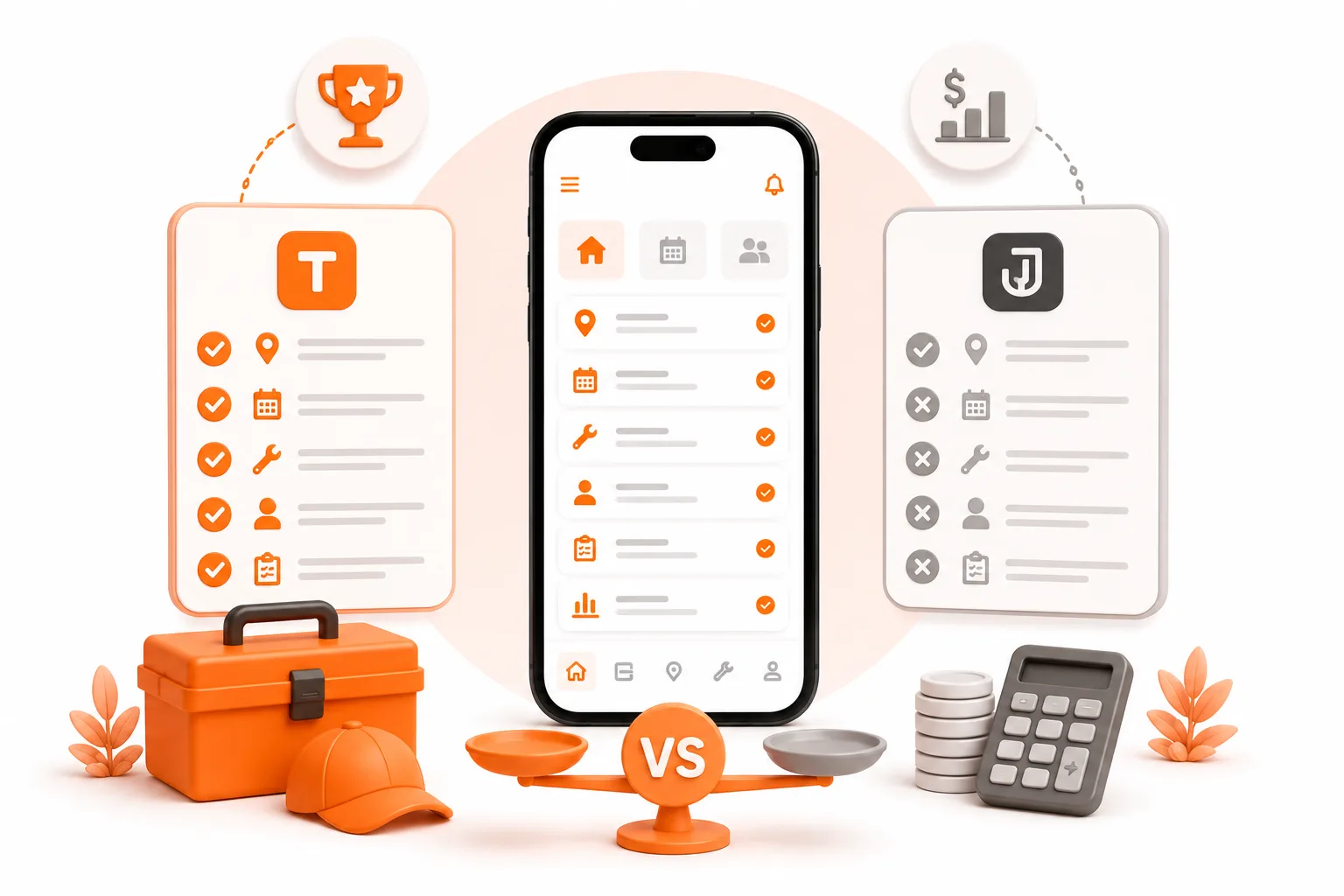
Jobber is a genuinely good product. It's also built for a business slightly bigger than yours.
When you run the truck yourself, every subscription you sign is a bill due whether the phone rings or not. A slow week hits differently when $49 drops out of your account before you've invoiced a single job.
This isn't a hit piece on Jobber. It's a clear-eyed look at what you actually need as a solo operator - and whether Jobber's pricing model is built for that, or built for a business a few sizes up from where you are right now.
What Jobber actually is
Jobber is one of the most polished field service apps in the industry. The UI is clean, the client communication tools are genuinely good, and if you've got steady revenue and a real crew, it earns its cost. It's also the app most trade business owners land on when they type "best app for my service business" into a search bar.
But Jobber's pricing is built around a ladder. And as a solo operator, you almost always end up climbing it faster than you planned.
Peter's first six months
Peter is illustrative - not a real person, but his first six months are very real.
Peter starts a pressure washing business. Week one, someone mentions Jobber. He downloads it, starts the 14-day free trial, and likes what he sees. Clean quotes, scheduling, invoicing - it all looks exactly right.
Day 15, the trial ends. He needs to keep going, so he picks Core: $49/month.
For a few weeks, that works. But invoices start sitting unpaid. He's texting clients manually to follow up on every outstanding balance. He wants the app to send automated reminders so he stops being the collections guy on top of everything else. He checks the feature list.
Automated reminders? Connect plan. $139/month.
That's not an upgrade - it's nearly tripling his bill for a feature that sends a follow-up text. But he needs it, so he pays.
Two months later, he wants to know which jobs are actually profitable. He's doing big driveways and small decks and can't tell which are worth his time. Time tracking and expense tracking - the things that let you answer that question - are on Connect. He's already there. Job costing is on Grow. $199/month.
Six months in, Peter's paying $199 a month, plus 2.9% + $0.30 on every card payment he collects through the app. He's not running a crew. He's still solo. He just needed a handful of features that happened to live on three different tiers.
What ToolBerry ships free
The features that pushed Peter from $49 to $199 aren't premium features. They're basics. And they're in ToolBerry's free tier.
| Feature | Jobber tier needed | ToolBerry |
|---|---|---|
| Scheduling | Core - $49/mo | Free |
| Quotes / proposals | Core - $49/mo | Free |
| Invoicing | Core - $49/mo | Free |
| Basic reporting | Core - $49/mo | Free |
| Time & expense tracking | Connect - $139/mo | Free |
| Asset tracking | - | Free |
| Works offline | Requires internet | Free |
| No account or signup | Account required | Free |
| Custom fields and forms | Paid tiers, limited | Free |
| Branded PDF templates and layouts | Paid | Free |
| Export and full data download | Limited | Free |
| Same app on web and mobile | Separate apps | Free |
| Sample data to start | - | Free |
ToolBerry doesn't have tiers for these. They're in the app on day one, for every user, for as long as you use it. The full breakdown of what "free" actually means is worth a read if you want the unvarnished version.
Where ToolBerry actually wins
Price is the headline. But a handful of things ToolBerry does, Jobber simply doesn't - and they aren't small.
You're working in 60 seconds, not after a signup gauntlet. No account to create. No email, no phone number, no credit card, no "book a demo," no ten-screen setup wizard. You open the app and it's already filled with sample customers, jobs, and assets for your trade, so you can see how the whole thing fits before you type a single thing. Pick your industry and the app pre-shapes itself around it - we cover that in One App, Ten Industries. Jobber's trial, by contrast, starts with a signup form and your 14-day clock already running.
It bends to how you work. Every trade has its own quirks - a field you always need, a label that means something specific to you, a step a fixed form doesn't have a place for. ToolBerry lets you add your own fields, rename the built-in ones, hide what you don't use, and reorder the form to match your actual workflow. It isn't a settings page with three toggles; it's the whole app. Built to Bend is the full tour.
Your PDFs look like your business, not ours. Quotes and invoices come out fully branded - your logo, your company name, your colors, your footer - with no ToolBerry watermark anywhere on the page. And you control the layout: which sections appear, how many columns, what lands where. It's a real template system, not one fixed design you're stuck with.
Your data is yours, and only yours. ToolBerry doesn't keep a copy of your customer list, because it never leaves your device unless you send it somewhere yourself. There's no server of ours holding your jobs - nothing to mine, nothing to sell, nothing to leak, no third party in the loop. Your Data, Your Dropbox explains how backup works without us ever touching your data.
You can take your data and walk, any time. Export any list to a spreadsheet, save any single record as a PDF, or pull a full backup of your entire database from Settings in one tap. No "request an export and wait for an email." No lock-in. It's your data, on demand, in formats you can actually open.
One app, phone and desktop, no asterisks. Jobber ships a web app and a separate mobile app, and they don't do all the same things. ToolBerry is one app: everything that works on your laptop works on your phone, and the reverse. What you set up at the desk is exactly what you carry to the job.
The part about offline
Jobber is a cloud app. No signal means no app - or at best, a frozen screen and a spinner. That's fine when you're at a desk. It's not fine when you're logging job notes at a property with no bars.
ToolBerry runs entirely on your device. Your schedule, your customer list, your notes - all available whether you're in a basement, a rural backyard, or a building with dead zones. How that works technically is explained elsewhere. The short version: your data lives on your phone, not on a server you're renting access to.
There's a second-order benefit here: your reminders fire even when you've got no signal. ToolBerry schedules them straight onto your phone's own notification system, so the nudge for tomorrow's 8am job shows up whether or not you have bars. A reminder that depends on a server reaching you is only as reliable as your connection at that exact moment. (To be clear - these are reminders for you, tied to a job or a date. ToolBerry doesn't send messages to your customers; that's a place Jobber still leads, and we say so below.)
The honest tradeoffs
ToolBerry wins on price. Jobber wins in a few places that matter depending on where you are.
Card payments are on ToolBerry Pro, not Free. Jobber lets clients pay directly from the invoice, and so does ToolBerry Pro, with payment links, Tap to Pay and card on file. On ToolBerry Free, you generate the invoice and collect however you already do: Venmo, Zelle, check, cash. For most solos that's fine.
Jobber has two-way SMS with clients. Text threads with customers live inside the app, tied to their jobs. ToolBerry doesn't have this. If client communication is the thing that keeps your schedule from unraveling, it's worth noting.
QuickBooks is on a paid plan with both. If your accountant expects a data feed into QuickBooks, Jobber Connect ($139/mo) links directly, and ToolBerry Pro sends customers, invoices and payments to QuickBooks Online automatically. ToolBerry Free doesn't include it.
Jobber sends automated messages to clients. ToolBerry's reminders are for you, not your customers. Jobber Connect includes appointment notifications, payment follow-ups, and quote nudges sent directly to clients. ToolBerry has internal reminders - a nudge tied to a job or date so nothing slips past you - but nothing that goes outbound to a customer automatically. If automated client communication is central to how you run your business, that's a real gap today.
ToolBerry shows profit per job, free. You track time and expenses against a job, and each job, customer and site shows what it earned, what the labor and expenses cost, and the profit left over, on Free and Pro.
ToolBerry Free syncs through your own Dropbox, not in real time on our servers. Free keeps your phone, tablet, and laptop in sync automatically through your own Dropbox, now in the background too, and a small crew can share one workspace through shared storage. Real-time team sync on our servers, with server-enforced roles, is part of ToolBerry Pro.
How to actually start
If you're solo and cost is the deciding factor:
- Install ToolBerry from the App Store or Google Play, or open it at toolberry.net. No account needed.
- Add your first five customers and schedule your next week of jobs.
- Go to Settings and connect Dropbox backup - takes about 30 seconds and protects your data if you ever lose your phone.
- Create a proposal for an upcoming job. When it's done, convert it to an invoice. See how that flow fits the way you actually work.
- If you hit something Free doesn't cover, like card processing or QuickBooks sync (both on ToolBerry Pro) or two-way SMS, you'll know exactly what you're paying for when you go looking.
If you're genuinely evaluating Jobber:
- Start the trial on Grow so you see the full product before you decide which tier you'd actually land on.
- After 14 days, look at which features you actually used. If automated reminders were the thing you relied on, that's a $139/mo bill, not a $49 one.
- Do the math on 12 months at that number. If it's easy, Jobber is a great product. If it isn't, that answer matters.
Have a question?
Reach us at contact@toolberry.net.
Free forever for solo operators. No account. No credit card. Works offline.
For the Technically Curious
The reason ToolBerry can ship reminders, timesheets, and proposals for free while Jobber charges $139/month for the same tier comes down to architecture, not generosity.
Jobber is cloud-first. Every customer record, job, quote, and reminder lives on their servers. Every time you open the app, you're making API calls to their backend. Every user - free or paying - generates real costs: storage, compute, bandwidth, support. That's why their free tier is a 14-day trial rather than a permanent offer. A permanent free user is a permanent line item on their cost sheet.
ToolBerry's free tier has no line item. Your data lives on your device in an on-device SQLite database - the same engine that ships inside iOS, Android, and every major browser. There's nothing for us to host beyond the app itself, which is a static bundle served once from a CDN. Reminders, timesheets, proposals - those run on your device, not on a server we're paying to keep warm. So when we ship a feature to the free tier, the per-user cost to us is essentially zero.
The full unit economics behind this are in Is ToolBerry Really Free Forever? if you want the complete picture.
Because that on-device database is real SQLite - not a folder of JSON files - it stays fast whether you've got 50 records or 50,000. Why we run a real database on your phone digs into that. And it's the same app and the same database on web, iOS, and Android - one codebase, so a feature can't quietly exist on desktop but go missing on mobile.
Further reading
- Is ToolBerry Really Free Forever? - the full free tier breakdown, including the honest catches
- Why ToolBerry Is Offline-First - the architecture behind the offline story
- The Best Free Field Service Apps in 2026 - how ToolBerry stacks up against the full field