
Why ToolBerry Is Offline-First
Picture this. You pull into a job site at the back of a property, three turns down a gravel driveway, and your signal drops to one bar. You open your…
Updated April 26, 2026
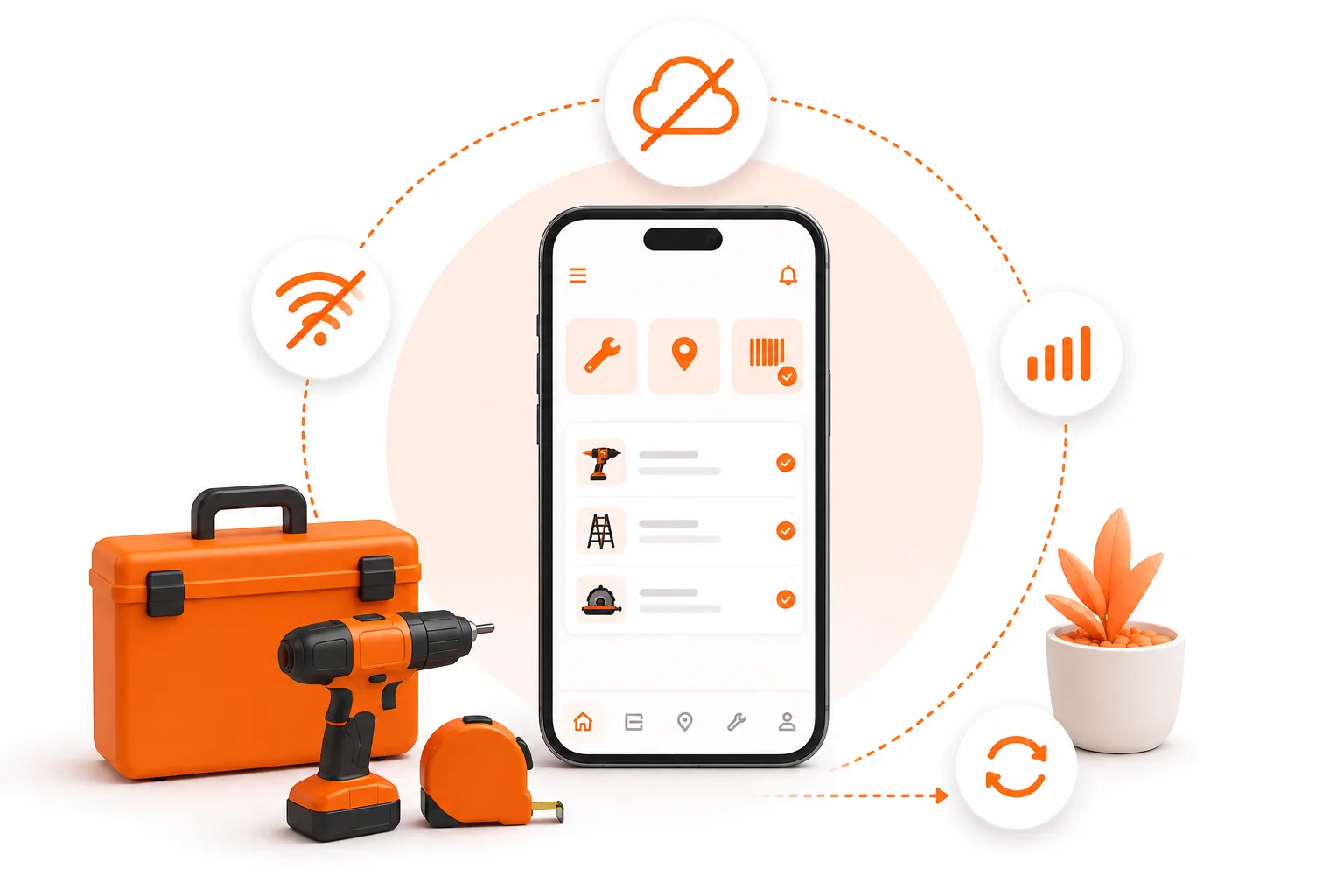
Picture this. You pull into a job site at the back of a property, three turns down a gravel driveway, and your signal drops to one bar. You open your scheduling app to check what equipment the customer asked you to look at - and you get a spinning loader. Then a "you're offline" screen. Then nothing.
That moment is the whole reason ToolBerry exists.
Most field service apps treat the network like it's always there, and "offline mode" like it's a backup plan for when things go wrong. ToolBerry is the opposite. The network is the backup plan. Your device is the source of truth. That's what we mean by offline-first, and it's not a feature we tacked on - it shapes almost every decision we make about the product.
Here's why we built it that way, and what it actually means for you.
What "offline-first" actually means
There's a distinction worth making up front, because the term gets used loosely.
Offline-tolerant apps assume the cloud is the source of truth. They cache some data so you can keep working when the signal drops, but the moment you lose connection, the experience degrades - features stop working, screens go blank, and you're nervous about whether anything you typed will survive.
Offline-first apps assume the device is the source of truth. The cloud is a sync target, not a dependency. Whether you have five bars of LTE or you're sitting in a basement utility room with no signal at all, the app behaves identically.
ToolBerry is the second kind. Your jobs, customers, sites, contacts, assets, and schedules live in a real database on your phone - not a cache, not a queue waiting to talk to a server. We use SQLite, the same database engine that powers most of the apps already on your phone. There's more on the technical side at the bottom of this post if you're curious.
The obvious reasons: speed and reliability
If you've worked in the field for any length of time, you already know these:
Your signal is unreliable, but the work isn't. Basements. Industrial buildings. Rural properties. Underground parking. Anywhere with metal walls. Field work happens in places that weren't designed with cell towers in mind. An offline-first app doesn't care.
Speed. Reading from your local device is roughly a thousand times faster than waiting for a server round-trip. Loading a customer's history, jumping into a work order, searching across hundreds of jobs - it's all instant, because nothing is being fetched. There's no loading state for your own data. It just shows.
No "saving…" anxiety. Every change you make is written to your device immediately. No half-saved state, no "are you sure you want to leave this page?", no risk of losing what you typed because the connection blinked.
These are the table-stakes reasons. They're the ones every offline-first pitch leads with. The more interesting reasons are the less obvious ones.
The less obvious reasons (which are arguably the bigger ones)
Your data is yours, not ours
Most SaaS tools work like this: you type your customer's name, address, and phone number into a form, and that information gets shipped off to a server in someone else's data center. You're trusting that company with your customer relationships - and if they have an outage, get acquired, change their pricing, or decide to use your data in ways you didn't anticipate, you don't have much recourse.
ToolBerry's free tier inverts that. Your customers, sites, and job history sit in a database on your device. We don't have it. We can't lose it, leak it, sell it, or hold it hostage. If we disappeared tomorrow, your data would still be on your phone.
For solo operators and small crews - especially in industries where the customer list is the business - that's a meaningful difference. You're not renting access to your own information.
"Free forever" is structural, not promotional
Every field service tool you've evaluated has a problem they don't talk about: every free user costs them money. Servers, databases, bandwidth, support - it adds up. So they cap the free tier hard and push you toward paid plans the moment you start finding the product useful. Heroku had a famously generous free tier and ended up killing it entirely in 2022 for exactly this reason.
When we say ToolBerry is free for life for solo operators, we can mean it because a free user genuinely costs us close to nothing. No server holding your data, no database we're paying to keep running, no per-user infrastructure bill. The app on your device does the work.
That changes what the free tier can be. Instead of a stripped-down trial designed to push you to upgrade in 30 days, it can actually be the full product for people who don't need team sync. You upgrade when the business need genuinely changes - when you hire a second tech, when you want QuickBooks integration, when you need cross-device sync - not because we've artificially throttled you. The paywall is aligned with your business growing, not with our server bill.
For reference: typical FSM competitor pricing starts around $169/month and runs to $250–$500 per technician per month at the enterprise end. We can be radically cheaper because our cost structure is radically different.
Your uptime isn't tied to ours
When your scheduling app goes down for two hours on a Tuesday morning, the whole crew is stuck. You've all built workflows around a tool that suddenly isn't there. With ToolBerry's free tier, this category of problem doesn't exist - the app on your phone keeps working regardless of what's happening on our end.
Even on paid tiers, where sync becomes part of the picture, the local-first model means a backend hiccup degrades sync, not the app itself. You keep working. Sync catches up later.
Battery and data plan friendly
Offline-first apps don't constantly chatter with a server. No background polling, no keepalive connections, no "checking for updates" every thirty seconds. That's quietly easier on your battery and your data plan, especially if you're tethering on the road or running on a budget carrier with a tight cap.
No signup means no friction
This isn't strictly because we're offline-first, but it's only possible because we are. Since your data lives on your device, we don't need a server account to identify you - which means no email, no password, no SMS verification, no onboarding wizard. Open the app, start adding jobs.
The number of free trials people abandon at the signup screen is staggering. We just removed the screen.
The honest tradeoffs
Offline-first isn't free. There are real tradeoffs, and we'd rather be straight about them than pretend they don't exist.
Multi-device sync is a paid feature. If you want the same data on your phone, your tablet, and your office computer, you need either our optional Dropbox-based backup or our paid Team tier. Real-time multi-device sync requires a backend, and backends cost money. We're not going to pretend otherwise by burying that cost in everyone's monthly fee.
Backups are your responsibility on the free tier. If you lose your phone and you haven't connected Dropbox or upgraded, your data goes with it - same as if you lost a paper notebook. We make this easy to mitigate (Dropbox backup is free and takes about thirty seconds to set up), but we want you to know it exists.
Initial app size is larger. Offline-first means we ship the database engine, your full schema, and enough infrastructure to run independently. The app is a few megabytes bigger than a thin-client equivalent. You'll feel this once, on install.
Browser private/incognito modes block it. Browsers intentionally prevent persistent local storage in private modes, which means ToolBerry can't save anything in those windows. We've written about this separately - there's a dedicated post on it - but it's worth flagging here as part of the honest picture.
Some advanced features genuinely need a backend. Real-time team coordination, dispatcher views, cross-tenant work order routing, accounting integrations - these aren't features we're holding back behind a paywall as a gimmick. They actually require a server. Offline-first solves a huge chunk of the problem space, but it's not a universal answer, and we're not going to tell you it is.
What this means for you
If you run jobs from a truck: ToolBerry behaves the same whether you're parked in a downtown garage or out at a rural property with no service. There's no online or offline mode to be aware of - there's just the app, and it works.
If you manage scheduling, dispatch, or operations from an office: the local-first model means the people in the field can actually rely on the tool you're handing them. Their data entry doesn't disappear into a sync queue you can't audit. Their app doesn't lock up when their connection blips. And when you're ready to coordinate across a team, the paid tiers are built on the same foundation - sync layered on top, not bolted on.
If you're evaluating ToolBerry against incumbents: the architecture is a different category, not an incremental improvement. The cost model, privacy posture, and field reliability all flow from the same core decision. That's worth weighing carefully.
Have a question?
We're always happy to talk through how this works for your specific situation. Reach out at contact@toolberry.app.
For the Technically Curious
If you want to understand how this is actually built, here's the picture under the hood.
SQLite on the device
ToolBerry uses SQLite as its local database - the same engine that ships inside iOS, Android, Chrome, Firefox, macOS, and most consumer applications you use daily. It's not a cache. It's not localStorage. It's a real relational database with full SQL support: joins, transactions, indexes, foreign keys, the works. We've tested it with hundreds of thousands of records on commodity phones and the performance stays flat.
On native iOS and Android, SQLite is accessed through the standard system APIs via Capacitor. In the browser/PWA, we use a build of SQLite compiled to WebAssembly, persisted to disk via OPFS (Origin Private File System) - a relatively new browser API designed for exactly this kind of use case.
Why SQLite over IndexedDB or localStorage
Most web apps with offline mode use IndexedDB or localStorage. Both have limitations:
- localStorage is a key-value store with a hard ~5 MB cap and synchronous I/O on the main thread. Unusable for any meaningful dataset.
- IndexedDB is more capable but has a famously awkward API, no SQL, weak cross-browser consistency, and known reliability issues.
- SQLite over OPFS gives us real SQL, real transactions, predictable behavior across platforms, and the same query layer we share with our backend. It's the only option that scales to a real production dataset without compromise.
How sync (eventually) fits in
Free-tier users are fully offline by design. Paid tiers add sync, and the architecture is built around the device being authoritative:
- Every write goes to the local SQLite database first, immediately, with no network involved.
- Writes are also recorded in a local outbox.
- When the device is online and the user is on a paid tier, the outbox flushes to our backend.
- Changes from other devices arrive as a stream and merge into the local database.
This is the same broad pattern used by Linear and most modern local-first collaborative apps. It means the local app never blocks on the network, and sync becomes a background concern rather than a critical path.
Why the cost structure is so different
A traditional FSM SaaS hosts every customer's data in a central database, runs API servers per request, and pays for storage, compute, and bandwidth on every interaction. The marginal cost per free user is real, and at scale it dominates.
ToolBerry's free tier is a static SPA served from a CDN - bandwidth costs measured in fractions of a cent per user - and all data lives on user devices. There's nothing for us to host beyond the app bundle itself. Paid tiers reintroduce backend infrastructure for sync and integrations, but only for the users who actually need it.
This is the structural reason "free forever" works for us when it didn't for Heroku. They were paying real per-user infrastructure costs and trying to recoup them through conversion. We're not.
Further reading
- Why ToolBerry Doesn't Work in Incognito or Private Mode - the browser caveat in detail
- SQLite - When To Use
- MDN - Origin Private File System
- Local-First Software - You Own Your Data, In Spite of the Cloud - the academic case for this architecture pattern