
Why Your Field App Should Work With No Signal - and How to Test Whether Yours Does
Any field app can claim "offline mode." Ten minutes with airplane mode tells you if it's true.
Updated July 3, 2026
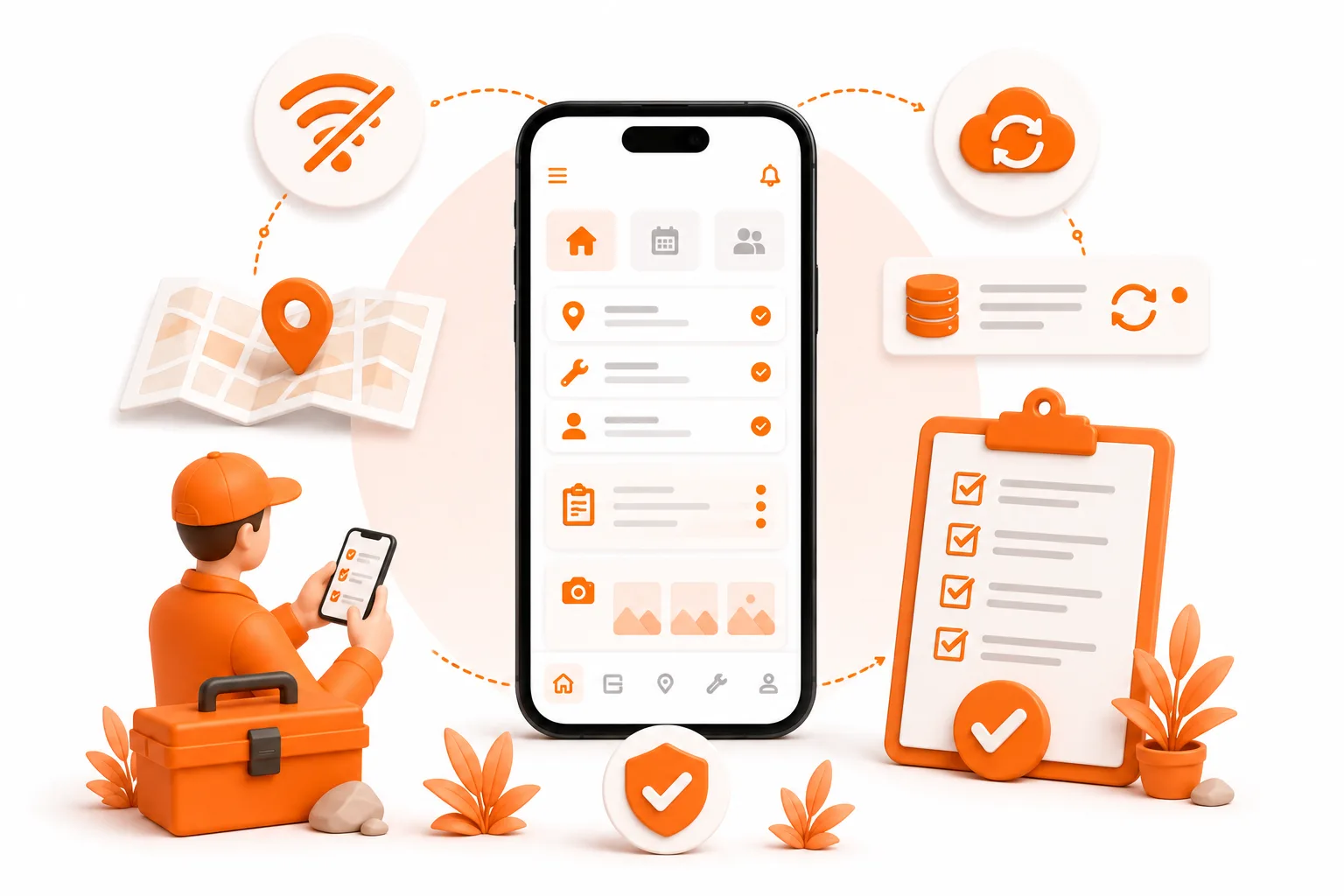
Any field app can claim "offline mode." Ten minutes with airplane mode tells you if it's true.
A field service app should work with zero signal because field work happens in basements, metal buildings, and rural properties where coverage fails. FCC data shows over 14 million U.S. locations lack even basic in-vehicle 5G. The good news: you can test any app's offline claim yourself in about ten minutes with airplane mode. This post gives you the exact checklist.
Why should a field app work with no signal?
"Does it work offline?" is usually the first question we get when we show ToolBerry to a working tradesperson. Not "what does it cost." Not "does it do invoices." Offline, first.
That didn't surprise us. Before ToolBerry, we spent years building custom software for enterprise companies, and poor offline support was one of the main reasons they told us the established tools didn't work for their field crews.
The numbers back up the instinct:
- The FCC's own 5G Fund analysis (August 2023, based on December 2022 coverage data) counts over 14 million U.S. locations without mobile 5G at even 7/1 Mbps from a vehicle.
- An earlier FCC report found about 11% of the nation's road miles had no 4G LTE coverage at all (excluding Alaska). Coverage has improved since, but ask anyone who services rural wells, farm equipment, or mountain properties whether the dead zones are gone.
- Software Advice's research on field service mobile apps lists offline access among the top features technicians actually want - alongside GPS, photo capture, and e-signatures.
And coverage maps don't show the places where field work actually happens: basement mechanical rooms, parking garages, walk-in coolers, metal barns, server rooms. The tower can be a half mile away and your signal is still zero.
We got a fresh reminder of this recently, on a road trip through Zion, Navajo Bridge, and Bryce Canyon. Service disappeared constantly - on the road, inside the parks, and in the small towns between them. Even as tourists we felt it: searching for a place to eat, checking an ETA, asking a question, and getting nothing back is a special kind of powerless. And we were on vacation.
The local crews we talked to along the way weren't. More than once they told us the same thing, unprompted: the apps they're given need an internet connection to work, and out there that means they routinely can't do their job. Not "slower" - can't. The customers, the properties, and the equipment are all right there. Only the software taps out.


The most dangerous moment isn't offline - it's in between
Here's the part most people miss. An app that's fully offline usually tells you it's broken. The real damage happens at the edges of coverage: one bar, flickering in and out, a request that half-completes.
That's when a cloud-first app saves the job notes… or silently doesn't. You typed the gate code, the model number, the "customer approved extra hour" note - and whether it survived depends on which two seconds the signal dropped in. Work in a truck means crossing coverage boundaries all day, every day. Every crossing is a chance for a cloud-first app to lose data.
We've written about the architecture behind this in Why ToolBerry Is Offline-First - short version: most apps treat the network as always there and offline as an error state. An offline-first app treats your device as the source of truth and the network as a bonus.
How do you test whether a field app really works offline?
Don't take any vendor's word for it, including ours. Run this test on your actual phone with the app you're evaluating. It takes about ten minutes.
- Set up first, online. Install the app, add a couple of customers and jobs, and let it settle for a minute.
- Kill the signal completely. Airplane mode on, and check Wi-Fi is off too. Half-tests with "bad Wi-Fi" prove nothing.
- Open a customer's history. Does it load instantly, or do you get spinners, blank screens, or a "you're offline" wall?
- Create a new job. Full details: description, schedule, notes. Attach a photo if the app supports it.
- Edit an existing record. Change a customer's phone number. Reschedule a job.
- Force-quit the app and reopen it - still in airplane mode. This is the step that exposes fakes. Apps that hold your edits in memory or in a fragile queue lose them right here. Is everything you just did still there?
- Search for something. A customer name, an address. Search is often the first feature that secretly needs a server.
- Generate a document. If the app claims invoices or work orders, try producing one offline.
- Turn the signal back on and watch closely. Did your offline work sync? Check on a second device or the web version if you have one. Look for duplicates, conflicts, or - worst of all - edits that quietly vanished.
Scoring is simple. If steps 3–8 behave exactly like they did online, the app is offline-first. If you can view things but not create or edit, it's a read-only cache wearing an "offline mode" badge. If step 6 eats your work, walk away - an app that loses data in a test will lose it on a job.
How does ToolBerry do on this test?
This is the test we build against, so we'll walk it honestly.
ToolBerry is a free, offline-first field service management app for small service-trade businesses. All your data - customers, jobs, sites, schedules - lives in a real SQLite database on your device, the same engine your phone already runs (more on that in Why ToolBerry Runs a Real Database on Your Phone). Because of that:
- Steps 3–8 don't just pass; they're indistinguishable from being online. There is no offline mode, because there's no online mode. There's just the app.
- Search runs against your local database, not a server.
- Work order PDFs are generated entirely on your device.
- Force-quitting changes nothing, because every edit is written to the database the moment you make it.
- You don't even need signal to start: there's no account or sign-up required. Install, tap "Start new," and you're working.
- When you use the optional Dropbox backup, changes made offline queue up locally and sync automatically when your connection comes back - with retries, so a flaky one-bar signal doesn't corrupt anything. (Your Data, Your Dropbox covers how that works.)
What honestly doesn't work offline?
No app escapes this list entirely, including ToolBerry. Some things need a network by nature:
- Cloud backup and sync. Connecting Dropbox and pushing your backup requires internet - offline edits queue and go out when you reconnect, but they're not backed up until then.
- Address autocomplete and maps. Looking up an address or loading a map tile means calling a mapping service. Your saved addresses still display fine offline; suggestions and map imagery don't.
- First-time setup extras. Loading an industry template when you pick your trade, and switching the app to Spanish for the first time, each download a small pack once - after that everything is local.
- Anything that talks to the outside world. Payments, email notifications, and team sign-in are server business in every app ever made. Any vendor claiming those work with no signal is lying to you.
That's the honest boundary: the work - records, scheduling, history, documents - should never need signal. The communication around the work sometimes does.
The bonus nobody advertises: outage immunity
On October 20, 2025, an AWS outage in Northern Virginia knocked out thousands of services for around 15 hours - Downdetector logged over 6.5 million problem reports across more than 1,000 apps, from Snapchat to airline systems. Every cloud-first field app hosted in that region had crews locked out on a Monday morning.
An offline-first app doesn't notice. Not our outage, not a carrier outage, not a vendor getting acquired and sunsetting their servers. The app on your device keeps working because it never depended on anyone's server to begin with - ours included. If we vanished tomorrow, your data would still be on your phone.
This isn't our invention, by the way. It's the same local-first architecture behind tools like Linear and Notion, laid out in Ink & Switch's 2019 essay Local-First Software: You Own Your Data, in Spite of the Cloud. We just think field service - work that literally happens in dead zones - is the industry that needs it most.
How to run the test on ToolBerry
- Open toolberry.app or install the app - no sign-up.
- Tap "Start new" and pick your trade to load the industry template (this first step needs a connection - it's the setup, not the work).
- Turn on airplane mode and run the nine steps above.
And here's our bet: if ToolBerry doesn't behave exactly as this post promises, email us at contact@toolberry.net and we'll send you a reward for catching it. That's how confident we are in the test - and if you do catch something, you'll have done every ToolBerry user a favor.
Further reading
- Why ToolBerry Is Offline-First - the architecture and the economics behind it
- Why ToolBerry Runs a Real Database on Your Phone - what "a real database" buys you
- Your Data, Your Dropbox - how backup works when you do reconnect
- Ink & Switch - Local-First Software - the essay that named this movement