
Realiza un seguimiento de las instalaciones de los clientes y de los equipos para que no tengas que adivinar cuándo será la próxima visita
El trabajo no es solo lo que haces. Es saber a qué te enfrentas antes de llegar allí.
Actualizado 29 de julio de 2026
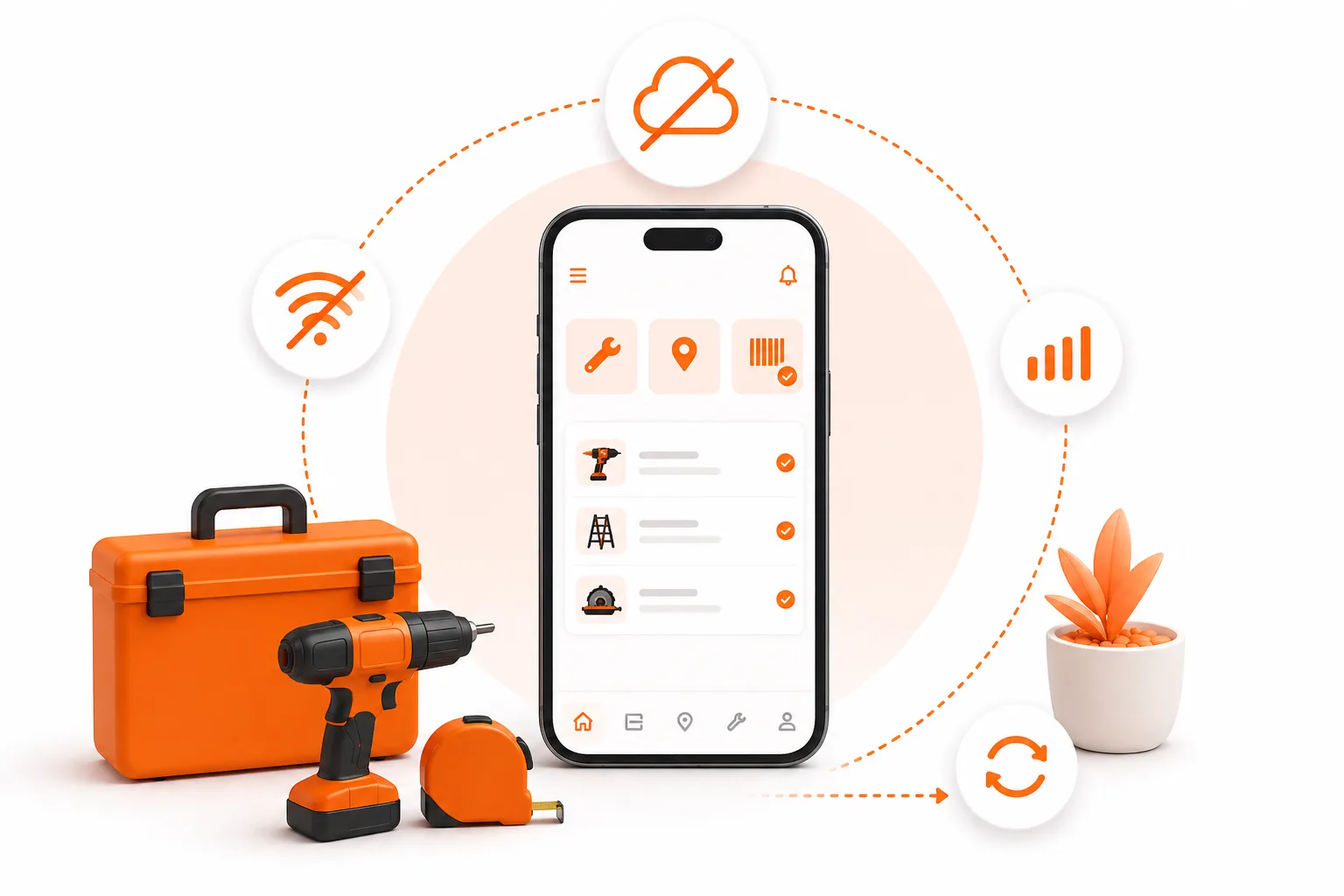
El trabajo no es solo lo que se hace. Es saber a qué te enfrentas antes de llegar allí.
Marco se encarga del mantenimiento de 47 piscinas en San Diego. Todos los jueves acude a la casa de los Henderson en Maple: una bomba Pentair de velocidad variable, una célula de sal que lleva dando problemas desde marzo y un código de acceso que cambia cada trimestre. Cada dos martes está en la comunidad de propietarios de Riverside: tres piscinas, dos de las cuales comparten un calentador, y una con un dosificador de productos químicos que hay que cebar antes del tratamiento.
Se lo guarda todo en la cabeza.
Funciona… hasta que deja de hacerlo. Hasta que se presenta sin el comprobador adecuado para la célula de sal porque se le ha olvidado el modelo. Hasta que un técnico nuevo se encarga de la ruta del martes y llama tres veces porque nadie ha anotado el código de la verja. Hasta que un cliente pregunta cuándo se sustituyó por última vez el filtro de la bomba y Marco tiene que responder: «En algún momento de la primavera pasada, creo».
Ese «creo» es el problema. Y es precisamente lo que los módulos «Sitios» y «Activos» de ToolBerry están diseñados para solucionar.
¿Por qué los equipos de campo acaban haciendo conjeturas?
La información existe. Solo que está dispersa: en la cabeza de alguien, en un hilo de mensajes, en un cuaderno en la guantera de una furgoneta que ahora mismo está fuera realizando un trabajo.
Conocimiento del emplazamiento: datos concretos sobre una ubicación. El código de la verja. El perro al que hay que apartar antes de abrir la verja lateral. La llave de paso del agua detrás de la valla trasera. La persona de contacto de la comunidad de propietarios que realmente aprueba los trabajos.
Conocimiento del equipo: datos concretos sobre un equipo específico en ese lugar. El número de modelo. La fecha de instalación. Qué se sustituyó la última vez. Qué se estropeó la vez anterior.
Ambos tipos de información se dispersan porque nunca ha habido un lugar ordenado donde guardarlos. Un cuaderno se queda olvidado en la furgoneta. Una hoja de cálculo queda desactualizada. Es imposible buscar en un hilo de mensajes de texto seis meses después.
El resultado: cada nueva visita empieza con una suposición.
¿Qué ocurre cuando el conocimiento se va por la puerta?
Marco lleva nueve años haciendo esto. No necesita consultar nada: lo tiene todo en la cabeza.
Pero, ¿qué ocurre cuando se toma una semana libre? ¿Cuando el negocio crece y contrata a un segundo técnico? ¿Cuando un cliente llama a la oficina para preguntar por el historial de su equipo y Marco está al otro lado de la ciudad?
El conocimiento que reside en la cabeza de una sola persona es un punto único de fallo. Funciona a la perfección… hasta que deja de hacerlo, y entonces no hay ningún respaldo. Ese es el verdadero coste de no llevar un seguimiento adecuado de las instalaciones y los equipos: una empresa que no puede crecer, no puede cubrir las ausencias y no puede responder a las preguntas básicas de los clientes sin que haya una persona al teléfono.
¿Cómo puedes almacenar el historial de acceso a las instalaciones y de los equipos en un solo lugar?
ToolBerry separa la información sobre las instalaciones y la información sobre los equipos en dos módulos distintos -Instalaciones y Activos- y los vincula entre sí para que cada detalle se almacene donde tu equipo espera encontrarlo.
Emplazamientos: todo lo relacionado con la ubicación
Una «ubicación» en ToolBerry es un lugar físico donde se realiza el trabajo. Un cliente puede tener varias ubicaciones: una empresa de gestión inmobiliaria podría tener doce edificios, cada uno con sus propios datos de acceso, contactos e historial.
Cada ficha de emplazamiento contiene:
- Dirección completa con coordenadas del mapa
- Notas de acceso: códigos de las puertas, instrucciones de entrada y detalles de aparcamiento
- Contactos vinculados: el responsable in situ, el contacto de emergencia y la persona que te abre la puerta
- Un historial completo de trabajos para esa ubicación
- Todos los activos instalados o sometidos a mantenimiento en ese lugar
Para Marco, la piscina de Henderson es una ubicación. La comunidad de propietarios de Riverside tiene tres ubicaciones: una por cada piscina. Cuando abre el expediente de Henderson antes de salir del taller, el código de la verja está ahí mismo. También está la nota sobre el perro. Y el nombre de la persona de contacto que autoriza los cambios en los productos químicos.
No tiene que adivinarlo. Lo lee.
Activos: todo lo relacionado con el equipamiento
Un activo en ToolBerry es una pieza concreta de equipamiento en una ubicación específica. No «una bomba Pentair» en general, sino la Pentair SuperFlo VS instalada en el 2847 de Maple Drive en marzo de 2022, a la que se le ha realizado mantenimiento cuatro veces desde entonces, con una nota de la última visita sobre un ruido inusual en los cojinetes.
Cada registro de activo contiene:
- Tipo y modelo del activo
- Fecha de instalación e historial completo de mantenimiento
- Notas de cada visita: qué se hizo, qué se detectó y a qué hay que prestar atención la próxima vez
- Relaciones de conexión para sistemas complejos: un calentador conectado a dos piscinas, un controlador que gestiona varias zonas
Cuando el nuevo técnico de Marco se encarga de la ruta del jueves por primera vez, abre el registro de la instalación de Henderson, selecciona el activo «bomba» y lee las notas de las tres visitas anteriores. Sabe qué debe comprobar incluso antes de bajarse de la furgoneta.
¿Cómo cambia una visita cuando la anterior ya está documentada?
Antes de salir del taller, Marco abre ToolBerry y busca la siguiente instalación. El código de la verja está actualizado. La célula de sal es una Hayward T-Cell-15; la nota de la última visita indica que el rendimiento estaba al 68 %, por lo que conviene vigilarlo. Crea una orden de trabajo, la vincula a la instalación y se pone en marcha.
Una vez en la propiedad, realiza el servicio. El rendimiento ha bajado al 61 %. Añade una nota al registro del activo, adjunta una foto de la lectura y marca la orden de trabajo como completada. El historial del cliente muestra ahora una tendencia documentada -tres visitas, rendimiento en descenso- que podrá presentar cuando recomiende una sustitución el mes que viene.
Nada de «creo que...». Nada de «en algún momento de la primavera pasada». Un historial claro con fechas, lecturas y fotos, vinculado al equipo concreto al que pertenece.
¿Cómo gestiona ToolBerry los equipos que dan servicio a varias zonas?
Las empresas de mantenimiento de piscinas se enfrentan a esto constantemente: un calentador que abastece a dos piscinas, un programador de riego que gestiona seis zonas, una bomba de refuerzo conectada a tres salidas.
ToolBerry permite que los equipos relacionados permanezcan conectados. El calentador principal se vincula a cada piscina a la que da servicio. El historial de mantenimiento fluye por el nivel adecuado -el trabajo realizado en el calentador se registra en el calentador; el trabajo en una piscina específica, en esa piscina-, de modo que nada se mezcla ni se pierde.
En el caso de la comunidad de propietarios de Marco en Riverside: tres piscinas, un calentador que da servicio a dos de ellas. Cada visita se registra en el lugar correcto. Dentro de seis meses, el historial químico de la piscina B estará a solo tres clics de distancia.
¿Cuáles son las ventajas y desventajas reales?
Requiere tiempo de configuración inicial. Los módulos «Sitios» y «Activos» dan sus frutos una vez que se introducen los datos, pero hay que introducirlos. Para una empresa ya en funcionamiento con más de 40 clientes activos, eso supone unas cuantas horas de introducción de datos antes de que el sistema empiece a demostrar su utilidad. La recompensa es significativa, pero no inmediata.
Funciona mejor cuando todo el equipo lo utiliza de forma sistemática. Un técnico que se salte las notas de visita rompe la cadena. El valor es acumulativo: cada visita se basa en la anterior.
Las especificaciones de los equipos deben introducirse manualmente. ToolBerry te permite definir tipos y modelos de activos con campos personalizados, pero no rellena automáticamente las especificaciones del fabricante. Tú añades lo que sabes. Se trata de un esfuerzo único por cada modelo que se amortiza cada vez que alguien lo consulta.
¿Cómo puedes empezar sin migrarlo todo de una vez?
No hace falta introducir 47 grupos para que el sistema resulte útil. Empieza con tus tres clientes más activos.
- Abre ToolBerry en toolberry.app: sin cuenta, sin registrarte y gratis para empezar.
- Añade a tu primer cliente y crea una ficha para su ubicación.
- Añade la nota de acceso clave: código de la verja, instrucciones de entrada, lo que le dirías a un técnico nuevo.
- Añade un activo: el equipo principal al que prestas servicio allí. Modelo, fecha de instalación, una nota.
- Registra tu próxima visita como una orden de trabajo para ese centro. Adjunta una foto. Añade una nota al activo.
Tras una semana haciendo esto con tus ubicaciones más activas, tendrás registros más fiables que los que la mayoría de las empresas de servicios de campo acumulan en un año de anotaciones en un cuaderno.
Marco sigue teniendo un cuaderno en su furgoneta. Pero el código de la puerta de Henderson, el modelo de la célula de sal y la nota sobre el ruido del cojinete ya están en ToolBerry. El próximo técnico que cubra esa ruta no tendrá que llamarle. El cliente que pregunte por el historial de su equipo obtendrá una respuesta real, no una suposición.
Esa es la diferencia entre una empresa que funciona basándose en la memoria de una sola persona y otra que funciona gracias a un sistema.
¿Tienes alguna pregunta?
Siempre estaremos encantados de ayudarte.
Envíanos un correo electrónico a contact@toolberry.net. Descarga ToolBerry en la App Store y en Google Play, o obtén más información en toolberry.net.
Gratis. Funciona sin conexión. No hace falta crear una cuenta. Empieza con tu próximo trabajo.
Más información
- Por qué ToolBerry da prioridad al modo sin conexión: por qué la aplicación funciona sin señal
- Deja el papel a tu propio ritmo (no tienes que deshacerte del cuaderno): un enfoque por fases para dejar el papel sin obligar a todo tu equipo a cambiar desde el primer día.
- Manitas: de las notas adhesivas a un sencillo gestor de trabajos: un lugar que recuerda lo que una nota adhesiva olvida