
Which Field Service Apps Let a Small Team Work Together for Free? (2026)
Many free plans stop at one or two people. Here's which apps let a crew share jobs for $0, what the catch is, and where your crew's data ends up.
Aggiornato21 ottobre 2026
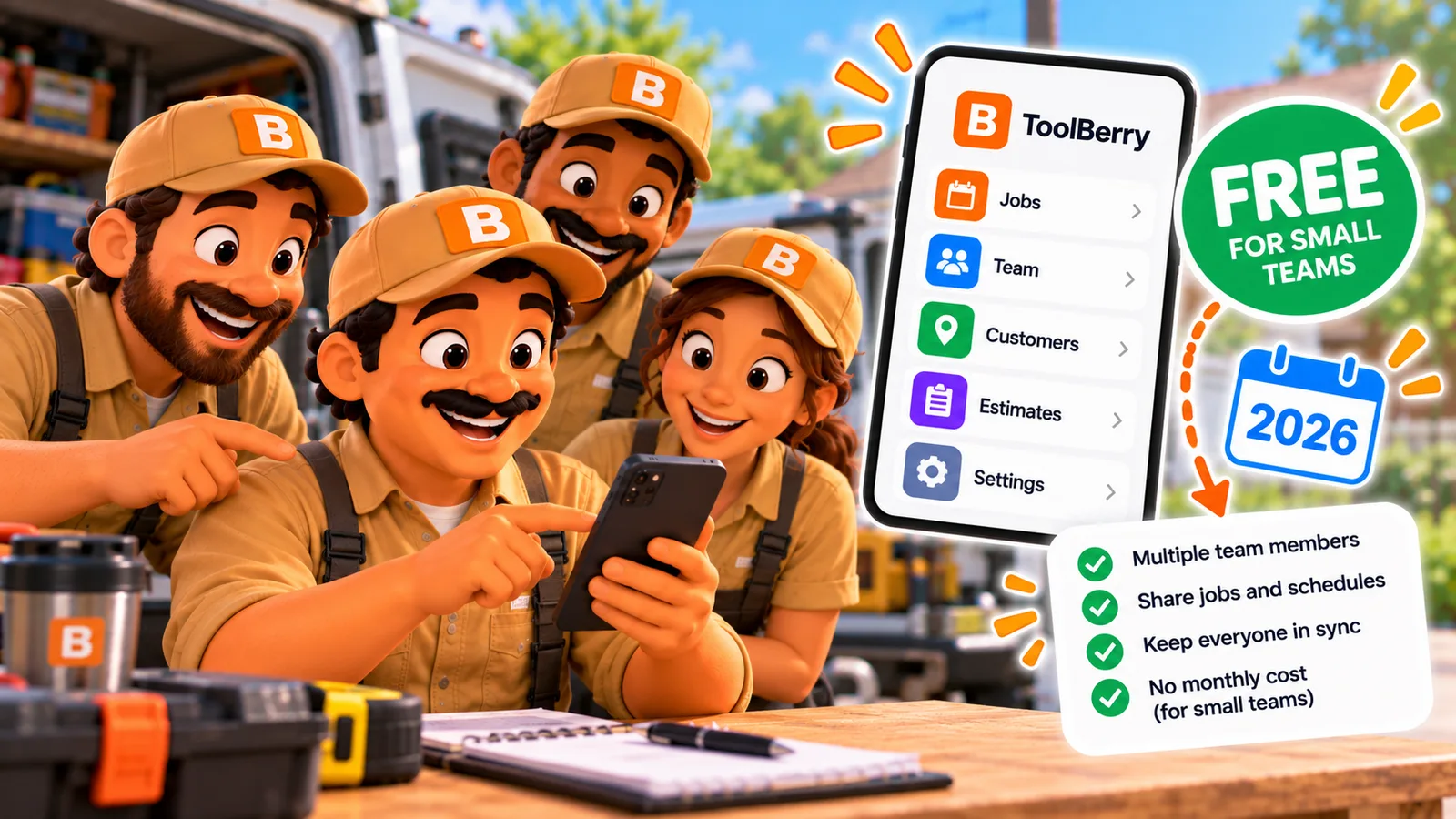
Many free plans stop at one or two people. Here's which apps let a crew share jobs for $0, what the catch is, and where your crew's data ends up.
Published October 23, 2026.
Which field service apps let a small team work together for free?
In October 2026, ToolBerry, Zoho FSM and Connecteam let three or more people share one workspace for $0, so the whole crew sees the same jobs without a bill for each person. Workiz and Kickserv list free plans for two people, and ServiceM8's free plan is one person. The catch is different on each.
Here's how the free options look for a team, checked October 20, 2026:
| App | People on the free plan | The catch | Where your crew's data lives |
|---|---|---|---|
| ToolBerry Free | No cap (suggests Pro from 4 teammates) | Updates take minutes, not seconds. Roles hide screens, they don't lock data | The owner's own Dropbox |
| Zoho FSM Free | Up to 20 | 30 appointments and 30 invoices a month | Zoho's servers |
| Connecteam Small Business | Up to 10 | Built for schedules, time clock and checklists, not quotes and invoices | Connecteam's servers |
| Workiz Lite | Up to 2 | 20 jobs, invoices and estimates in total, not per month | Workiz's servers |
| Kickserv Free | Up to 2 | Basic scheduling, customers and jobs; check the pricing page for invoicing | Kickserv's servers |
| ServiceM8 Free | 1 | 30 new jobs a month; a team needs a paid plan | ServiceM8's servers |
| Jobber, Housecall Pro | Trial only | Paid from day one; each extra person adds to the bill | Their servers |
For the wider list of free apps, solo operators included, see The Best Free Field Service Apps in 2026: An Honest Comparison.
What does "free for a team" look like on a real week?
A free team plan only helps if it survives a normal month of work. Job caps run out fast once three people are booking visits, and a two-person cap blocks the first extra helper. Here's one small business, run through each free plan.
Imagine you run a house cleaning business with two cleaners, and spring is coming. You bring on a third person for the rush. Between you, you clean three houses a day, five days a week. That's about 65 visits a month.
- On a two-person plan (Workiz Lite, Kickserv Free), the third cleaner can't log in. You're back to texting them addresses.
- On Workiz Lite, the 20-job limit is for the life of the account, so it's gone in your second week.
- On Zoho FSM Free, the third cleaner gets in, but 30 appointments a month covers about half your visits.
- On ServiceM8 Free, just one person gets in.
- On Connecteam, all three of you share the schedule and the checklists, and the quotes and invoices live somewhere else.
- On ToolBerry Free, you add the third cleaner on your People page, give them a role and text them a link. All 65 visits fit, and so does the next month.
None of these caps are unfair. They're how a company that pays for servers keeps a free plan from costing too much. But for a busy crew, a cap runs out.
Where does my crew's data live?
On every app in the table except ToolBerry, your jobs, customers and photos live on the software company's servers. On ToolBerry Free, they live in your own Dropbox, and ToolBerry runs no server that stores them. That matters most on the day you leave, or the day prices change.
With a server-based app, your crew's work is in their system. You get it back through their export, and moving years of history takes work.
On ToolBerry, the shared copy sits in a folder in your Dropbox, job photos and receipts included. Unusually for field service software, ToolBerry lets a small team share one workspace for free this way, with no ToolBerry server storing the data and no accounts for teammates.
I built it like that because I watched an owner pay for a license for every helper, in every business they ran. Whether the Dropbox route is safe is its own question, answered in Is It Safe to Share Your Business Data Through Dropbox? An Honest Answer.
The honest tradeoffs
ToolBerry Free has no headcount cap, but it trades speed, locked permissions and card payments for that. If you need instant dispatch or card payments on day one, another app fits better. Here's what you give up, one line each.
- You need a Dropbox. Dropbox's free plan holds 2 GB, and lots of job photos fill it. One upgrade covers the whole crew.
- Updates take minutes, not seconds. Fine for tomorrow's schedule, not for sending someone to a call right now.
- Roles hide screens, they don't lock data. Invite people you'd trust with a paper work order. Real locks are ToolBerry Pro.
- No card payments on Free. Jobber and Housecall Pro take cards from day one.
- Your crew uses the ToolBerry app on their phone. Teammates join from the app, not a web browser.
- Choose Zoho FSM Free if you're under 30 appointments a month and want office features in the browser.
- Choose Connecteam if your main problem is schedules and timesheets, and you already invoice elsewhere.
How do I pick the right one?
Count your people and your busy-month visits, then cross off every free plan that can't hold both. Then decide where you want the data to live. For most crews of two to five, that leaves one or two options worth a real test on your next job.
- Count the people who need the app next month, helpers included.
- Count your visits in a busy month, not a slow one.
- Cross off any free plan whose people or job cap you'd hit.
- Try what's left on your next two-person job.
On ToolBerry, growing doesn't add a fee per person. What adding help costs on each app is in What It Costs to Add a User to Field Service Software - One Job, a Season, or Your First Hire, and when Pro makes sense is in Free Shared Workspace or Pro? What Each One Is For, and When to Switch. Setup takes a few minutes: How to Add Your Team to ToolBerry, Step by Step (Including Your Own Tablet).
Questions? Email contact@toolberry.net. ToolBerry is a free, offline-first field service management app for small service-trade businesses. Get it on the App Store or Google Play.
For the Technically Curious
Why do most free plans cap people or jobs? On a server-based app, every user and every job is stored and served by a database the company pays to run. A free crew is a real monthly cost, so the plan has to stop somewhere.
ToolBerry Free has no server in that path. Each phone keeps its own database, and the crew's changes travel as small files through the owner's Dropbox. A tenth teammate costs us almost nothing to serve, which is why the People page suggests Pro instead of blocking you. The plain-words version is in Can a crew shares one app without a server, in plain words (Coming Soon).
Further reading
- The Best Free Field Service Apps in 2026: An Honest Comparison
- What It Costs to Add a User to Field Service Software - One Job, a Season, or Your First Hire
- Free Shared Workspace or Pro? What Each One Is For, and When to Switch
- Is It Safe to Share Your Business Data Through Dropbox? An Honest Answer
- Pricing pages: Zoho FSM, Connecteam, Workiz, Kickserv, ServiceM8, Jobber, Housecall Pro, Dropbox plans