
How to Follow Up With Past Customers to Get Repeat Bookings
Customers who liked your work do not always call back. Here is how I would decide when to reach out, what to text, and how to never forget.
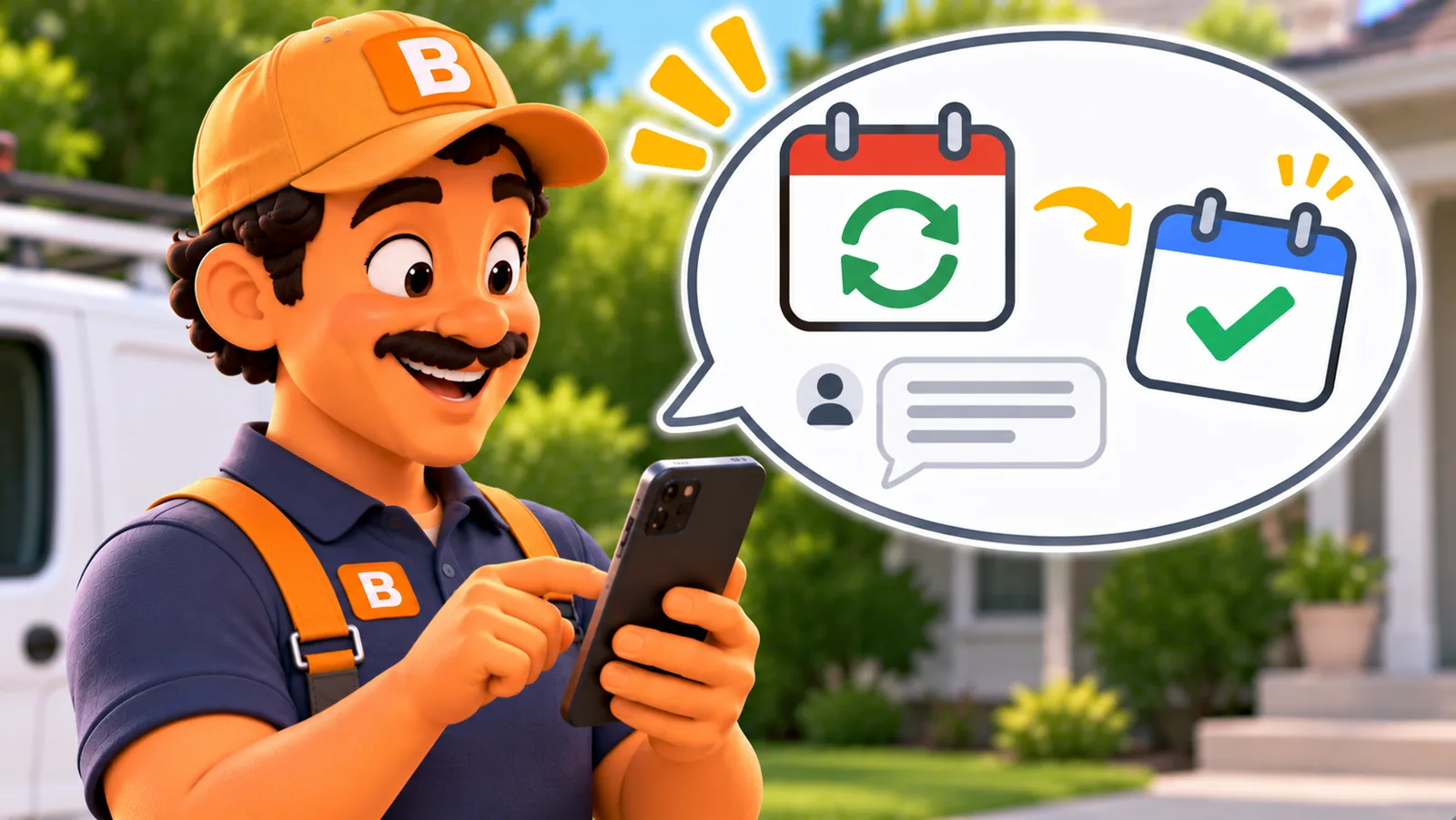
Customers who liked your work do not always call back. Here is how I would decide when to reach out, what to text, and how to never forget.
A follow-up timing guide, two rebooking texts you can copy, and a simple way to stop losing repeat work.
Published November 2026.
The short answer: To get past customers to book again, follow up when their service is due again, not when you happen to remember. On the day of the job, pick a follow-up date and set a reminder for it. On that date, send a short text that offers a specific day. If they do not answer, try once more, then leave it.
Why is a follow-up the cheapest job you can win?
A follow-up is the cheapest job you can win because the customer already knows you, trusts your work, and has your number. You do not have to win them over. You only have to show up in their phone at the right time.
I think most past customers stop booking because nobody reminded them, not because they found someone better. In my experience, most homeowners do not track when the AC needs a tune-up or when the house is due for a deep clean. When the need comes back, they search online or ask a neighbor, and the first business that answers gets the job.
What does a follow-up look like on a real job?
Imagine you run a two-person cleaning business. You did a deep clean for a family in April. They were happy and said they would call again. Before you leave the driveway, you set a reminder for October: "Text about the next deep clean."
In October your phone alerts you, you send one text, and the job is back on your calendar. Without the reminder, six months pass and someone else cleans that house.
Which customers need a follow-up, and when?
The customers who need a follow-up are the ones with no regular schedule: one-time jobs, seasonal work, and services that come around once or twice a year. Weekly and monthly customers are on your calendar already.
These timings are examples. Set your own.
| Service | When to follow up (example) |
| Deep house cleaning | About 6 months after the last one |
| AC or furnace tune-up | A few weeks before the next season starts |
| Water heater flush | About a year after the last one |
| Fall yard cleanup | Late summer, before your fall calendar fills |
The best follow-up date is the one that you pick on the day of the job, while you still remember what you did and what the customer said.
What should a rebooking text say?
A rebooking text should say what you did, say that it is time again, and offer a specific day or two. With a specific offer, the customer only has to say yes. Keep it short enough to read in a few seconds.
Simple reminder
Hi [Name], it's [your name] from [business]. It's been about [time] since your [service], so it's probably due again. Want me to put you on the schedule? I have [day] or [day] open.
With a reason to book now
Hi [Name], [your name] here. [Season] is coming up and my calendar is starting to fill. Want me to save you a spot for your [service]? I can do [day] morning or [day] afternoon.
Use the customer's name and the service that you did. A text that remembers their house sounds like a person, not a mass message.
How often should you follow up with a past customer?
Follow up once each time the service comes due, plus one more try if they do not answer. Wait about a week before the second message. If there is still no reply, write a note on their record and wait for the next cycle. Two texts are a reminder. Five texts are pressure.
A "not right now" is still useful. Ask when would be better, and set the next reminder for that date.
How do you keep track of follow-ups without a notebook?
You keep track by giving every follow-up a date and an alert. A notebook stays in the truck, and the contacts in your phone do not tell you who is due this month.
This is what reminders do in ToolBerry. On the free plan:
- Set it on the job or the customer. Add a reminder with a note such as "Text about the next deep clean," and pick the day and time.
- Get an early heads-up. Add an early heads-up if you want a warning before it is due.
- Your phone alerts you. The alert comes at the time you set, even with no signal.
- See them with your week. Your reminders show on the calendar and the agenda.
- Mark it done and set the next one. When you finish a reminder, you can create the follow-up in one tap.
You can start with no sign-up, and the app works offline.
What is hard about follow-ups?
Four things are hard, and I would rather say them plainly.
- ToolBerry does not text your customer, on any plan. It reminds you, and you send the message from your own phone. There is no automatic rebooking message.
- Text only the customers who gave you their number for your service. If a customer asks you to stop, stop.
- The alerts need the phone app. You must allow notifications, or you will not see them.
- You must set the reminder on the day of the job. If you skip that step, nothing reminds you later.
What should you do today?
- List the one-time and seasonal customers from the last 12 months.
- Write a follow-up date next to each one.
- Set a reminder for each date.
- Send a rebooking text to everyone who is due this month.
- From now on, set the follow-up reminder before you leave each job.
Quick answers
Should I offer a discount to get past customers back?
Usually you do not need one. I think most past customers only need the reminder. Keep discounts for slow weeks, and say that the offer is for a limited time.
Is it better to call or text?
Text first. The customer can answer when it suits them. Call the customers who prefer the phone.
The follow-up timings in this article are examples. Adjust them to your services and your customers.
Have a question?
Email us at contact@toolberry.net. Get ToolBerry on the App Store or Google Play.
Further reading
- How to Price a Recurring Service Contract?: for the customer who wants you on a regular schedule.
- Google Business Profile Basics for Trades: get found by new customers too.
- Free estimate generator: send a written price when a past customer says yes.