
Google Business Profile Basics for Trades
The free Google listing is the best lead source most trades ignore. Here is how to claim it and get found.
Updated October 27, 2026
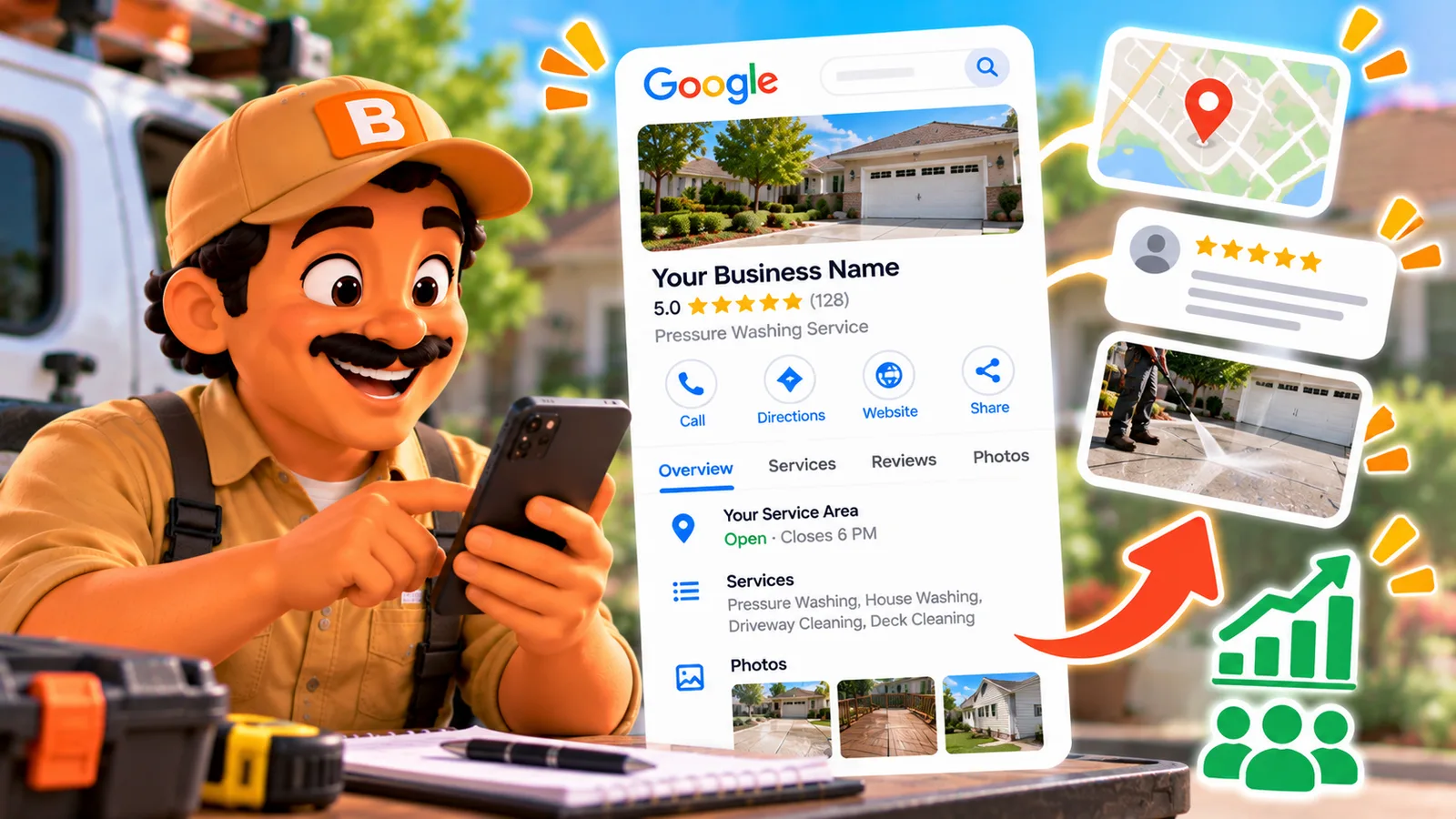
The free Google listing is the best lead source most trades ignore. Here is how to claim it and get found.
The short answer
A Google Business Profile is the free listing that makes your business show up on Google Search and Google Maps when someone nearby looks for your trade. It is the box with your name, hours, photos, reviews and a call button. Claim it, fill it out completely, add real job photos, and ask happy customers for reviews. That is most of the work, it costs nothing, and for a local trade it is usually the single highest-return hour of marketing you will do all year. ToolBerry does not manage your Google profile for you, but the photos and records you already keep on a job make feeding it a lot easier.
Meet Tanya
Tanya runs a two-person painting business. Her work is genuinely good, the kind that gets her referred at barbecues, and for three years every job came from word of mouth. Then a slow month hit, the phone went quiet, and she did the thing her customers do: she pulled out her phone and searched "painters near me."
She was not there. Not on the map, not in the list. What came up instead was a painter she knew did sloppier work than she did, sitting at the top with forty reviews and a row of project photos. Tanya had done hundreds of beautiful rooms. Google had never heard of a single one.
That is the gap this post is about. Not being better at the trade, Tanya already was. Being findable by the people who are already looking.
Why does Google Business Profile matter so much for a trade?
Because of how people hire a tradesperson now. When a pipe bursts or a deck needs staining, almost nobody opens a phone book or scrolls a website. They type the trade and "near me" into a phone, and they pick from the little map results that come up first. Google's own research has long shown that most local searches done on a phone lead to a call or a visit the same day. Those are not window shoppers. That is someone with a problem, right now, looking for whoever they can trust fastest.
And for a stranger, trust mostly means reviews. BrightLocal has tracked this for over a decade, and its 2025 Local Consumer Review Survey keeps landing on the same point: most people read reviews before picking a local business, and your star rating and how recent those reviews are decide who gets the call. A profile with twenty recent five-star reviews beats a better painter with none, every time. The customer cannot see your work yet, only the proof.
The best part: the profile itself is free. Google does not charge you to appear. You are not buying ads here, you are claiming a spot you are already entitled to and most of your competitors have left half-empty.
How do you set up your profile?
The setup is a one-evening job. Do it once, properly, and it mostly runs itself after that.
- Claim what is already there, do not make a second one. Google often creates a bare listing for you. Search your name, claim that one, and use a company email so you always control it. Two listings split your reviews and confuse Google.
- Verify it. Google checks you are the real owner, usually with a code. Verifying is what unlocks editing, review replies, and seeing how people found you.
- Pick the right primary category. The biggest single lever. Make it your main money-maker, Painter, Plumber, Pressure washing service, not something vague. Add secondary ones only for work you actually do.
- Set your service area, hide your home address. You go to the customer, so list the towns and zips you cover and keep your address private. That is normal and allowed.
- Fill in every field. Hours, phone, website, and each service written the way a homeowner says it, not in trade jargon. An empty field is a reason for Google to show someone else instead.
- Add real photos. Your truck, your crew, and above all before-and-afters of real jobs. Google says profiles with photos get more clicks and directions than bare ones, and for a visual trade the photos are the pitch.
How do you actually get found and chosen?
Setup gets you on the map. These habits move you up it and turn views into calls.
Ask for reviews, steadily, and reply to every one. A slow, steady trickle of real reviews climbs higher than twenty in one week and then silence. Ask every happy customer right after the job, while they are still looking at the clean result, with a quick text and your review link. Reply to the good ones with a thank-you and the rough ones calmly. Future customers judge how you handle a complaint as much as the complaint itself.
Keep the photos fresh. Add a few new job photos every couple of weeks. A profile that is clearly alive signals to both Google and the customer that you are busy and current.
Keep your name, address and phone identical everywhere. The exact same business name, phone and service area on your profile, your website, your truck and any directory. Mismatches make Google less sure you are a real, settled business. And use a real local number, not a call-tracking number that changes, which can work against you here.
Post the occasional update. Google lets you post short updates, a seasonal offer, a recent project. It is a small edge, not a magic trick, but it keeps the profile active.
What a Google Business Profile will not do
Honesty section, because the marketing world oversells this one.
- It is not a website, and it is not instant. A profile helps you show up; it does not replace having somewhere to send people, and ranking well takes weeks of reviews and activity, not an afternoon.
- It will not fix bad work or a slow phone. Reviews are a mirror. The profile sends you more calls; whether they become jobs is still on you to answer the phone and show up.
- Do not buy or fake reviews, or stuff keywords into your business name. Google removes fake reviews and suspends profiles that game the name field, and a suspension is a far worse day than a quiet one. Earn the reviews.
- One bad habit undoes a lot of good ones: going quiet. A profile you set up once and never touch slowly drifts down. Fifteen minutes a month keeps it working.
Where this connects to the work you already do
ToolBerry does not run your Google profile, and we are not going to pretend it does. What it does is make the two things that feed a great profile fall out of the job itself.
The photos. If you are already shooting before-and-after photos on each job in ToolBerry, your Google gallery is sitting right there on your phone. Every clean driveway and finished room you documented for the record is also the proof a stranger needs to call you instead of the other painter. You are not staging photos for marketing, you are reusing the ones you took anyway.
The timing of the review ask. The best moment to ask for a review is the moment you close out the job and the customer is happy. Because the job and the customer are right there in the app as you finish, it is easy to make "send the review link" the last step of the work instead of a thing you mean to do later and forget.
One thing that is coming, not here yet: deeper Google connections, like Google Local Services Ads and Google Calendar, are on our roadmap. They are not live today, so treat this post as a guide to the free profile you can build yourself right now, which is the part that matters most anyway.
How to start this week
- Search your own business name and claim the listing if one already exists.
- Verify it, then set your primary category and your service area.
- Fill in every field, and write your services the way customers say them.
- Add ten real photos, before-and-afters first.
- Ask your next five happy customers for a review, and reply to the ones you have.
Thirty minutes of setup and a habit of asking. That is the whole game, and it is free.
Have a question?
We build ToolBerry as working engineers for people who run real businesses out of a truck, and getting found is half the battle before the software even matters. If there is something about running the job that would make keeping your profile fed easier, tell us at contact@toolberry.net.
Grab ToolBerry from the App Store or Google Play, or visit toolberry.net.
Free for solo operators and small crews. No account. No credit card. Works offline.
Further reading
- Why ToolBerry Is Offline-First: keeping the job records and photos that feed your profile
- Built to Bend: Why ToolBerry Lets You Customize Everything: shaping the app around your trade
- BrightLocal Local Consumer Review Survey 2025: the research on how customers actually use reviews
- Google Business Profile Help: Google's own setup and verification steps