
Run Several Businesses on One Phone - Day Job, Side Hustle and a New Trade
Work for one company, run your own on weekends, try a new trade on the side. Here's how to keep each one separate on one phone, for free.
Aggiornato22 ottobre 2026
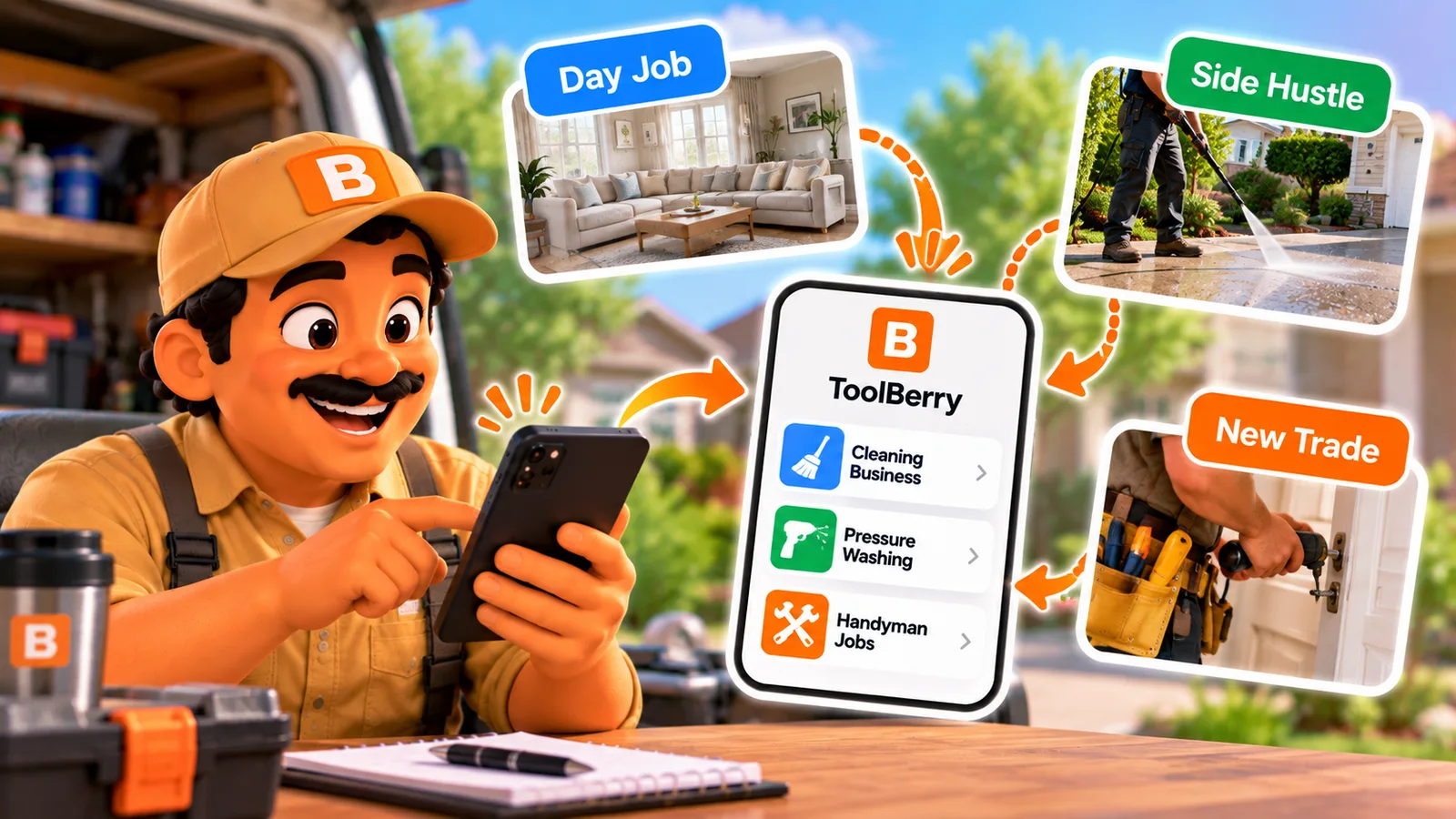
Work for one company, run your own on weekends, try a new trade on the side. Here's how to keep each one separate on one phone, for free.
Published October 19, 2026.
Can I run several businesses in one field service app?
Yes. ToolBerry Free keeps several workspaces on one phone, one for each business, and you switch between them from the menu. Each workspace has its own customers, jobs, prices, logo and people. Every workspace is free: no second account, no email and no card to start one.
A "workspace" in ToolBerry is simply one business. Trying a new trade for a season costs you time, not a subscription.
What does that look like in a real week?
Picture one phone carrying three businesses: your boss's, your own, and one you're testing for a season. You open the one that fits the job in front of you. Customers, prices and quotes stay inside their own business, so nothing from one shows up in another.
Imagine you mow lawns for a landscaping company Monday to Friday. The company runs on ToolBerry, and your boss invited you to its workspace, so the week's routes and checklists are on your phone.
On Saturdays you pressure wash driveways under your own name. That's your own workspace, with your own customers and quotes. Your boss never sees your weekend customers, and your weekend customers never see your boss's price list.
Then October comes, and a neighbor asks if you hang holiday lights. You're not sure it's worth it. So you start a third workspace just for lights, try it for one season, and remove it in January if it flops. Your pressure washing records stay clean either way.
Why keep each business separate?
Because mixed-up records cost you money and trust. Separate workspaces put the right name and logo on every quote, keep each business's numbers clean at tax time, and leave your employer's data with your employer, even when you work for them and for yourself.
I learned this early. I worked with an owner who ran several businesses at once on big office software. Each business was its own setup, with its own paid license for every person, so one helper who worked in two of them needed two licenses. That story is in Why we are building a free way for your crew to share one workspace.
I built workspaces for the people that software ignored: the tech who works for a company and runs a side business, or tries a second trade. Other apps also treat each business as its own account. Jobber, for example, lets one login reach several accounts, but each business is a separate Jobber account (Jobber Help Center, checked October 16, 2026).
How does it work?
Tap your business name at the top of the menu. You'll see every workspace on your phone, plus "New workspace." Pick one to switch, or start a new one. Each workspace stays on your phone, so switching doesn't delete anything or download it all again.
- A new workspace gets its own setup. You pick its industry and can apply that industry's template, so a holiday lights workspace doesn't start with lawn services. See Customizations: Understanding Industry Templates in ToolBerry.
- Joining your boss's team adds a workspace, it doesn't replace yours. Accept their invite and their workspace sits next to your own. How invites work is in Add an Employee With a Link - No Account, No Email, No Password.
- Each business can have its own crew. If your weekend business grows and you invite a Saturday helper, that helper sees your pressure washing jobs and never your boss's.
The honest tradeoffs
Separate means separate. You see one business at a time, a customer you serve in two businesses is entered in each, and removing a test workspace that never left your phone can't be undone. Your boss also controls your access to their workspace.
- One workspace at a time. There's no combined calendar across businesses. You switch to see each one.
- Shared customers are entered twice. Each workspace keeps its own customer list.
- Removing a phone-only workspace deletes it for good. ToolBerry warns you and asks first, so remove a test workspace only when you're sure.
- Your boss's workspace is your boss's. If they remove your access, their workspace is deleted from your phone the next time you're online. Your own workspaces stay exactly as they were.
What should I do next?
Start your side business as its own workspace today, even if it's just you. Open the menu, tap your business name, choose New workspace and pick its industry. Add your first customer and send one quote with the right name on it.
If you also work for a company that uses ToolBerry, ask them for an invite and keep both on one phone. Working as a subcontractor for several companies is a bigger topic, covered in a later post in this series.
Questions? Email contact@toolberry.net. ToolBerry is a free field service app for small service-trade businesses. Get it on the App Store or Google Play.