
The Best Housecall Pro Alternatives for a 1–5 Person Crew (2026)
Housecall Pro is a good product. The question is whether a small crew needs all of it - at $79 to $299 a month.
Updated August 3, 2026
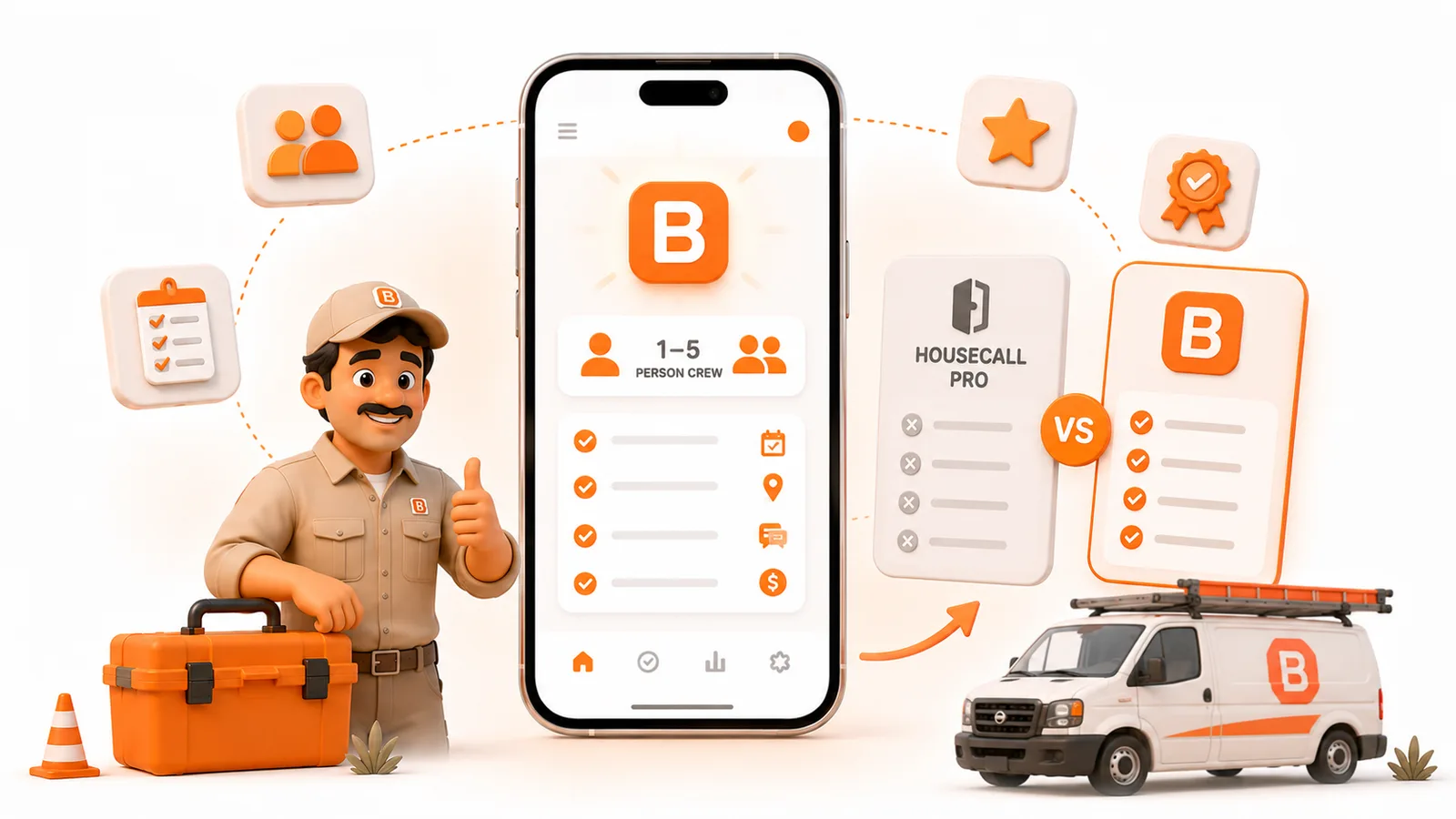
Housecall Pro is a good product. The question is whether a small crew needs all of it - at $79 to $299 a month.
Published August 2026. Prices are dated and linked so you can check them.
The short answer
If Housecall Pro feels like too much software - or too much money - for a one-to-five person crew, the best alternatives in 2026 are ToolBerry (free, offline, no signup), Jobber (a polished paid all-in-one), and Kickserv (a low-cost option with a small free tier). Workiz and FieldPulse are worth a look if you're already scaling past five. But the honest headline is simpler than the list suggests: ToolBerry is the only one of these with a genuinely competitive free plan - a full, working app, not a 14-day trial or a bare-bones teaser. Everything else is either paid or capped so hard it's really just a demo. So if free is the goal, the real question isn't which free plan to pick - it's how far ToolBerry takes you before you'd ever need to pay.
Why small crews leave (or skip) Housecall Pro
First, fairness: Housecall Pro is a genuinely good product for the residential home-services business it's built for, with marketing, online booking, and consumer-facing scheduling baked in. If that's your model and you've got the volume, it earns its keep.
The friction for a 1–5 person crew is cost and scope. There's no free plan - a 14-day trial, then Basic runs $79/month ($59 billed annually), Essentials $149, and MAX $299 (Housecall Pro pricing). The features a small crew actually wants tend to sit a tier or two up, and the add-ons pile on from there - Sales Proposals at $40/month, a Price Book at $149/month, vehicle GPS at $20 per vehicle. For a crew of two or three doing referral work, that's a lot of platform, and a lot of monthly bill, for a fraction you'll use. (More on paying for features you never open in What Every Field Service App Actually Needs.)
None of that makes Housecall Pro bad. It makes it aimed at someone bigger than a five-person crew. Here's what to look at instead.
The alternatives, compared
| App | Free plan? | Paid starts at (2026) | Best for a 1–5 crew |
|---|---|---|---|
| ToolBerry | Yes - full app, free forever | Pro: priced per company, quoted on request | Crews who want $0, offline, and no signup |
| Jobber | No - 14-day trial | $39/mo (1 user; $29 annual) | Crews ready to pay for a polished all-in-one |
| Kickserv | Yes - 2 users, basic | ~$47–$60/mo | Tiny shops wanting a simple, cheap CRM |
| Workiz | No - 7-day trial | Unpublished (by request) | Crews wanting a built-in phone system, ready to grow |
| FieldPulse | No - 14-day trial | ~$99/mo (unpublished) | Crews already scaling past five |
The alternatives, one by one
ToolBerry - the free, offline option
ToolBerry is a free, offline-first field service app built for exactly this size of business: solo operators and small crews. The whole core is free forever - customer and job records, recurring and one-off scheduling, work orders with photos, quotes and invoices, custom fields and trade templates, on iPhone, Android, and web, in English and Spanish. No account, no credit card, no 14-day clock.
Choose ToolBerry if: you want $0 forever, you work where the signal drops, and you'd rather skip the signup entirely. Trade-offs: card payments, real-time team sync and enforced roles (custom roles included) are ToolBerry Pro features, priced per company, not part of the free app. A small crew can still share the free app through the owner's own Dropbox.
Jobber - the polished paid all-in-one
Probably the most popular paid pick for established small home-service businesses. No free plan; a 14-day trial, then Core starts at $39/month for one user ($29 annually), Connect at $119, and Grow at $199 (Jobber pricing). Strong client communication and a deep, mature feature set.
Choose Jobber if: you've got steady revenue and want a refined all-in-one, and the monthly cost is an easy yes.
Kickserv - a simple, cheap CRM
Kickserv offers a real $0 plan for up to 2 users with basic scheduling, customer management, and job tracking, with paid tiers starting around $47–$60/month (Kickserv pricing). It's the only free plan here besides ToolBerry - but it's a bare-bones cloud CRM for a tiny shop that mainly needs names, jobs, and a calendar in one place, with no offline story and none of a full app's depth.
Choose Kickserv if: you want a simple, inexpensive CRM and you're always connected.
Workiz - a fuller platform with a built-in phone system
Workiz no longer offers a permanent free plan - it's a 7-day free trial, then Standard, Pro, or Ultimate, each including the first 5 users, with extra members $55–$65/month. Pricing is now by request rather than published (Workiz pricing). Workiz leans toward growing and mid-size teams and bundles a built-in phone system, automations, and QuickBooks.
Choose Workiz if: you want an all-in-one with a phone system built in, and you're closer to five people than one.
FieldPulse - room to grow
Seat-based and unpublished, with contractor-reported costs around $99–$399/month depending on size and features, after a 14-day trial (FieldPulse pricing). More platform than most 1–5 crews need, but a fair option if you're about to cross that line.
Choose FieldPulse if: you're already scaling past five and want one platform to grow into.
How to choose for a small crew
- Start with free vs paid. Is anything actually broken that a free tool can't fix? If not, don't pay yet. (The honest version of that question is here.)
- Test offline. Turn on airplane mode mid-job. Housecall Pro and most cloud tools need a connection; ToolBerry doesn't.
- Add up the real monthly cost - base plan plus the add-ons you'd actually need - not the sticker price.
- Check the fit. Can you rename things and add the fields your trade needs?
- Check the exit. Can you get your data out if you leave?
The honest tradeoffs
We'd rather point you to the right tool than just win the click:
- If you specifically want Housecall Pro's marketing, reviews, and consumer-facing online booking, ToolBerry doesn't do those - that's genuinely what Housecall Pro is built for.
- If you need to take card payments inside the app, that's ToolBerry Pro, through your own Stripe account; the free app records payments you collect another way.
- If you need enforced roles and permissions or real-time sync across a growing team, those are live in ToolBerry Pro, custom roles included. Tell us what you need and we'll say whether Pro fits.
For a 1–5 crew that mostly wants to run jobs, get organized, and stop paying for a platform it half-uses, though, the free option is the one most people should try first.
Have a question?
We build ToolBerry as working engineers, and we'll tell you honestly when another tool fits your crew better. Reach us at contact@toolberry.net.
Grab ToolBerry from the App Store or Google Play, or visit toolberry.net.
Free forever for solo operators. No account. No credit card. Works offline.
Further reading
- The Best Free Field Service Apps in 2026: An Honest Comparison - the full field, not just Housecall Pro
- Do You Even Need Paid Field Service Software Yet? - the free-first decision
- What Every Field Service App Actually Needs (and What's Just Bloat) - core versus the features you'll never open
- Is ToolBerry Really Free Forever? - how the free option stays free