
Show the customer the work, not just the bill.
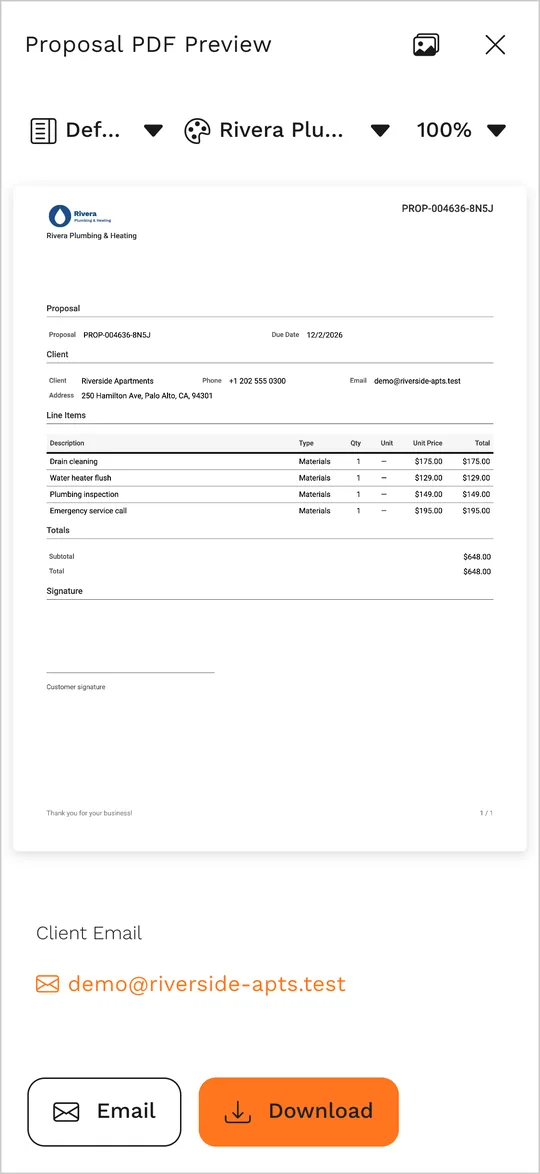
ToolBerry makes a field service report for every job and service visit: a PDF with your logo, the work done, the checklist answers with pass, warning or fail results, equipment readings and the photos you chose. Completing a job saves its PDF on the job. Share it, or send it from your own email, as proof of the work.
Am Computer? Scanne den QR-Code mit deinem Smartphone, um die App zu erhalten.
Kein Konto und keine Kreditkarte erforderlich. Funktioniert offline.
So funktioniert es
Erledigen Sie die Arbeit
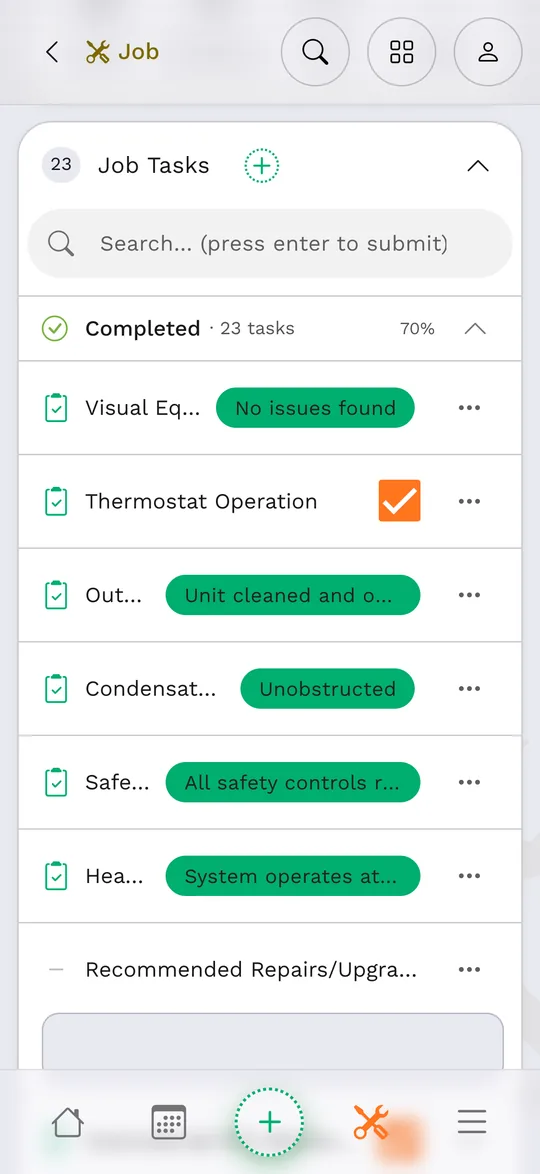
Finish the checklist and take the photos.
Complete the job
Tap Complete. The report is made and saved on the job.
Send it
Share the PDF or send it from your own email.
Was die App sonst noch kann
- Several branded templates, for example one per division.
- Equipment readings on service reports, graded against baselines.
Free, Crew and Pro
Was die einzelnen Tarife enthalten - aus unserer Funktionsliste.
| Funktion | Kostenlos | Team | Pro |
|---|---|---|---|
| Auftrags- und Serviceberichte | Included | Included | Included |
| Abschlussbericht wird automatisch gespeichert | Included | Included | Included |
| Markenspezifische PDFs | Included | Included | Included |
| Versenden Sie die E-Mail über Ihre eigene E-Mail-App | Included | Included | Included |
| E-Mail-Angebote und Rechnungen | Nicht enthalten | Included | Included |
Für Ihre Branche
Verwandte Funktionen
Fragen
Can I add my logo?
Yes, and your colors, business details and footer.
Which photos go on the report?
The ones you choose. New photos are included unless you turn them off.
Is the report kept?
Yes. Completing a job saves its PDF on the job.
Show the customer what they paid for.
Am Computer? Scanne den QR-Code mit deinem Smartphone, um die App zu erhalten.
Kein Konto und keine Kreditkarte erforderlich. Funktioniert offline.