
Handyman: From Sticky Notes to a Simple Job Tracker
You don't need software. You need one place that remembers what a sticky note forgets.
Updated July 29, 2026
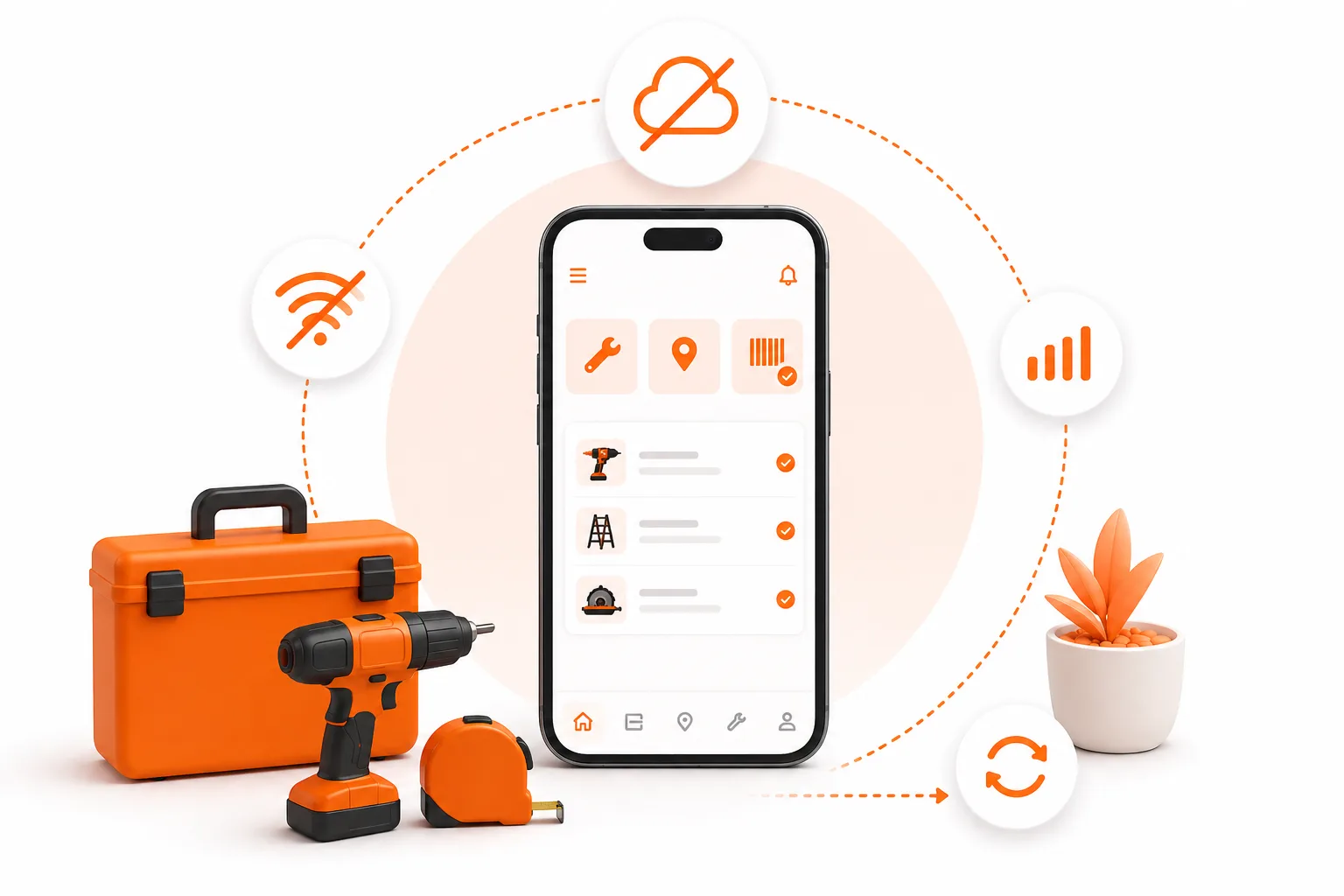
You don't need software. You need one place that remembers what a sticky note forgets.
Picture this. You're wrapping up a job - a leaky faucet, maybe a door that finally closes right - and your phone rings. It's a customer from Tuesday, asking when you're coming back to finish the trim work you quoted her. You don't remember quoting her. You definitely don't remember what you quoted.
Somewhere in your truck there's a sticky note with her number on it. Or there was, until it fell behind the seat.
This is not a you problem. It's a paper problem. There are more than 529,000 handyman businesses in the US, and the industry is so fragmented that no single company holds more than 5% of the market - it's built almost entirely on solo operators and two- or three-person crews (IBISWorld). Most of you are running the whole business out of your head, a notebook, and a stack of sticky notes on the dash. That's not disorganization. That's just what running a one-person shop looks like without the right tool.
See how ToolBerry works for handymen.
What actually breaks down with sticky notes
It's never one big failure. It's a dozen small ones that add up over a month:
- A customer's phone number is on a note that's now illegible, wet, or gone.
- You're mid-job when a new customer calls, and you have no way to check if you're already booked that afternoon.
- You forget what materials a job needs until you're standing in the aisle at the hardware store trying to remember.
- The quote you scribbled on the back of an envelope doesn't match the invoice you write two weeks later, because you can't read your own handwriting anymore.
- A job gets done, but nobody follows up, because there's no list of "jobs I finished but haven't checked back on."
- The photos of the finished work are on your phone's camera roll - nowhere near the note about what you actually did.
None of these are catastrophic on their own. A missed follow-up here, a lost number there. But phone-based businesses live and die on the phone actually getting answered and returned - and industry data on home services calls found 27% go unanswered entirely (Invoca). Every sticky note that goes missing is one more call that doesn't get returned.
Why Jobber and Housecall Pro don't fit either
The obvious answer looks like Jobber or Housecall Pro. They're real products, built by real companies, and they work - for the right business.
The problem is what they're built for. Jobber starts at $39/month, Housecall Pro at $79/month, and both are priced and designed around dispatching a team: multiple techs, a dispatcher board, route optimization, payroll sync. If it's just you and a truck, you're paying for a dispatcher's dashboard you'll never open, and often clicking through five screens to do something a sticky note did in five seconds - write down a name, a number, a job.
That's the actual gap. Not "no software exists," but "the software that exists wasn't built for one person." We've written a full breakdown of how the free options stack up if you want the wider comparison - see The Best Free Field Service Apps in 2026.
What a simple job tracker actually needs to do
Strip away the dispatcher dashboards and the payroll modules, and a solo handyman needs surprisingly little:
- One place for the customer - name, phone, address, and every job you've ever done for them.
- A calendar that shows what's already booked, so a new call doesn't turn into a double-booking.
- A status on every job - so you can tell at a glance what's scheduled, what you're mid-way through, and what's done but needs a follow-up.
- Photos attached to the actual job, not floating in your camera roll disconnected from any notes.
- Something that works with no signal, because plenty of job sites - basements, crawlspaces, rural properties - don't have any.
That's it. That's the whole list. Everything else is a nice-to-have.
What ToolBerry actually does here
This is where we'd usually say "and that's exactly what we built" - so here's the concrete version, verified against what's actually shipped:
- Every job is a record with a status, moving through Draft → Pending → Scheduled → In Progress → Completed → Closed. Open the app and you know instantly what still needs attention, without flipping through a notebook.
- A real calendar view (
ScheduleCalendar, with drag-to-reschedule) shows what's booked, so a new customer's Thursday afternoon doesn't collide with one you already promised. - Photos attach directly to the job. There's a dedicated "Add Photo" button that opens your camera and drops the picture straight onto that job's record - not a separate camera roll you have to cross-reference later.
- Customers, sites, notes, and job history live in one place, searchable, instead of split across Contacts, iMessage, and a paper notebook.
- It works with zero signal. Your data lives in a real SQLite database on your device - the same engine iOS and Android already use - so a crawlspace with no bars doesn't stop you from finishing a work order. We've written more about why that matters in Why ToolBerry Is Offline-First.
- Proposals, not scribbled estimates. Write it once on the job, and it's the same numbers that end up on the invoice - no re-copying a number off an envelope two weeks later.
None of this requires a dispatcher board, because you're not a dispatcher. You're the guy in the truck.
Why it matters more than it sounds like it should
A tool that's slightly harder to use than a sticky note loses to the sticky note every time - not because the tool is bad, but because a notebook has zero setup and zero learning curve. That's the real reason a lot of "real" field service software goes unused six months after a contractor signs up for it: it was built for someone else's job (the dispatcher's), not theirs.
The bar for a solo handyman's tool isn't "does it have more features than Jobber." It's "is it faster than a sticky note." If it isn't, it doesn't get used, no matter how good the dashboard looks.
The honest tradeoffs
We'd rather tell you what this doesn't do than have you find out the hard way:
- The free app isn't a payments processor. You still collect however you already do: cash, check, Venmo, a card reader. Free ToolBerry gets you an accurate invoice; card payments are a ToolBerry Pro feature.
- Free syncs through your own Dropbox, not live. Your phone and a tablet stay in step through your Dropbox, periodically rather than instantly. Live, real-time sync is a ToolBerry Pro feature.
- It's still a phone app. If you genuinely prefer paper and never lose a note, we're not going to talk you out of a system that works for you. This is for the solo operators who are losing track of things and want one place that isn't a truck full of sticky notes.
- Setup takes longer than grabbing a pen. Ten minutes the first time, to add your first few customers and jobs. After that it's faster than paper - but that first ten minutes is real.
How to start
- Install ToolBerry on your phone (App Store or Google Play) or open it at toolberry.net - no account, no credit card.
- Add the five customers you'd be most annoyed to lose track of.
- Create a job for each one - even old ones - with whatever notes and photos you already have.
- Next time your phone rings mid-job, check the app instead of digging through the truck.
Learn more about ToolBerry for handyman businesses.
Have a question?
We build ToolBerry as working engineers, and we're happy to talk through whether it fits a one-person handyman operation specifically. Reach us at contact@toolberry.net.
ToolBerry - a free, offline-first field service management app for small service-trade businesses.
Further reading
- Why ToolBerry Is Offline-First - why the app works with zero signal
- The Best Free Field Service Apps in 2026: An Honest Comparison - how the free tier stacks up against Jobber, Housecall Pro, and the rest
- Is ToolBerry Really Free Forever? - the honest version of how the free tier stays free