
Workiz Doesn't List a Free Plan Anymore. Here's What to Do If That Was Your Plan.
If "free" is the reason you picked your field service app, most of the alternatives being recommended to you aren't alternatives at all.
Updated August 1, 2026
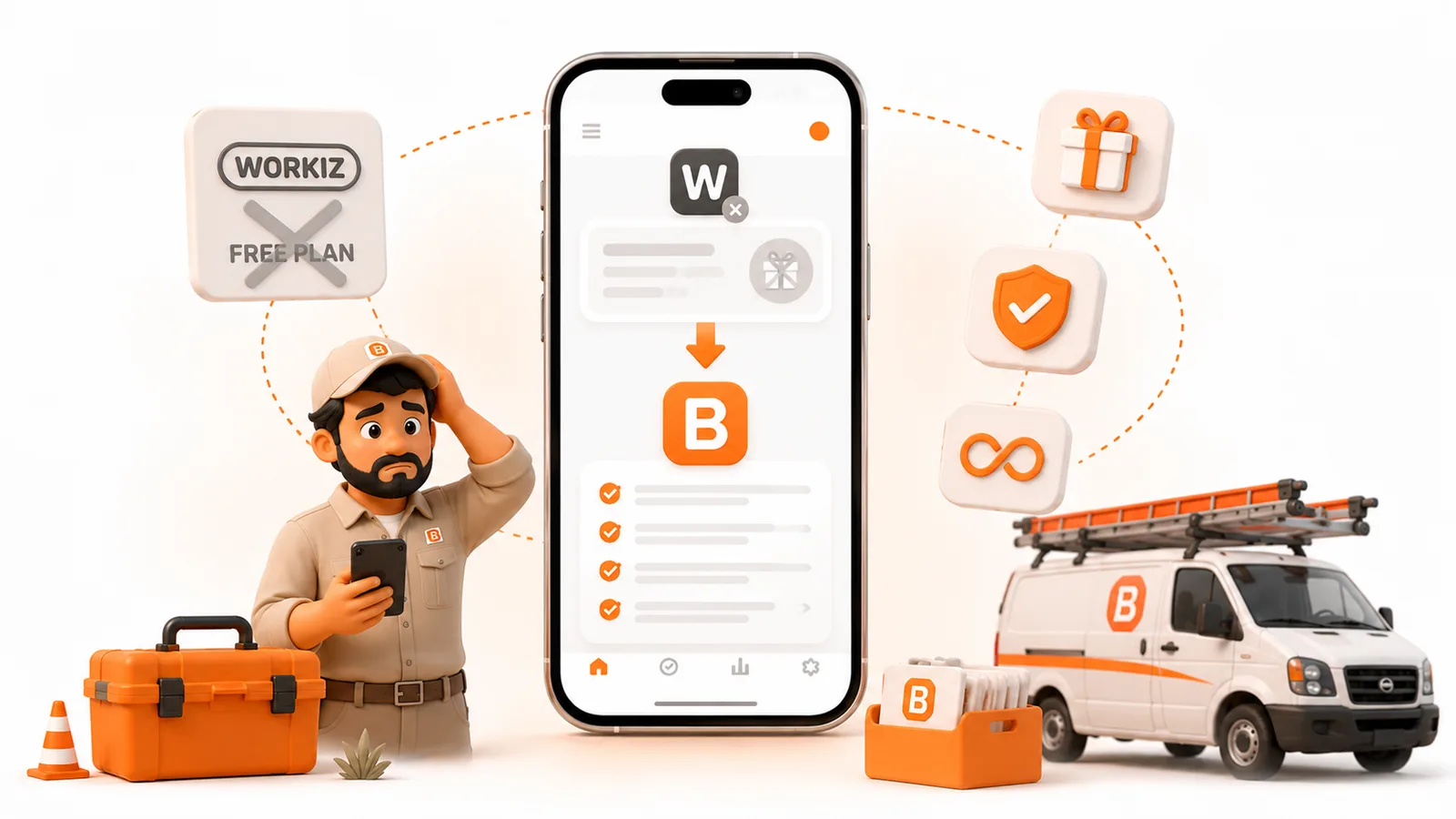
If "free" is the reason you picked your field service app, most of the alternatives being recommended to you aren't alternatives at all.
As of July 30, 2026, Workiz's pricing page lists three plans - Standard, Pro, and Ultimate - and every one of them sits behind a "Request pricing" button. There are no dollar figures on the page and no free plan on it. The only free thing named is a 7-day trial.
If free was your plan, you need a different app. ToolBerry is free for life - the full app, no user cap, no trial clock, no signup, no credit card - and it works offline. When you outgrow free, ToolBerry Pro does payments, online booking, QuickBooks, and real-time crew sync, on an annual plan with no auto-renewal and no termination fee, priced by quote at one price per business.
Meet the operator this is actually about
Marisol runs a three-person house cleaning crew out of Vista, California. Two vans, about forty jobs a week, one of which is always a last-minute reschedule. She started on a free field service plan two years ago because she wasn't going to pay a few hundred dollars a month to organize forty jobs.
She went to check her plan last month and the page she remembered was gone. In its place: three tiers, no prices, and a form asking her to book a demo.
Marisol isn't a churn statistic. She's a business that runs fine and needs a schedule, a client list, and invoices that go out the same day. There are a lot of her.
What actually happened to Workiz's free plan?
Workiz used to publish a free tier called Lite: two users, and 20 jobs, 20 invoices, and 20 estimates per month, with no online payments, SMS, automations, QuickBooks sync, or location tracking.
It is no longer on the pricing page. We checked on July 30, 2026. The page shows Standard, Pro, and Ultimate, all with "Request pricing," and the FAQ on that same page describes a 7-day free trial with no credit card required. That is the only free offer named.
Two things worth being precise about, because we'd rather be accurate than dramatic:
Lite hasn't been deleted. Workiz's own help center still refers to accounts downgrading to the Lite plan. It appears to exist as a place your account lands, not a plan you're invited to choose. It's off the storefront, not out of the building.
The page is running a test. The "Request pricing" buttons carry a tag identifying an April 2026 pricing page test. Tests get reverted. If you're reading this months from now, go look at the page yourself before you take our word for it.
Why can't you find out what it costs?
Because Workiz stopped publishing the numbers, and the third-party sites that track pricing now disagree with each other. ITQlick lists Kickstart at $187, Standard at $229, and Pro at $270 per month. TrustRadius says four plans starting at $225. Other trackers report $225, $275, and $325. Those are real gaps, and they exist because the source of truth went behind a form.
Two figures Workiz does still publish, in a footnote on the pricing page: extra seats run $55 a month on Standard and $65 a month on Pro, on annual payment.
And in Workiz's own Billing FAQ, updated April 2026, there's a line worth reading twice before you sign anything: all Workiz plans are purchased on annual contracts, with payment made monthly or annually. The same document notes that removing users doesn't reduce your seat count or your price during the contract term.
If you run a seasonal crew - landscaping, pool, pressure washing - read that last part again. Staffing down in November doesn't bring the bill down in November.
So why isn't Jobber or Housecall Pro the answer?
Search "Workiz alternatives" and you'll get a dozen listicles recommending Jobber, Housecall Pro, ServiceTitan, and FieldPulse.
But look at what just happened to you. You were on a free plan. It went away. And every recommended replacement starts at a monthly bill.
Neither Jobber nor Housecall Pro offers a free plan. Both offer free trials, which is a different product. A trial is a countdown. A free plan is a place you can stay.
It's worth noting how those entry prices are quoted, too. Jobber's Core plan is $29 a month - if you pay for a full year up front. Month to month it's $39 or more. Housecall Pro's Basic is $59 a month on annual billing, $79 month to month. So the cheapest way into either one is to commit to a year, which is the same shape as the thing that just changed under you.
It's a category problem. Nearly every article ranking for "Workiz alternative" was written by a vendor selling a paid subscription, so the list it produces is a list of paid subscriptions. If your actual requirement is "costs nothing to start," those lists answered a question you didn't ask.
How ToolBerry actually compares
| ToolBerry | Workiz | Jobber | Housecall Pro | |
|---|---|---|---|---|
| Free plan | Yes, full app, no user cap | Not advertised | No | No |
| Signup to start | None | Required | Required | Required |
| Works offline | Yes, by design | Limited | Limited | Limited |
| English + Spanish | Yes | Yes | Partial | Yes |
| Scheduling, jobs, invoices | Free tier | Paid | Paid | Paid |
| Payments | Pro | Paid + processing fees | Paid + processing fees | Paid + processing fees |
| Online booking | Pro | Paid | Paid | Paid |
| QuickBooks | Pro | Standard tier and up | Connect tier and up | Essentials tier and up |
| Crew sync | Free through your own Dropbox; real-time on Pro | Paid, per seat | Paid, per seat | Paid, per seat |
| Annual contract required | Annual plan, no auto-renewal, no termination fee | Yes | Cheapest tier only | Cheapest tier only |
| Published price | No, quote, one price per business | No, request a demo | Yes | Yes |
What you get on free
Free means the core plan costs nothing and stays that way:
- No signup and no credit card. Download it and start entering jobs. We don't have an account for you because you don't need one.
- No job cap. Not 20 a month. Not 15. However many you run.
- Works with no signal. Your data lives in a real database on your phone, not on a server you have to reach. Basements, crawl spaces, mechanical rooms, rural routes, the back of a parking structure - the app doesn't notice.
- English, Spanish, Portuguese, and French. Your crew uses the app in whichever one they think in.
- iOS, Android, and web. Same app, three places.
We should say plainly: Workiz also ships a Spanish app. So does Housecall Pro. Bilingual isn't something we invented and we're not going to claim it. What's unusual is the combination - free, offline, bilingual, and no account to create.
What you get on Pro
Pro adds the things that need a server behind them: payments, online booking, QuickBooks, and crew sync. Same app, same offline behavior, more of it.
What Pro doesn't add is lock-in. It's an annual plan with no auto-renewal and no termination fee, and there's no per-seat math that punishes you for hiring in April. Pricing is by quote, one price per business.
Why we can give the base away when they can't
Because of where the data lives, and that's an architectural difference rather than a marketing position.
Most field service software runs your business on the vendor's servers. Every job you enter is a row in their database, every photo is a file in their storage, and every time your phone opens the app it costs them a request. That's a real per-customer cost, every month, forever. A free tier is a bill they pay, so they cap it at 20 jobs or they retire it.
ToolBerry's free plan runs on your device. The database is on your phone. We aren't storing your jobs, so a free user doesn't cost us monthly infrastructure. That's why the cap can be "none" instead of "20."
It also means free isn't a promotion we're going to regret and quietly pull off the pricing page. It's what the architecture already does.
How to try it without committing anything
- Install ToolBerry on iOS, Android, or open it in a browser.
- Add one real job from your week. No account, no card.
- Turn on airplane mode and use it anyway. Add a job, take a photo, write a note. That's the test that matters, and you can run it on any app you're considering, including ours.
- If you're leaving another app, export your client list first, while your account still works.
It's free and it works offline. Try it on one job this week and see whether it saves you time.
For the Technically Curious
ToolBerry stores your data in SQLite on the device. Not a key-value cache, not a JSON blob pretending to be a database - an actual relational database with indexes and transactions, running locally.
This is why "offline" behaves differently here than in apps that bolt a sync queue onto a server-first design. There's no queue. Reading a job isn't a network request that failed gracefully; it's a local query. The app has no concept of being offline because it was never depending on being online. Connectivity matters when you want to sync or take a payment, not when you want to look at Tuesday.
Building it this way meant solving multi-device sync as a real distributed-systems problem rather than getting it for free from a central server. That's the harder path and it took longer. It's also why the field experience doesn't degrade the moment you drive into a canyon, and why the base tier can be free at all.
Further reading
- Why ToolBerry Is Offline-First
- The Best Free Field Service Apps in 2026: An Honest Comparison
- Why ToolBerry Runs a Real Database on Your Phone - add link
Sources: Workiz pricing page and Billing FAQ (accessed July 30, 2026); ITQlick and TrustRadius pricing trackers (2026); Jobber and Housecall Pro published pricing (2026).
Have a question? Email contact@toolberry.net, or find ToolBerry on the App Store and Google Play.
ToolBerry is a free, offline-first field service management app for small service-trade businesses.