
Description
See what each job earned after labor and expenses, on the job, customer, site, contact and agreement.
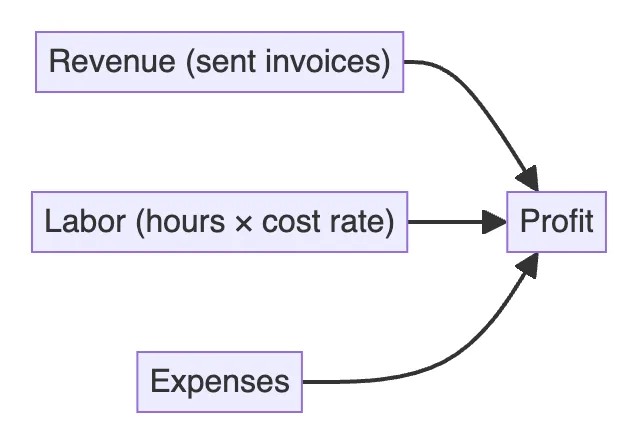
Profit = revenue − labor − expenses. Revenue comes from sent invoices. Labor is hours × each person's cost rate (or your workspace default). Expenses are what's logged against the job.
How to use it
- Set a cost rate on each person in Personnel.
- Log hours and expenses on the job.
- Invoice the job and tap Mark as Sent.
- Open the job and expand Profitability. Before you invoice, it shows Cost so far, split into Labor, Materials, Subcontractors and Expenses. Once you invoice, you see the profit.
Good to know
- Parts and cost lines count once they're on a sent invoice.
- Deposit invoices don't count as revenue, so nothing is counted twice.
- Use one way to cost labor: a cost on the labor line, or the person's cost rate, not both. Otherwise labor is counted twice.
- Only owners and admins see costs and profit.