
Description
Use ToolBerry on your phone and a tablet or laptop, with the same access on both.
How to use it
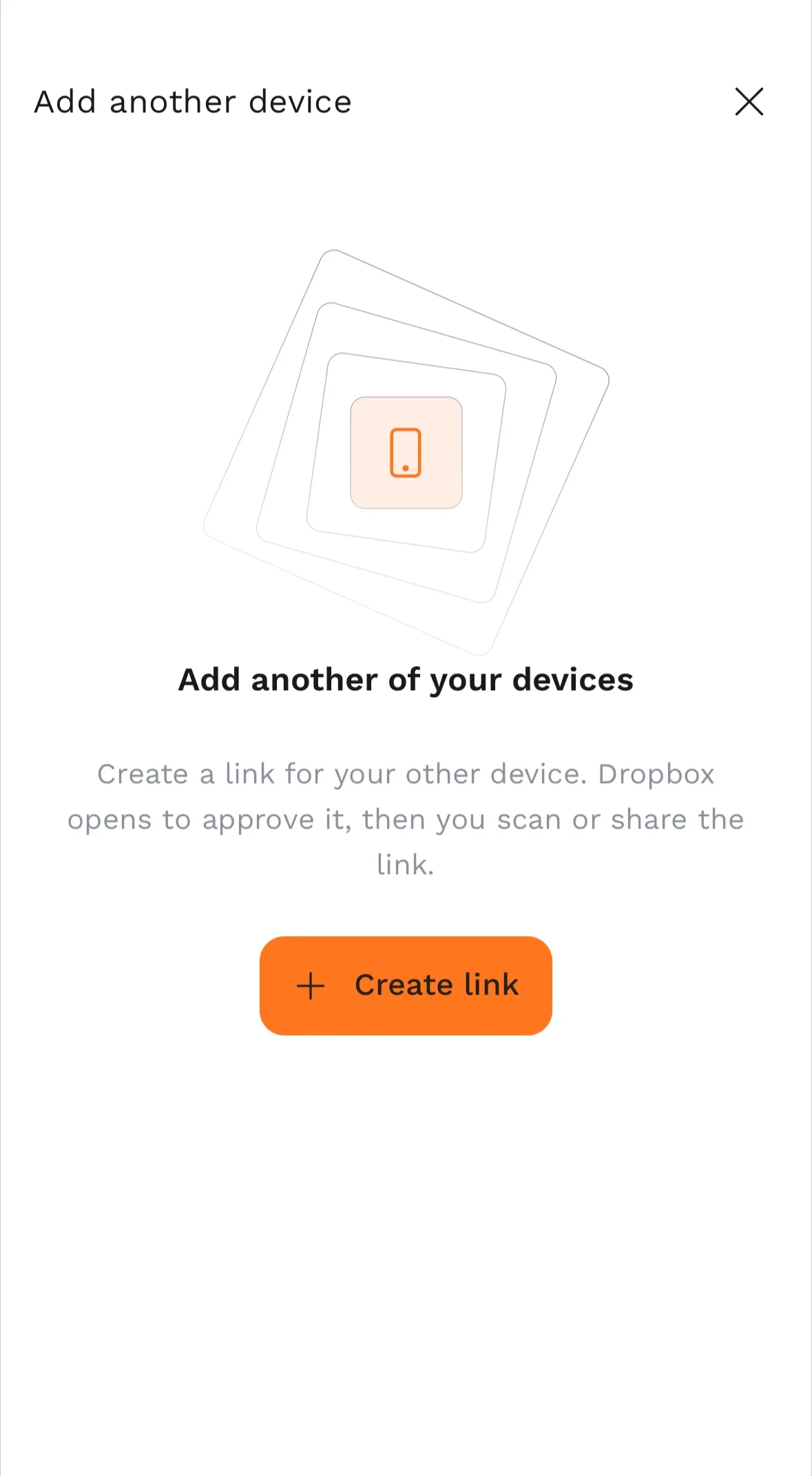
- Tap the 👤 profile icon at the top right, then Add another device → Create link.
- Dropbox opens. Approve it, and you come back to ToolBerry.
- You'll see a QR code and a one-time code. On your other device, scan the QR code with the camera, or open the link there (use Share or Copy link).
- Your other device asks for the code. Type it in yourself.
The device joins your workspace as you and keeps anything already on it.
Good to know
- Never send the code together with the link. The link and code give full owner access, including your teammates' access.
- The link works once, for about 24 hours. Tap New link to make a fresh one.
- On Free, a leaked link can't be fully undone. For access control you can rely on, use ToolBerry Pro.
- Your helpers can add their own second device the same way.