
Best Free App for a Solo Pool Service Route
Built for the truck, not the desk. Published June 2026.
Updated June 27, 2026
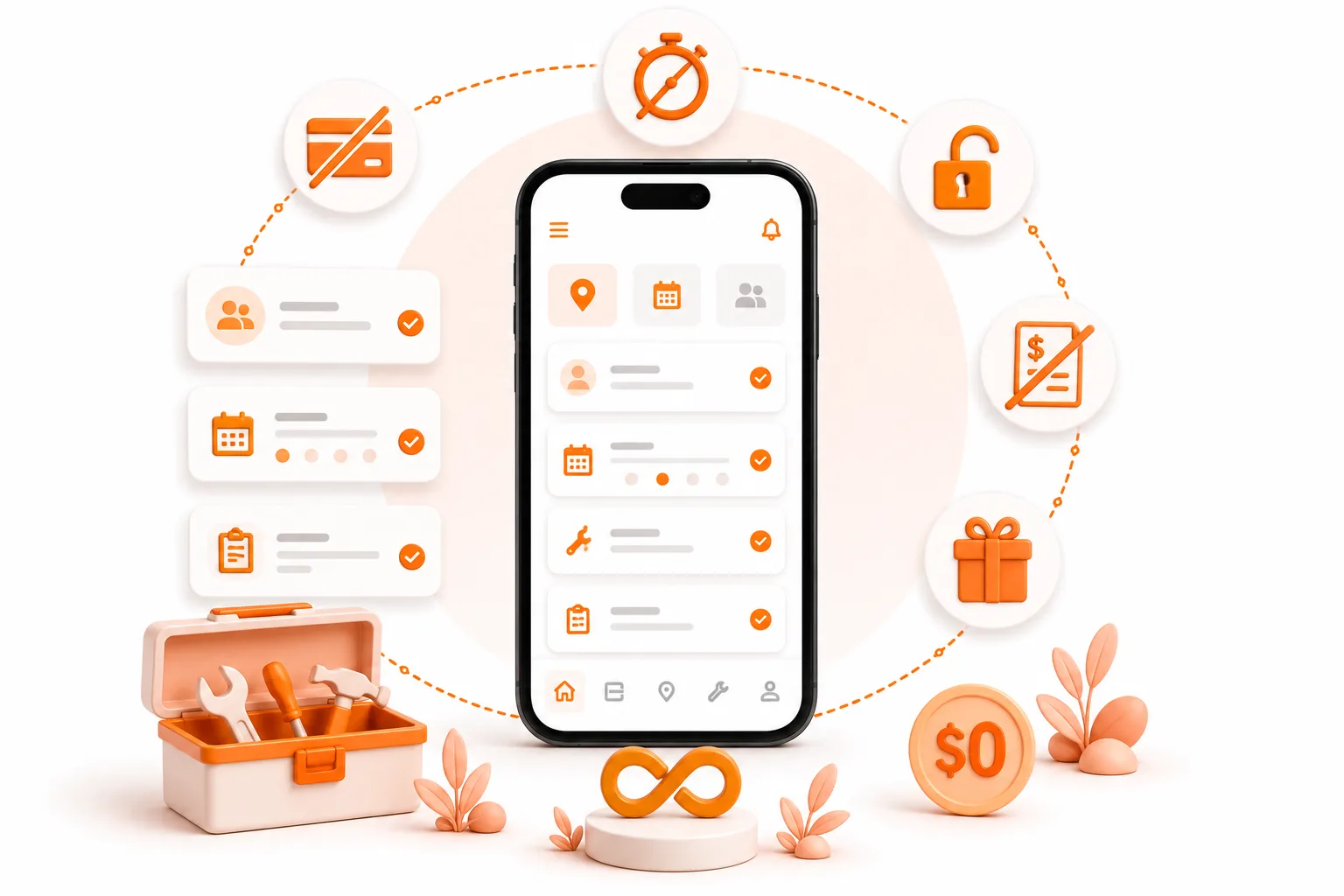
Built for the truck, not the desk. Published June 2026.
If you run a solo pool service route, ToolBerry is the best free option we know of. No account. No credit card. Works even when you have no signal. Here is the honest version including what it does not do yet.
Meet Carlos
Carlos services 38 pools across Chula Vista and National City. He drives a white Ram ProMaster, mixes chemicals by feel, and knows every pump on his route by sound.
He is excellent at the work. The part that slows him down is everything around the work.
His route lives on a legal pad on the dash. Gate codes are buried in text threads. Chemical readings from three months ago? Somewhere on a notepad he used to write a grocery list on the back of. Invoices go out by mail, which means payment arrives whenever.
One Wednesday, a homeowner texted asking for a quote on weekly service. Carlos saw it at 3:15 p.m. while he was mid-job. He thought - I'll reply when I'm done. He replied at 6:30. She had already hired someone else. They answered within the hour.
That invisible second job-keeping track of customers, notes, invoices, and work orders-is exactly the problem ToolBerry was built to solve.
Why most apps do not actually fit
There are good field service apps out there. Jobber, Housecall Pro, ServiceTitan. They work well for the businesses they were built for - regional companies with dispatchers, office staff, and a budget for software.
Carlos is not that business.
Here is what those platforms actually cost as of 2026:
- Jobber starts at $39/month for one user ($29/month when billed annually). Add the AI Receptionist ($99/mo), Marketing Suite ($79/mo), and extra users ($29/user/month) (Jobber pricing).
- Housecall Pro No free plan; a 14-day trial, starts at $79/month ($59/month when billed annually). With higher-tier plans and add-ons like Sales Proposals ($40/mo) and Price Book ($149/mo) (Housecall Pro pricing).
- ServiceTitan does not publish pricing. Reported costs are approximately $245–$398 per technician per month, with implementation fees ranging from $5,000 to $50,000+ (ServiceTitan pricing analysis, 2026).
Beyond cost, every one of these requires you to create an account before you can do anything. Email, password, onboarding flow. Sometimes a sales call. They assume you have reliable Wi-Fi. They were not built for a guy standing next to a pool in a dead zone in Bonita with one bar of LTE.
What ToolBerry does differently
ToolBerry starts from a different question: what would a tool look like if it had to earn its place in the truck, with no signup form and no Wi-Fi required?
The answer is a free, offline-first app. Your data lives on your phone - not on our servers. There is no account to create. Open it and start.
That also means something worth saying plainly: if ToolBerry disappeared tomorrow, your customer list would still be on your phone. You are not renting access to your own business.
Many pool service businesses are small, independently owned companies. Like Carlos, many are still managing their route with notebooks, text messages, and memory. ToolBerry was built with those operators in mind.
The same Wednesday, four months later
Carlos has been using ToolBerry for about four months. Same route, same truck. Here is how the day runs differently.
6:10 a.m. He opens ToolBerry before getting out of bed. Today's schedule is right there - 38 stops, sorted by route, notes attached.
7:45 a.m. The Otay Ranch gate code is saved on the site record. So is a note: "Code rotates every quarter - text HOA manager Leticia two weeks before." He texts her on time. He is in and working in three minutes.
10:20 a.m. A homeowner calls asking about a chemical adjustment from last month. Carlos taps her name. The service record shows the readings, what he added, and a photo of the test strip. He reads her the stabilizer number in fifteen seconds. She thanks him.
3:15 p.m. A new lead texts asking about weekly service. Carlos pulls up a saved service template, adjusts the price, and texts her a quote in just minutes. She replies at 3:35. She is on the schedule starting next Wednesday.
7:00 p.m. The open invoices screen shows exactly who owes what.
9:00 p.m. Carlos is on the couch. The legal pad is in the recycling bin.
What ToolBerry actually covers for pool techs
You can store every customer's name, address, and site details. Each site gets its own record, so "the Johnson property on Maple" is a real entry - not a note buried in your contacts app. One customer can have multiple sites. That matters if you service a homeowner who also owns a rental down the street.
Every piece of equipment gets its own record - pumps, filters, and heaters. You can store the model, serial number, service history, and notes in one place.
You can log a work order for each visit. Who you went to see, what stage the job is at, what you did when you got there. Chemical readings, photos, notes - all attached to that job, on that date, for that property. When a customer calls six months later, you have the answer in three taps.
And you can do all of this offline. Dead zones, basement equipment rooms, canyon properties with no signal - the app runs on your device and it does not care. There is no loading spinner. There is no "you are offline" screen. It just works.
A few more things worth knowing:
- Gate codes and access notes - saved on the site record, not in a text thread you have to scroll through
- Recurring schedule - set the cadence once and it rolls forward automatically
- Invoicing from the truck - generate and send when you close a job, not at midnight
- English and Spanish - every screen, from day one, not bolted on later
Quick comparison
| Feature | ToolBerry | Jobber | Housecall Pro |
|---|---|---|---|
| Free for solo operators | ✅ | ❌ | ❌ |
| Works offline | ✅ | Limited | Limited |
| Account required | ❌ | ✅ | ✅ |
| Customer data stored locally | ✅ | ❌ | ❌ |
| Built for solo operators | ✅ | Team-first | Team-first |
The honest tradeoffs
We would rather tell you this than have you find out later.
Built-in payment processing isn't available yet. You can generate invoices in ToolBerry and accept payment through your existing process.
If you lose your phone without a Dropbox backup, you lose your data. Same as losing a paper notebook. The Dropbox connection takes about thirty seconds to set up and it is free - but we want you to know the risk exists.
The free tier is single-user. If you want multiple crew members coordinating in real time, that is a paid tier we are building out now. Pricing is not finalized.
Frequently asked questions
Does ToolBerry work without internet?
Yes. ToolBerry is designed to work offline. Customer records, work orders, notes, and photos stay available even when you lose your signal.
Can I use ToolBerry on multiple devices?
Yes. Simply use the same Dropbox account on your other device and sync your data.
Is ToolBerry really free?
Yes. ToolBerry is free for solo operators.
How to start tonight
- Go to toolberry.net on your phone. It will route you to the App Store or Google Play,
- Download ToolBerry. Open it. Do not sign up - there is nothing to sign up for in free tier.
- Add your three trickiest customers. The ones with the gate codes you can never remember.
- Run a real day with it tomorrow.
Have a question?
Reach out at contact@toolberry.net. We build this thing and we are happy to talk through whether it fits your situation.
Further reading
- Why ToolBerry Is Offline-First - the architecture behind the free tier
- Your Data, Your Dropbox - how backup and sync work
- Built to Bend: Why ToolBerry Lets You Customize Everything - making the app fit your trade