
Pest Control: Recurring Service and Field Logs Without Paper
Your route rolls forward on its own, and every application is logged on your phone - so when the inspector asks, the records are already there.
Updated August 15, 2026
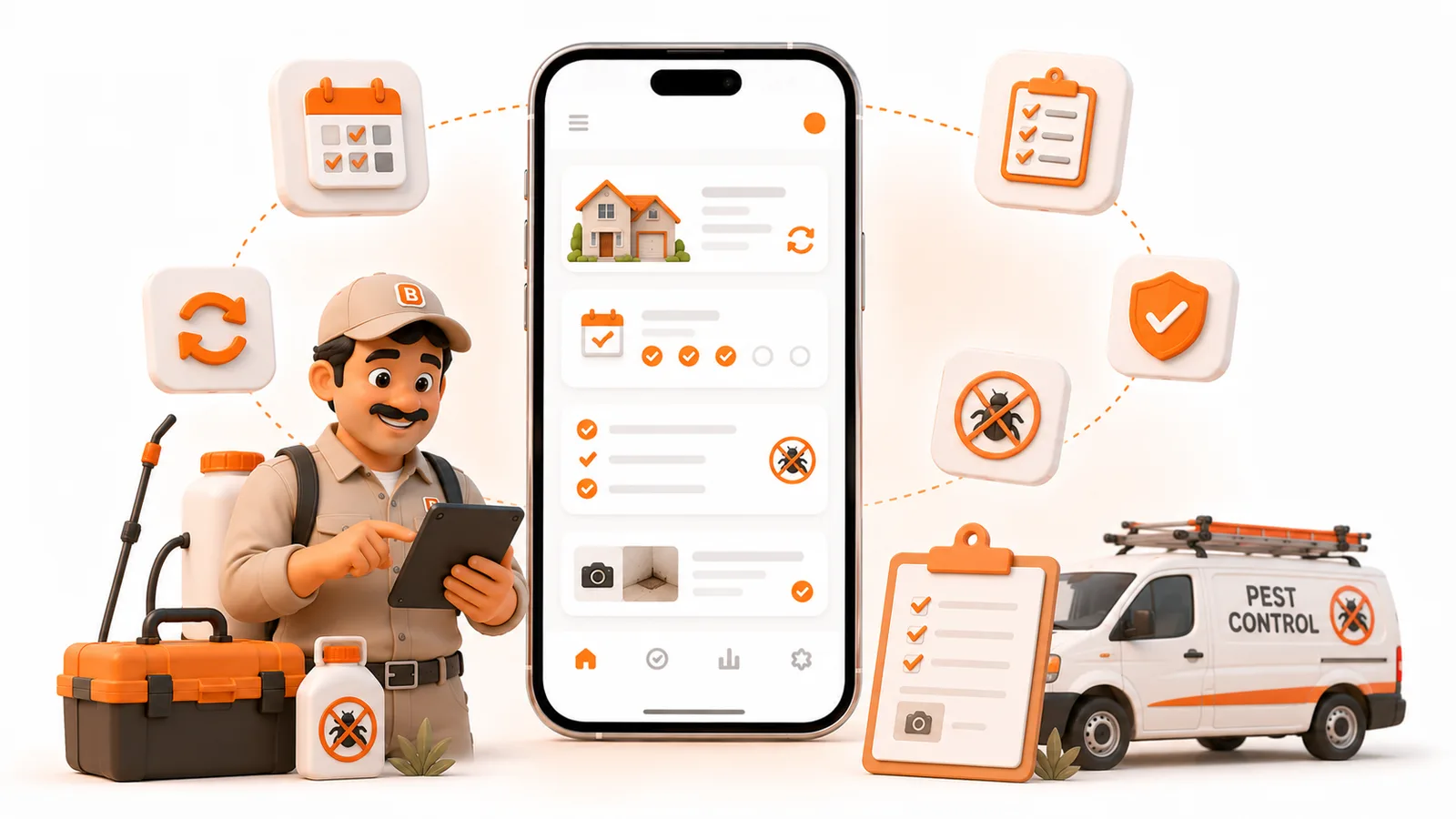
Your route rolls forward on its own, and every application is logged on your phone - so when the inspector asks, the records are already there.
Published August 2026.
The short answer
Pest control runs on two things software has to get right: a recurring route that rolls forward without you rebuilding it every week, and an application log for every visit - chemical, EPA registration number, dilution, target pest, and method - that you can capture in the field with no signal. ToolBerry does both, free: set each account's cadence once, log the application on your phone at the property, and pull the records up in seconds when a state inspector asks. No paper, no notebook, no transcribing at 9 p.m.
The problem: paper logs and the notes field
Most small pest control operations run on two fragile systems. The schedule lives in a spreadsheet somebody retypes every month, and the application records live on paper forms in the truck - or worse, in a single "notes" field that turns into an unsearchable wall of text.
Both work right up until they don't. You miss a quarterly because the spreadsheet didn't roll it forward. A bait station gets skipped because nobody remembers the route by heart. And then the one that actually hurts: a state inspector shows up and asks for your application records for a specific address, and you're flipping through a binder in the cab hoping the right sheet is in there. The information existed. It just wasn't anywhere you could produce on demand.
This isn't a discipline problem. Pest control generates more compliance-relevant data per visit than almost any trade, and paper was never going to keep up with it.
Two jobs pest control software has to nail
1. Recurring service that rolls forward
The core of the business is the route: monthly, bi-monthly, or quarterly service that repeats without re-entry. Set the cadence once per account and the schedule keeps itself, with one-off callbacks and new problems dropping into the same view. If your tool makes you rebuild next month's route by hand, it's fighting the way the business actually runs.
2. Field logs that survive an audit
Every application is a record you may have to defend. Federal law requires certified applicators to keep records of restricted-use pesticide applications, and many states extend that to general-use products too - the EPA's pesticide program and your state lead agency set the specifics. Practically, that means each service call needs to capture, at minimum:
- Chemical used - from a list you control, not free text.
- EPA registration number for the product.
- Dilution ratio and amount applied.
- Target pest.
- Application method - spray, bait, granular, dust.
- Where and when, with the tech's name.
Type that into a shared notes box and it's gone by next quarter. It has to be structured, so you can pull every application at a given address in seconds.
Making the app speak pest control
Out of the box, most field apps call a visit a "ticket" and give you generic fields. Pest control has its own vocabulary and its own required data, and the tool should bend to match.
In ToolBerry you rename the core things to what your crew actually says - "Work Order" becomes "Service Call" - and add the fields your trade runs on: Chemical Used (dropdown), EPA Reg Number (text), Dilution Ratio (number), Target Pest (dropdown), Application Method (dropdown). Mark them required, and a tech can't close a service call without them. That's the difference between hoping the log got filled in and knowing it did. (The full customization story is in Built to Bend.)
Bait stations and other recurring equipment can be tracked as their own records too - station location, type, and condition at each visit - so a commercial account's twenty stations are a checklist, not a memory test.
Why offline isn't optional here
Pest control happens in exactly the places signal doesn't reach: crawlspaces, basements, warehouse interiors, rural properties, the back of a restaurant. If your app needs a connection to save the application log, you'll be standing in a mechanical room watching a spinner with a customer waiting.
ToolBerry writes every log to your phone immediately, offline, and syncs later if you've set up backup. The record is captured the moment you finish the application, where you're standing, whether or not there's a bar of service. (More on why that's the whole design: Why ToolBerry Is Offline-First.)
Why this matters more as you add techs
With one operator, the route and the chemicals are in your head, and the paper log is a backup you rarely open. Add a second and third tech and that breaks fast: the person running today's route didn't set it up, and the applications they log are the only record the business has of what went on that property.
That's the real shift going paperless buys you. The route and the compliance history stop being things one person carries and become things the company owns - so any tech can run any account, and an inspection is a two-minute lookup instead of a scramble.
The honest tradeoffs
You set up the fields and routes once. Defining your chemical list, fields, and each account's cadence takes an afternoon. The HVAC-style shortcut applies here too: start from a pest control template and adjust, rather than building from scratch.
ToolBerry logs and organizes; it isn't a state-filing service. You'll have clean, structured, exportable application records ready to show. It won't submit forms to your state agency for you or replace a dedicated regulatory-reporting system if you're required to file electronically.
Live sharing across a crew is a paid, in-development feature. On the free tier the records live on your device with your own Dropbox backup. Real-time sync so every tech and the office see the same log the instant it's written is part of ToolBerry Pro, which we're still building - tell us what your operation needs.
How to start
- Open ToolBerry and start from the pest control template. Don't sign up - there's nothing to sign up for.
- Rename "Work Order" to "Service Call," and add your required fields: chemical, EPA reg number, dilution, target pest, method.
- Put your recurring accounts on their real cadence - monthly, bi-monthly, quarterly.
- Run tomorrow's route logging each application in the app instead of on paper.
- The next time anyone asks for records at an address, pull them up on your phone. That's the moment it clicks.
Have a question?
We build ToolBerry as working engineers, and we'd rather shape this around how pest control actually works than guess. Tell us what you have to capture on every application at contact@toolberry.net.
Grab ToolBerry from the App Store or Google Play, or visit toolberry.net.
Free forever for solo operators. No account. No credit card. Works offline.
Further reading
- Built to Bend: Why ToolBerry Lets You Customize Everything - renaming and required fields for your trade
- Why ToolBerry Is Offline-First - why the log saves with no signal
- How ToolBerry Helps Landscapers Run Their Business - the same recurring-route story, next trade over
- The Best Free Field Service Apps in 2026: An Honest Comparison - where ToolBerry fits