
Scalability: How many jobs can you add to ToolBerry?
No artificial job cap. The real limit is your phone's storage, and for a small crew, that ceiling is years of jobs away.
Updated June 3, 2026
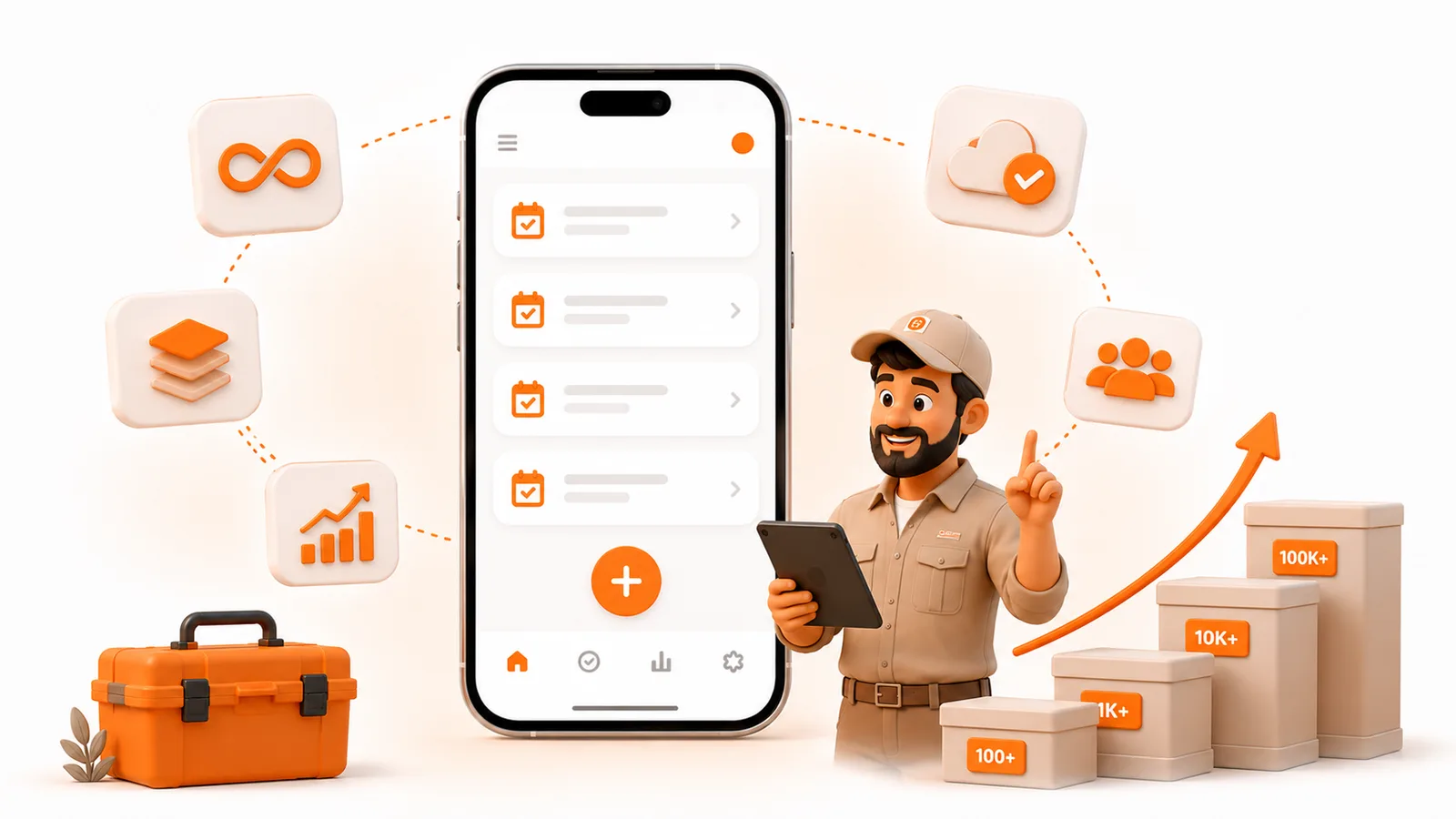
No artificial job cap. The real limit is your phone's storage, and for a small crew, that ceiling is years of jobs away.
How many jobs can you add to ToolBerry?
As many as your device can store. ToolBerry, a free, offline-first field service management app for small service-trade businesses, does not enforce a job quota. Every job is a row in a database on your phone or computer. There is no "you've hit 500 jobs, upgrade now" wall. The ceiling is hardware and free disk space, not a plan tier.
Why operators ask this in the first place
Imagine you run a one-truck plumbing shop. Four or five billable calls a day is a solid week. Over a year that stacks into hundreds of jobs; over a few years, thousands, plus customers, sites, notes, and photos. Cloud software usually says "unlimited jobs" while charging you every month for seats. A free app that keeps data on the device sounds different. People reasonably wonder: am I going to fill this thing up and have to migrate?
That fear is fair. Most free tools either meter you somehow or fall over when the list gets long. So the real question isn't marketing copy. It's whether ToolBerry's architecture can hold a busy small crew's history without inventing a soft limit.
How do the big apps handle "how many jobs"?
Most of them don't sell a job-count meter either. They sell seats and feature tiers, and host your data in the cloud. Jobber's Core plan is explicit: one user, unlimited quotes, jobs, and invoices. Housecall Pro's public plans are likewise built around users and features, not a published cap on how many jobs you can create.
What they do charge for is the monthly seat. In 2026, Jobber Core starts at $29/month billed annually, or $49/month with no commitment (one user). Housecall Pro Basic starts at $59/month billed annually, or $79/month month-to-month (one user). Team tiers climb fast - Jobber Connect/Grow and Housecall Pro Essentials/MAX land in the low-to-mid hundreds per month once you add people and features.
None of that makes them bad tools. They're built for shops that want a hosted back office and are fine with a monthly bill. ToolBerry's bet is different: the same "no job-count wall" idea on a free, on-device path for solo operators - no monthly fee required to keep adding jobs.
What actually limits ToolBerry
Two things matter: ToolBerry's own rules (there are none for job count) and your phone.
1. ToolBerry itself - no job quota
We checked the product code for this post. There is no max-jobs entitlement, no plan gate on creating work orders, and no "upgrade to unlock more jobs" path. The only job-count number on the dashboard is a backup nudge: after you have more than a handful of real jobs and you still aren't backed up, ToolBerry reminds you to connect Dropbox. That is a warning to protect your data, not a ceiling on how many jobs you can create.
You can keep adding jobs until the device runs out of room (or the app gets slow because the hardware is tiny and full). That is intentional. Free forever for solo operators means the free path isn't a trial that dies when the list grows.
2. Phone hardware and free space - the real ceiling
This is the honest answer. A modern phone with tens of gigabytes free can hold far more job records than a small crew will write in years. Job rows are text and IDs. What eats space faster is photos, signatures, and attachments, plus whatever else already lives on the phone (camera roll, WhatsApp, offline maps).
Browser storage on the web shares a quota with other site data. On a phone with a healthy amount of free space, that quota is typically measured in gigabytes, not megabytes, still plenty for job history. On a nearly full, older phone, you'll feel storage pressure sooner. Native apps behave like other local apps: limited by the device, not by a server counting your jobs.
Rough scale for context: industry writeups often put a busy solo plumber around 4-7 billable jobs per day, and year-one plans in the ballpark of hundreds of booked jobs, not tens of thousands. Even several years of that history is a rounding error next to a phone with a few free GB. You are much more likely to need multi-user sync, payments, or a bigger crew workflow before you "outgrow" job count.
Why local jobs stay fast
Cloud apps feel fast when the network is good and slow when it isn't. ToolBerry is offline-first on purpose: the phone is the source of truth, so opening today's schedule doesn't wait on a server round-trip. Job lists load as you scroll, instead of dumping every historical job onto the screen at once.
That doesn't mean a ten-year-old phone with no free storage will feel snappy with a huge library of high-res photos. It means job count alone is not the thing we gate, and for normal small-crew volume, the local database is why the app stays usable in a basement with no bars. For the architecture story behind that, see Why ToolBerry Is Offline-First and Why ToolBerry Runs a Real Database on Your Phone.
Sync and backup: transport, not a job meter
Optional sync and Dropbox backup move or copy your database. They do not invent a lifetime job quota.
- Free / local: data stays on the device. No account required for the solo path.
- Dropbox (bring your own storage): backup and restore against your Dropbox space. If Dropbox is full, backup fails - same as any file you store there. That is Dropbox's limit, not a ToolBerry job cap.
- Signed-in cloud sync (when you use it): sync sends changes in batches (size/page limits for the wire). Those batch sizes are how the pipe stays reliable. They are not "you may only ever create N jobs."
So if someone asks "does the API limit my jobs?" - for the free local path there is no job API in the way. When you opt into account sync, the backend moves changes in chunks; it still isn't a product quota on how many jobs you're allowed to own.
The honest tradeoffs
We'd rather say this up front than have you find it on a busy Monday.
- "Unlimited" means no artificial cap, not infinite hardware. A cracked 32 GB phone with 200 MB free is a bad place for any business app, including ours. Free space and photo volume matter more than job count.
- Attachments dominate storage. A thousand lean job records are cheap. A thousand full-resolution photo sets are not. Manage photos like you manage the camera roll.
- The public stress-test is big, not infinite. The seed below is hundreds of thousands of records - far past a small crew's real history. We are not claiming we have stress-tested every device at millions of jobs; try it on your own hardware and judge.
- Backup still matters. Local-first means a lost phone without Dropbox (or another backup) is a bad day. The dashboard nudge after a few real jobs exists because your history is yours to protect.
Want to stress-test it yourself?
Don't take our word for it. On the web app you can load a fat seed database and poke around:
- Open toolberry.app/seed_db.html in a desktop browser (Chrome or Edge work well - this uses browser storage, not the phone apps).
- Confirm Load demo workspace. That downloads a ~78 MB gzipped database (~240 MB once written) and adds it as its own workspace. Your other workspaces in this browser stay as they are.
- When it finishes, ToolBerry opens with a deliberately oversized shop: 10,000 jobs, 90,000 customers, 130,000 sites, 120,000 contacts, plus assets, services, visits, calendar events, timesheets, invoices, and proposals. Scroll job lists, open records, search, and see how it feels on your machine.
That volume is years of a busy solo shop - not a toy sample pack. If lists still open and scroll without drama, you have a concrete answer to "will this hold my history?"
A few honest caveats:
- It adds a big workspace to that browser. Your own workspaces are not touched. Loading the demo again replaces only the demo workspace with a fresh copy.
- Web only. The phone/App Store builds don't ship this loader (it would bloat the install for no day-to-day reason). Stress-test on the desktop web app; day-to-day work can still be on the phone.
- Storage quota still applies. A nearly full disk or a tight browser quota can refuse the write. Free space matters here the same way it does for real photos and jobs.
How to think about capacity in practice
- Add jobs as you work. There is nothing to unlock.
- Watch free space on the phone, especially if you attach lots of photos.
- Turn on Dropbox backup once you have real customer data - the app will remind you.
- Optional: load the seed database on the web and feel a 10,000-job shop before you bet a real crew on it.
- Keep using it year over year. Job history is meant to stay with you on the free path, not expire.
It's free and works offline - run next week's jobs in it and see if the list ever feels "full." It shouldn't.
Have a question?
Email us at contact@toolberry.net. Get ToolBerry on the App Store and Google Play, or read more at toolberry.net.
Built for the truck, not the desk - including year three of your job history.
For the technically curious
Jobs in ToolBerry are workOrder rows in on-device SQLite (Drizzle schema with indexes on site, client, stage, type, and schedule fields). The web app opens the DB through an OPFS driver; packaged iOS/Android builds use Capacitor SQLite on a native path. Same product model: local database first. Job lists use those indexes and virtualized windows as you scroll.
There is no maxJobs check in create flows. DashboardBackupWarning uses JOB_THRESHOLD = 5 only to surface a backup banner when you have real (non-sample) jobs and no backup - not to block inserts. Bulk create caps quantity per submit (transaction length), not lifetime totals.
Optional sync uses batch ceilings such as MAX_BATCH_ACTIONS / MAX_BATCH_BYTES and pull page sizes so a single request stays bounded on the wire. Dropbox simple upload and attachment batching have their own file-oriented limits. None of those are "account may contain at most N work orders."
SQLite's own docs put the default maximum database size around 17.5 terabytes (default page size), or up to about 281 terabytes at the largest page size. The theoretical max rows in a table is absurdly large; in practice you hit disk long before the engine limit. ToolBerry does not lower those engine limits for jobs. Practical OPFS/browser quotas are a share of free disk (often multi-GB on healthy devices; much tighter in private/incognito modes - which is why ToolBerry doesn't support private browsing as a real work session). The free tier's scalability story is structural: each operator's data lives in their own database file, so adding users does not multiply our server storage for that path.
Further reading
- Why ToolBerry Is Offline-First, why the network is the backup, not the brain.
- Why ToolBerry Runs a Real Database on Your Phone, SQLite on-device, not a pile of files.
- Your Data, Your Dropbox, BYOS backup and why we nudge you after a few real jobs.
- Why ToolBerry Doesn't Work in Incognito or Private Mode, OPFS and why private browsing can't hold a business database.
- Implementation Limits For SQLite, the engine ceilings (terabytes), straight from the source.
- Seed database loader, load a 10,000-job stress-test database into the web app yourself.
- Jobber pricing and Core plan (unlimited jobs); Housecall Pro pricing, competitor seat/pricing context for 2026.