
Show the customer the work, not just the bill.
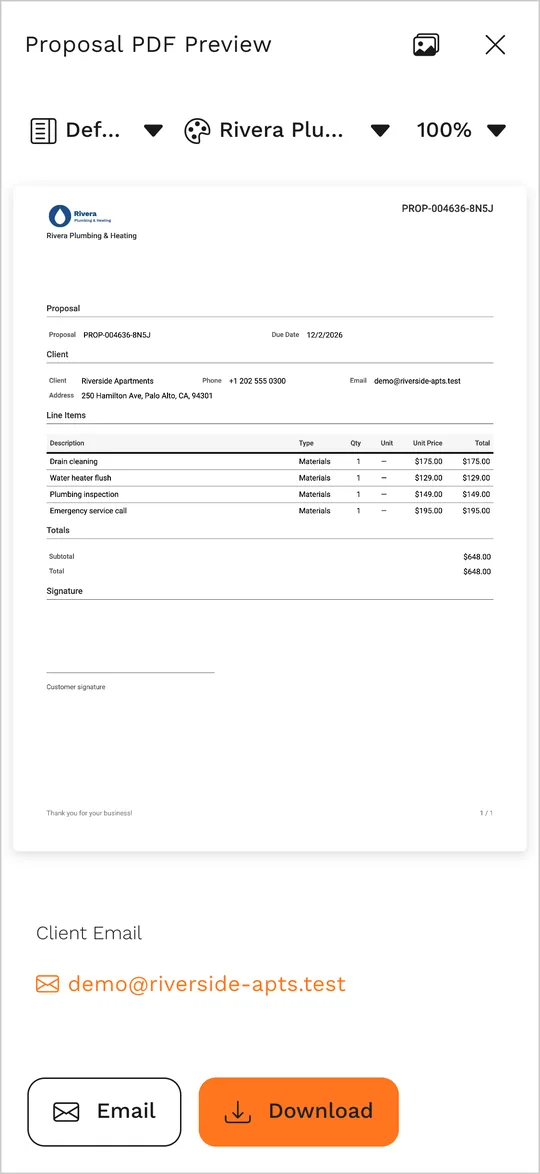
ToolBerry makes a field service report for every job and service visit: a PDF with your logo, the work done, the checklist answers with pass, warning or fail results, equipment readings and the photos you chose. Completing a job saves its PDF on the job. Share it, or send it from your own email, as proof of the work.
Vous êtes sur un ordinateur ? Scannez le code avec votre téléphone pour télécharger l'application.
Pas de compte ni de carte bancaire. Fonctionne hors ligne.
Fonctionnement
Faites le travail
Finish the checklist and take the photos.
Complete the job
Tap Complete. The report is made and saved on the job.
Send it
Share the PDF or send it from your own email.
Autres fonctionnalités
- Several branded templates, for example one per division.
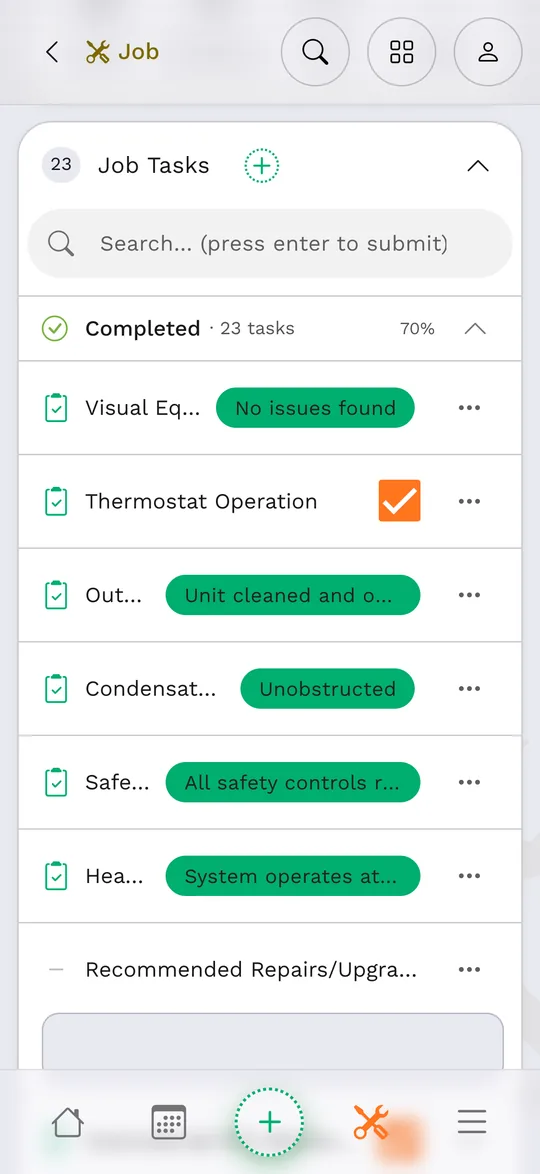
- Equipment readings on service reports, graded against baselines.
Free, Crew and Pro
Ce que comprend chaque formule, d'après notre liste de fonctionnalités.
| Fonctionnalité | Gratuit | Équipe | Pro |
|---|---|---|---|
| Rapports d'intervention et de service | Included | Included | Included |
| Rapport d'achèvement enregistré automatiquement | Included | Included | Included |
| Fichiers PDF personnalisés | Included | Included | Included |
| Envoyez depuis votre propre application de messagerie électronique | Included | Included | Included |
| Propositions et factures par e-mail | Non inclus | Included | Included |
Pour votre secteur d'activité
Fonctionnalités associées
Questions
Can I add my logo?
Yes, and your colors, business details and footer.
Which photos go on the report?
The ones you choose. New photos are included unless you turn them off.
Is the report kept?
Yes. Completing a job saves its PDF on the job.
Show the customer what they paid for.
Vous êtes sur un ordinateur ? Scannez le code avec votre téléphone pour télécharger l'application.
Pas de compte ni de carte bancaire. Fonctionne hors ligne.