
Description
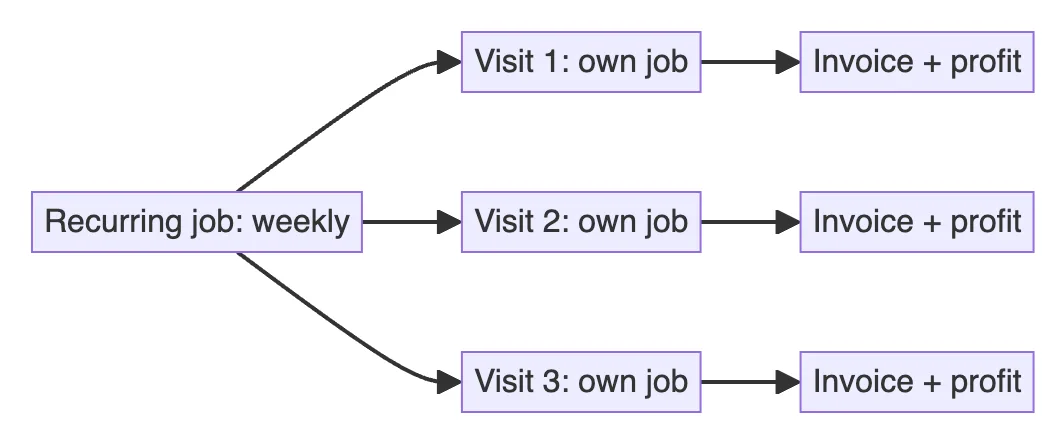
A recurring job repeats daily, weekly or monthly. Each visit is its own job, with its own checklist, photos, invoice and profit.
How to use it
- Go to Jobs → New Job.
- Set Job Frequency to Recurring.
- Pick the Planned date, how often it repeats (days, weeks or months), and a Repeat until date if there is one.
- Tap Create Job.
Good to know
- You can only set recurring on a new job. To make existing work repeat, create a new recurring job.
- Need to move or skip one visit? Change just that visit. The rest of the series stays the same.
- If the recurring plan is cancelled or paused, upcoming visits show as Cancelled.
- For crew: each visit shows up as a normal job on your schedule. Nothing special to do.