
Description
Download ToolBerry and start working right away. No sign-up, no email, no password and no credit card. Your work saves on your device, so there's no account to log into.
How to use it
- Download ToolBerry from the App Store or Google Play, or open the web app at toolberry.app.
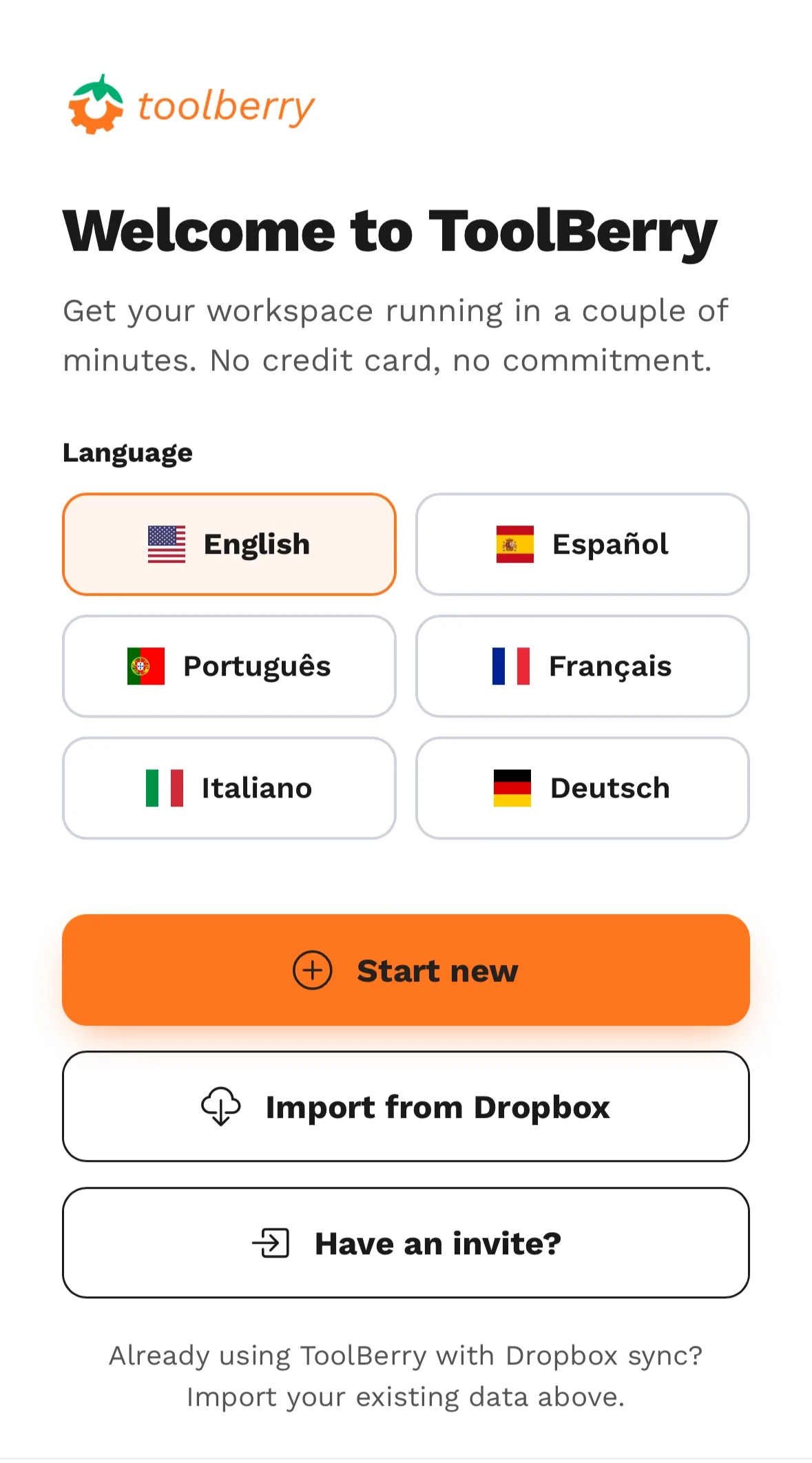
- Open the app and pick your language. Tap Start new to begin a short setup, no sign-up needed. (Moving from another device? Tap Import from Dropbox. Joining someone's crew? Tap Have an invite?)
- Add your first customer and your first job. Most people are up and running in about ten minutes.
Good to know
- Quick start is for the free app. On ToolBerry Pro, each person gets their own login, usually from an invite, because the team shares live data.
- Your data lives on your device. To keep it safe if you lose or switch phones, set up a backup.