
Description
Rent equipment out to a customer: reserve it, check it out, bring it back, and bill for it. ToolBerry tracks what's out, who has it and when it's due back.
How to use it
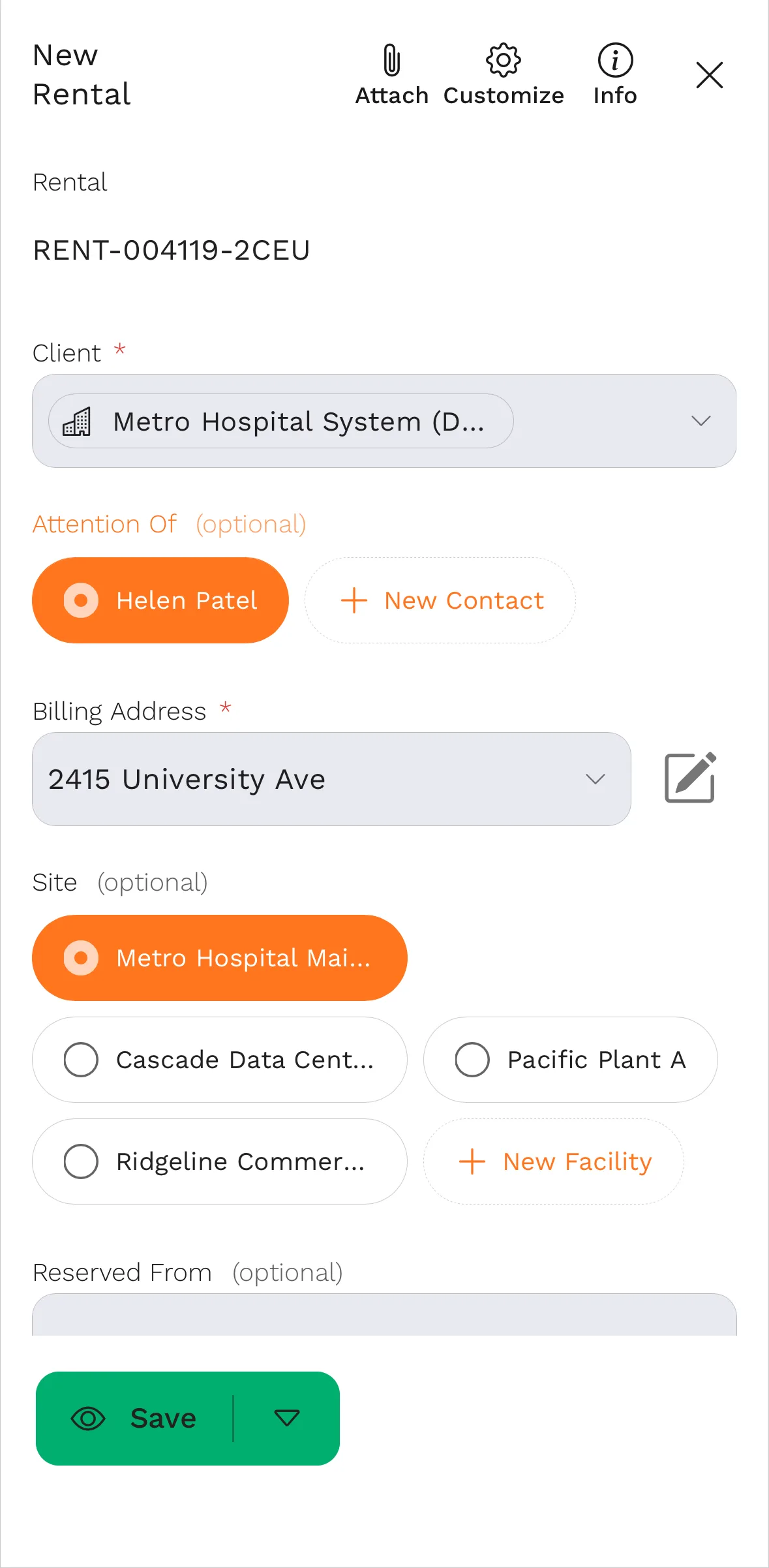
- Go to Rentals → New Rental.
- Pick the Client and Billing Address. Add a Site if the gear is going to a job location.
- Set Reserved From and Due Back dates, and add Rental Terms or Notes if you need to. Tap Save & Open.
- Tap + → New Rental Item. Pick the Asset, add a Description, and set the Periods, Unit (like day or week) and Rate. Tap Save & Return. Add one item per piece of equipment.
- When the customer picks it up, tap Check Out and confirm. The rental moves to Out.
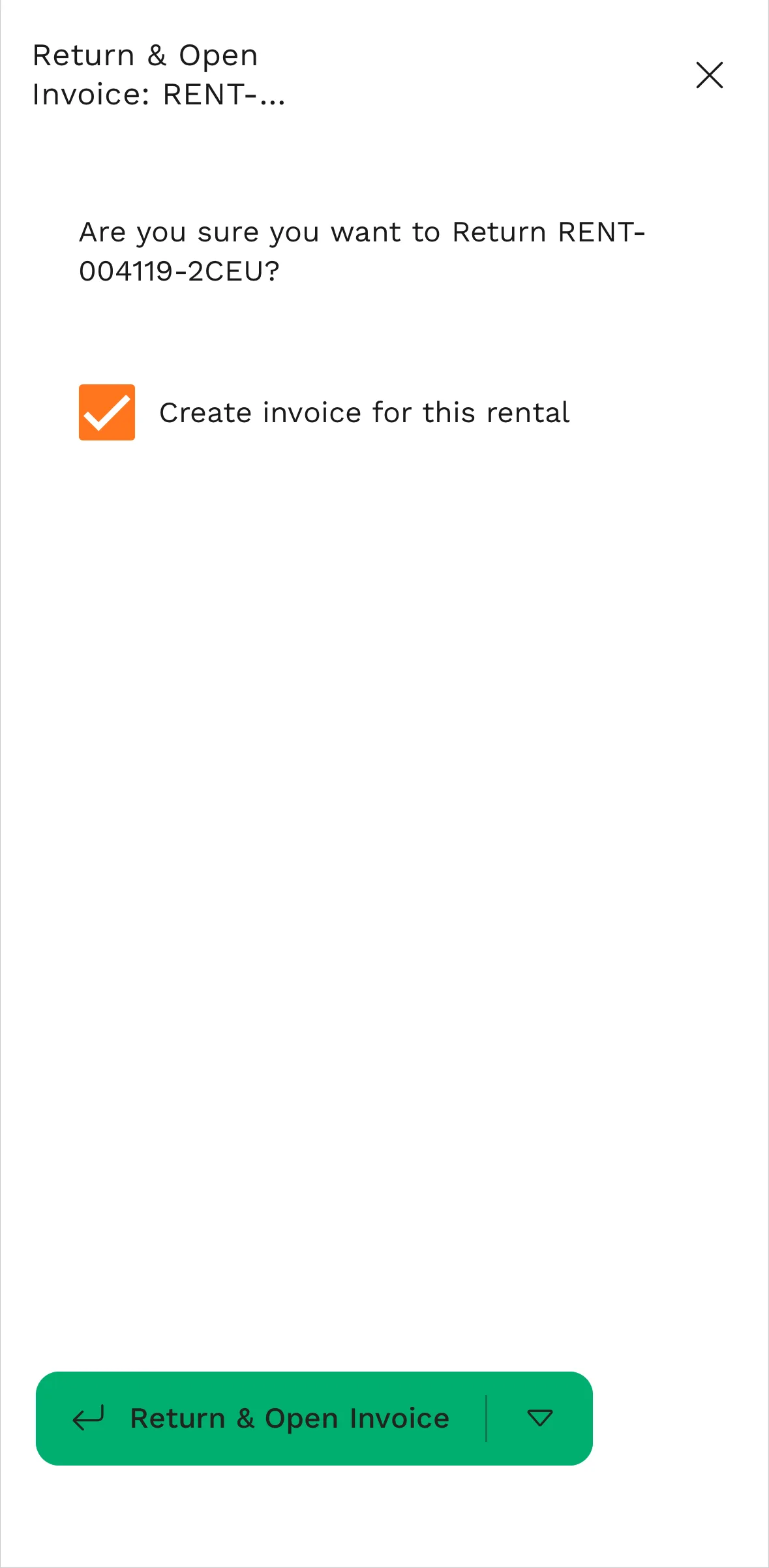
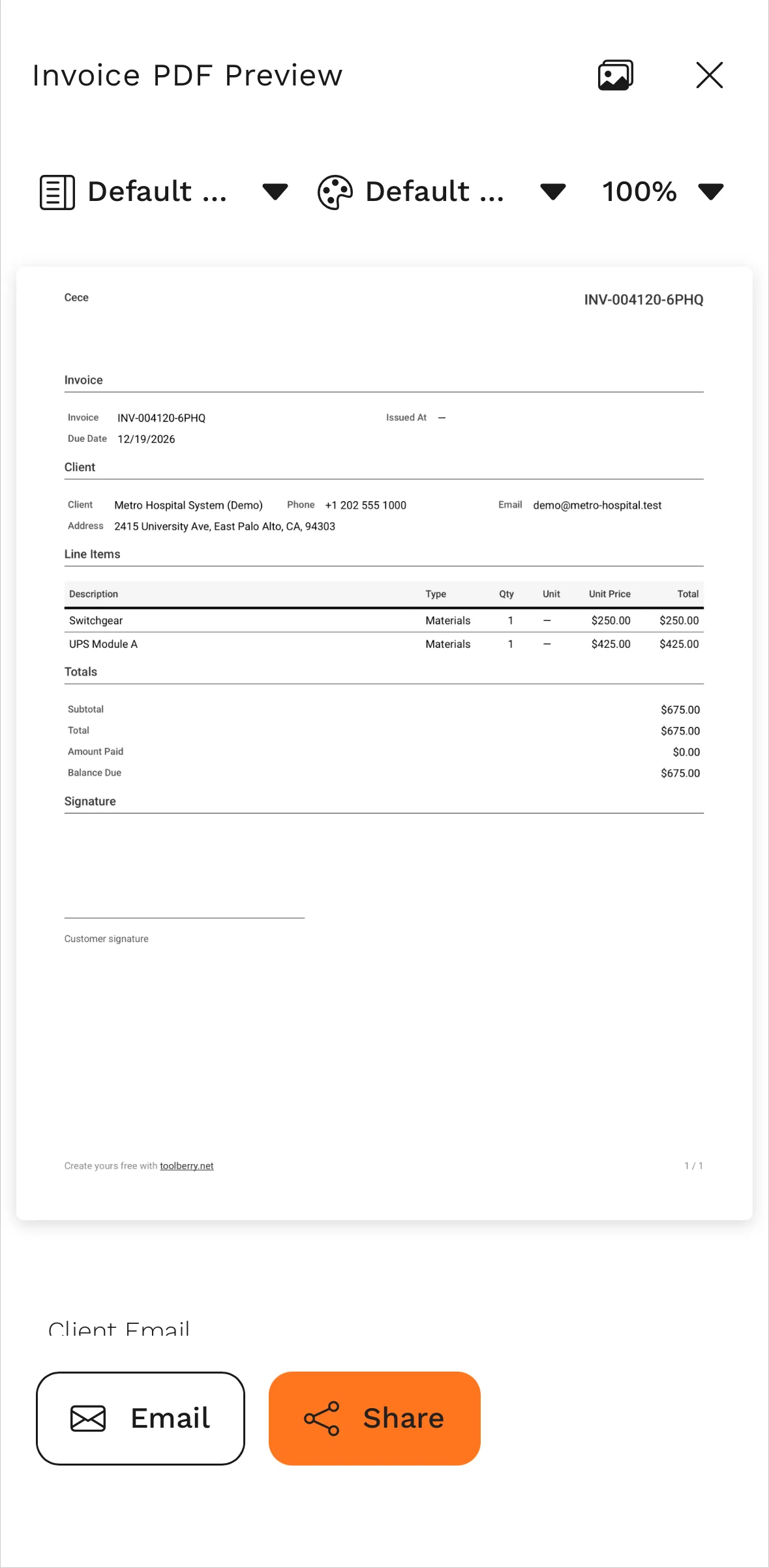
- When it comes back, tap Return. Create invoice for this rental is ticked by default, so Return & Open Invoice bills it right away. Untick it to bill later with Create Invoice.
Good to know
- Stages: Reserved → Out → Returned → Closed. If it's not back by the Due Back date, it switches to Overdue on its own, or tap Mark as Overdue.
- The equipment is locked to the rental once it's out, but you can still change the rate.
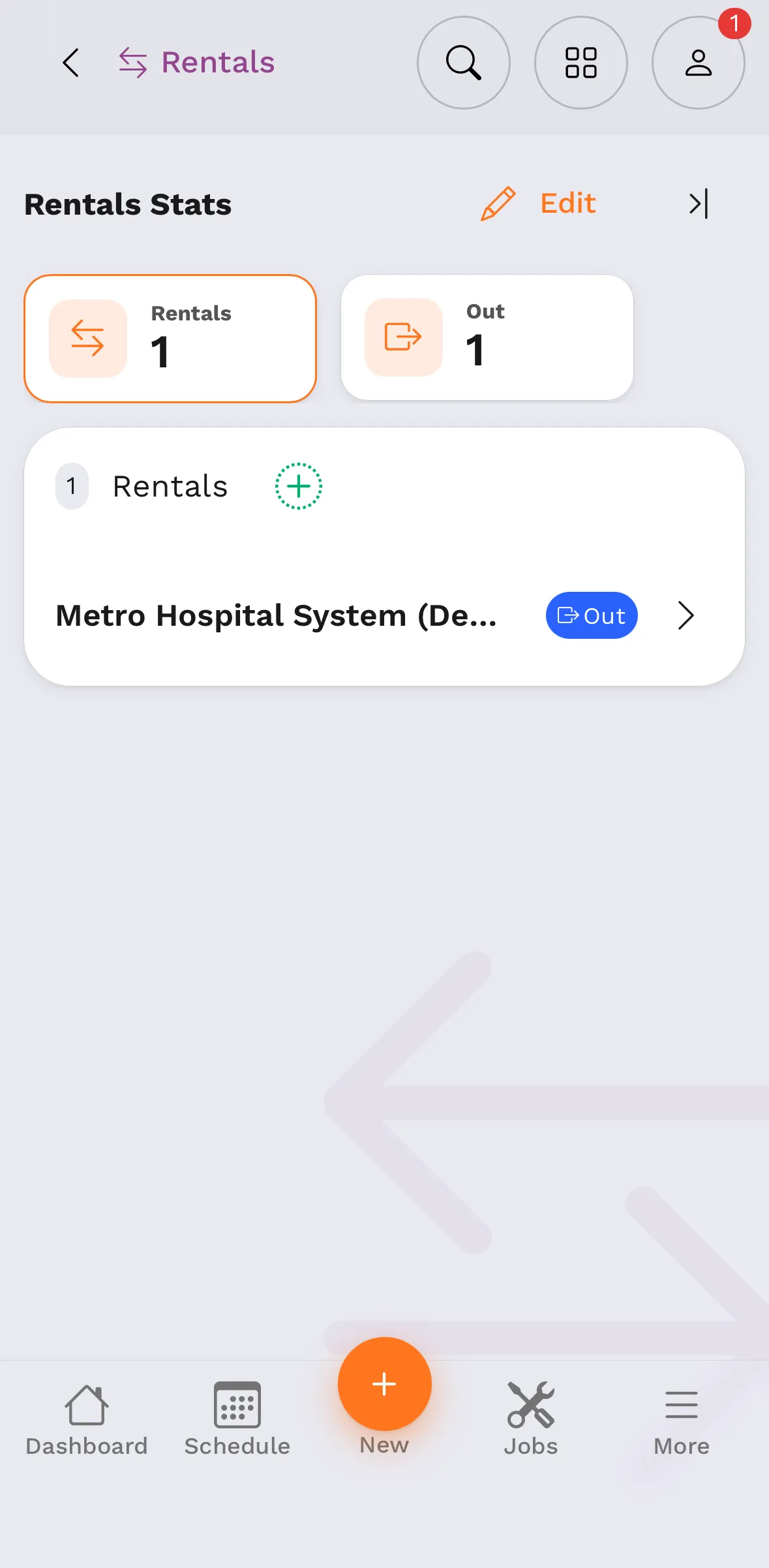
- The Rentals screen shows how many rentals you have and how many are out right now.
- There's no late fee field. If you charge one, add it as a line on the invoice.
- Don't rent equipment? Tap Disable Rentals on the empty Rentals page.
- Don't see Rentals? Turn it on in Settings → Modules → Rentals.