
Description
Turn a finished job or an accepted proposal into an invoice, send it as a PDF, record payments and track it until it's paid.
How to use it
- Complete a job and let ToolBerry create the invoice, or go to Invoices → +.
- Under Invoice Items, tap +. Pick a Line Type (Materials, Labor, Shipping, Discount or Other), choose an item from your price book or type a description, then set the quantity and price.
- Tap Mark as Sent. This locks the line items, records today as the issue date and lets you record payments.
- Send it with Email (opens your mail app with the address filled in) or Share PDF.
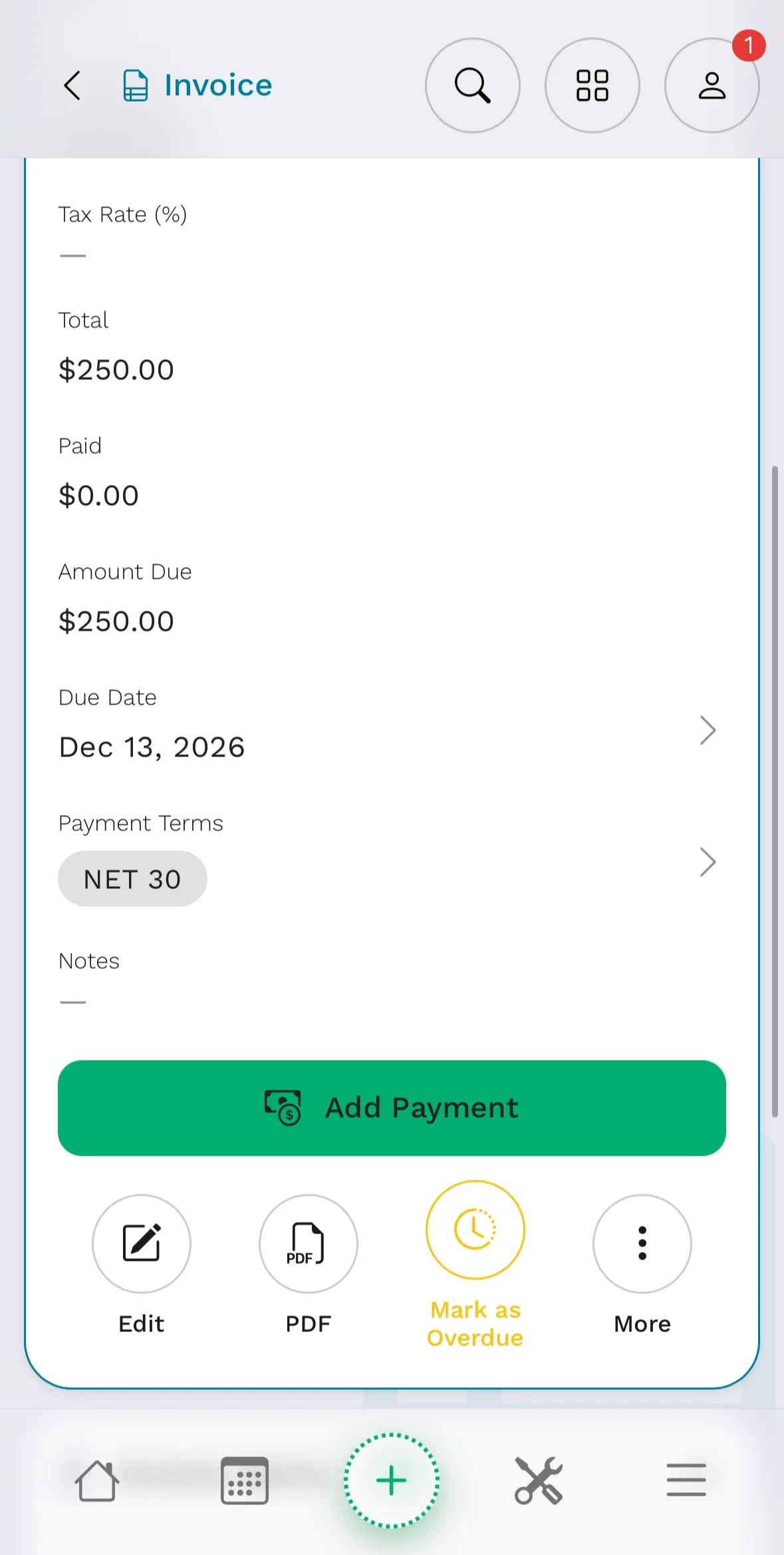
- When you get paid, tap Add Payment, enter the amount, date and method, and tap Save.
Good to know
- Stages: Draft → Sent → Partially Paid → Paid. Overdue is set automatically, or tap Mark as Overdue. Void cancels the invoice.
- An invoice needs at least one item, or a non-zero amount, before you can send it.
- The ⋮ menu has Void, Duplicate Invoice, Share for QuickBooks and Delete Invoice.
- The Invoices screen shows totals like Unpaid, Overdue, Outstanding and Collected. Tap Edit to choose which ones show.
- Free vs Pro: on Free, ToolBerry doesn't email the invoice for you, so attach the PDF yourself. Pro emails it from the app.