
Description
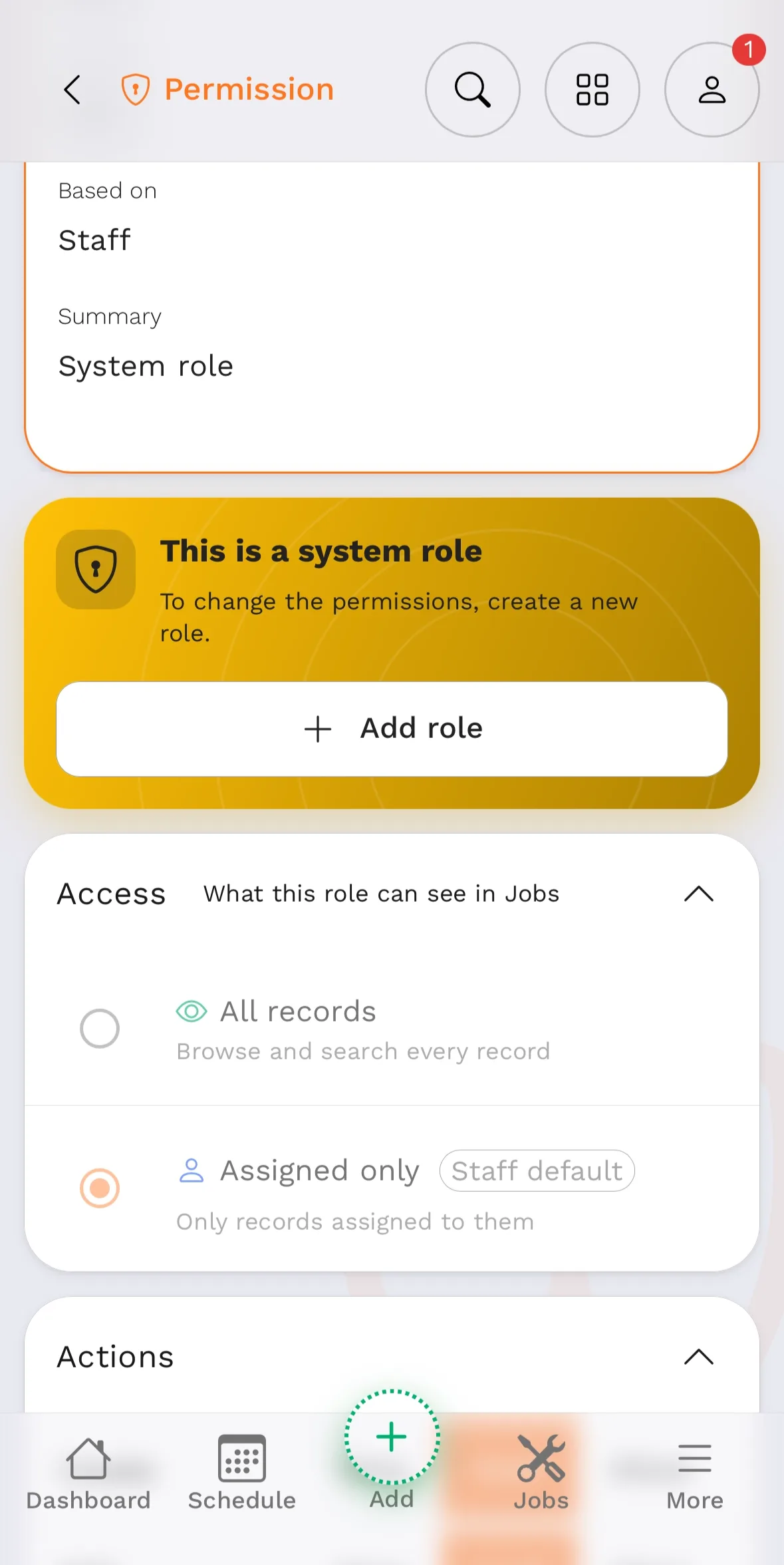
Choose whether your team sees every job or only the jobs assigned to them. It's set per role, and the built-in Staff role already shows assigned jobs only.
How to use it
- Assign jobs with the Assigned To field. If you don't see it, open the job form's Customize → Switch Mode → Advanced.
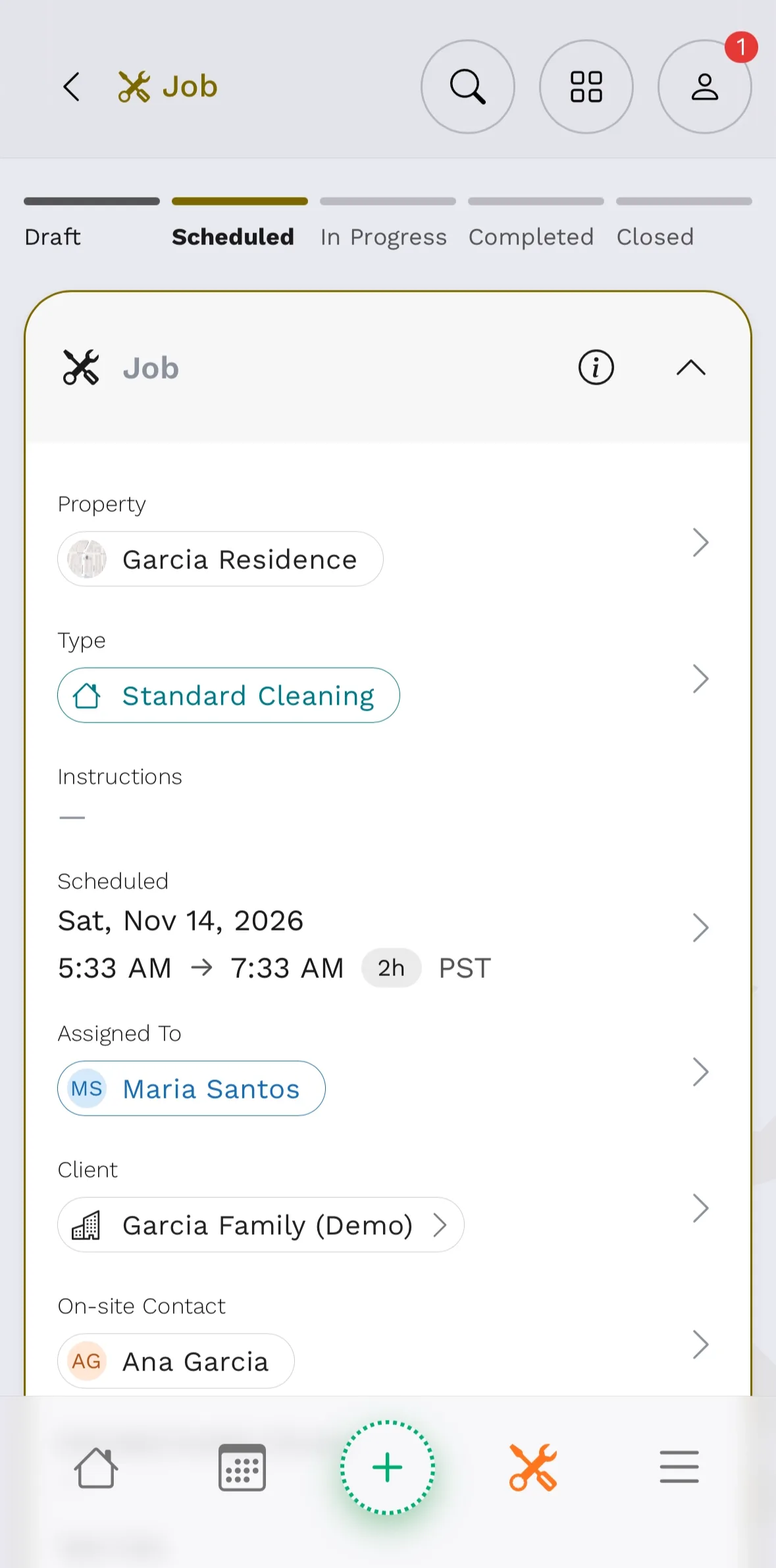
- Invite crew as Staff. They'll only see the jobs assigned to them.
- Need something different? Go to Settings → Roles, create a new role, open Jobs, and choose Assigned only or All records.
Good to know
- For Staff, Calendar events and Expenses are also Assigned only.
- Admin and Staff are system roles and can't be edited. Create a new role to change permissions.
- Check what someone will see: tap the 👤 profile icon → View as.
- Free vs Pro: on Free, this controls what the app shows, but it doesn't lock the data on the phone. Pro enforces it on the server.