
Description
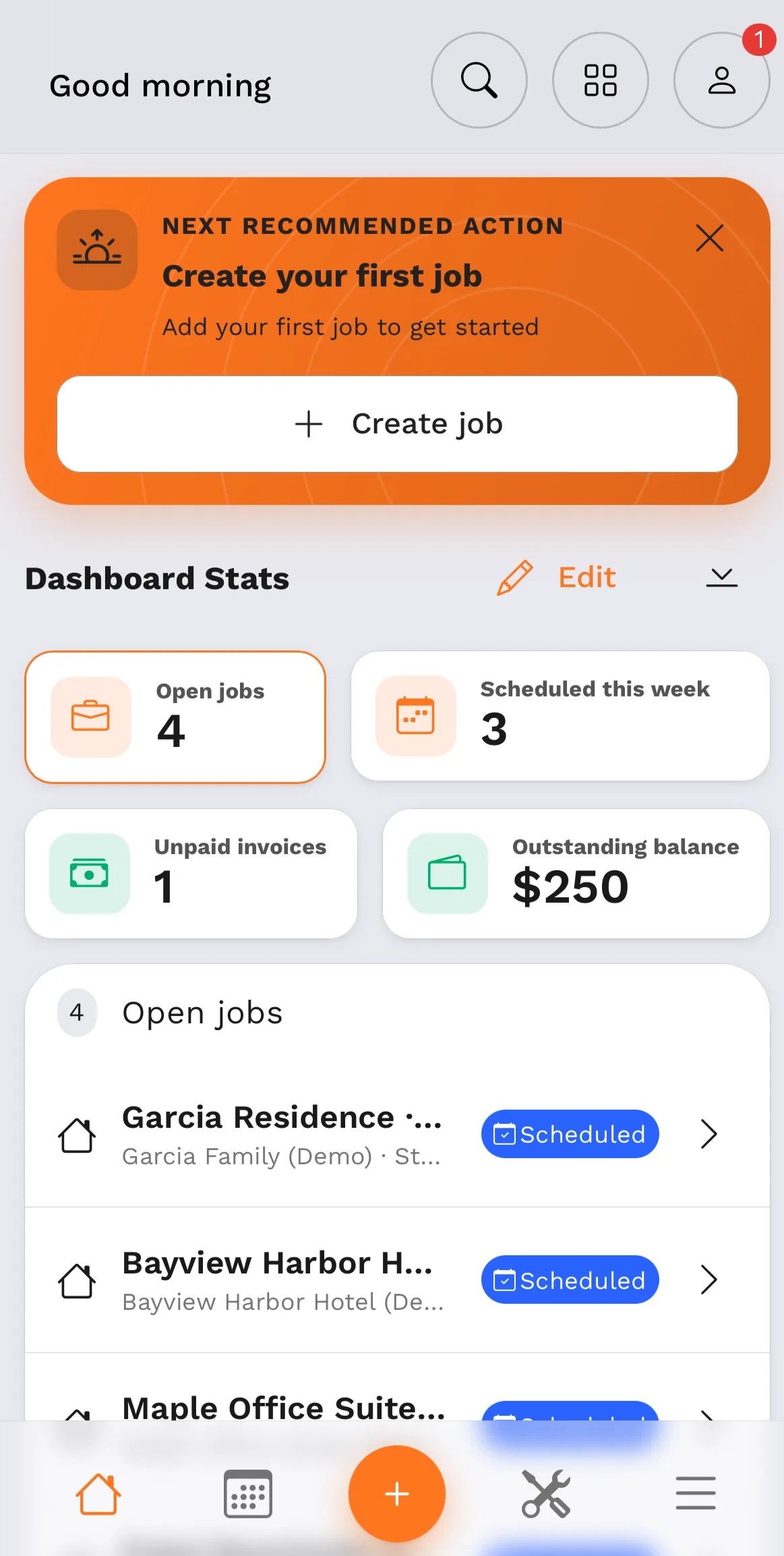
Your home screen shows your key numbers, what to do next and anything that needs attention.
You'll see:
- A Next recommended action, like "Create your first job."
- Alerts, like "Reminders are turned off," with a Review button.
- Dashboard Stats: Open jobs, Scheduled this week, Unpaid invoices, Outstanding balance and My reminders due.
- Your Open jobs list.
How to use it
- Tap Edit on Dashboard Stats to add, remove or reorder cards.
- Use the bottom bar: Home, Schedule, +, Jobs, and ☰ More for shortcuts and Settings. Tap Reorder in More to arrange your shortcuts.
Good to know
- Lists like Jobs and Invoices have their own stats you can edit too.
- Hide what you don't use in Settings → Modules.