
Description
Each customer has one page with everything about them: their sites, contacts, assets, jobs, proposals and invoices.
How to use it
- Tap + → New Customer.
- Enter their name (the only required field), plus phone, email and address if you have them.
- Tap Save (on desktop it says Save & Open).
- Add a Site for each address you work at.
Good to know
- Gate codes, lockbox numbers, parking and "watch out for the dog" go on the Site, in Property Access Code and Notes, not on the customer.
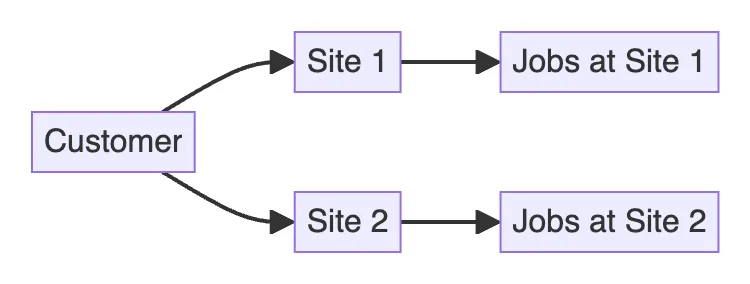
- One customer can have several sites, like a landlord with a few rentals.
- For crew: on the Staff role, you see the customer and site for your own jobs, not the full customer list.