
Translations and Accessibility: Does Your Field Service App Speak Your Crew's Language?
If your crew works in more than one language, your app should too.
Updated June 3, 2026
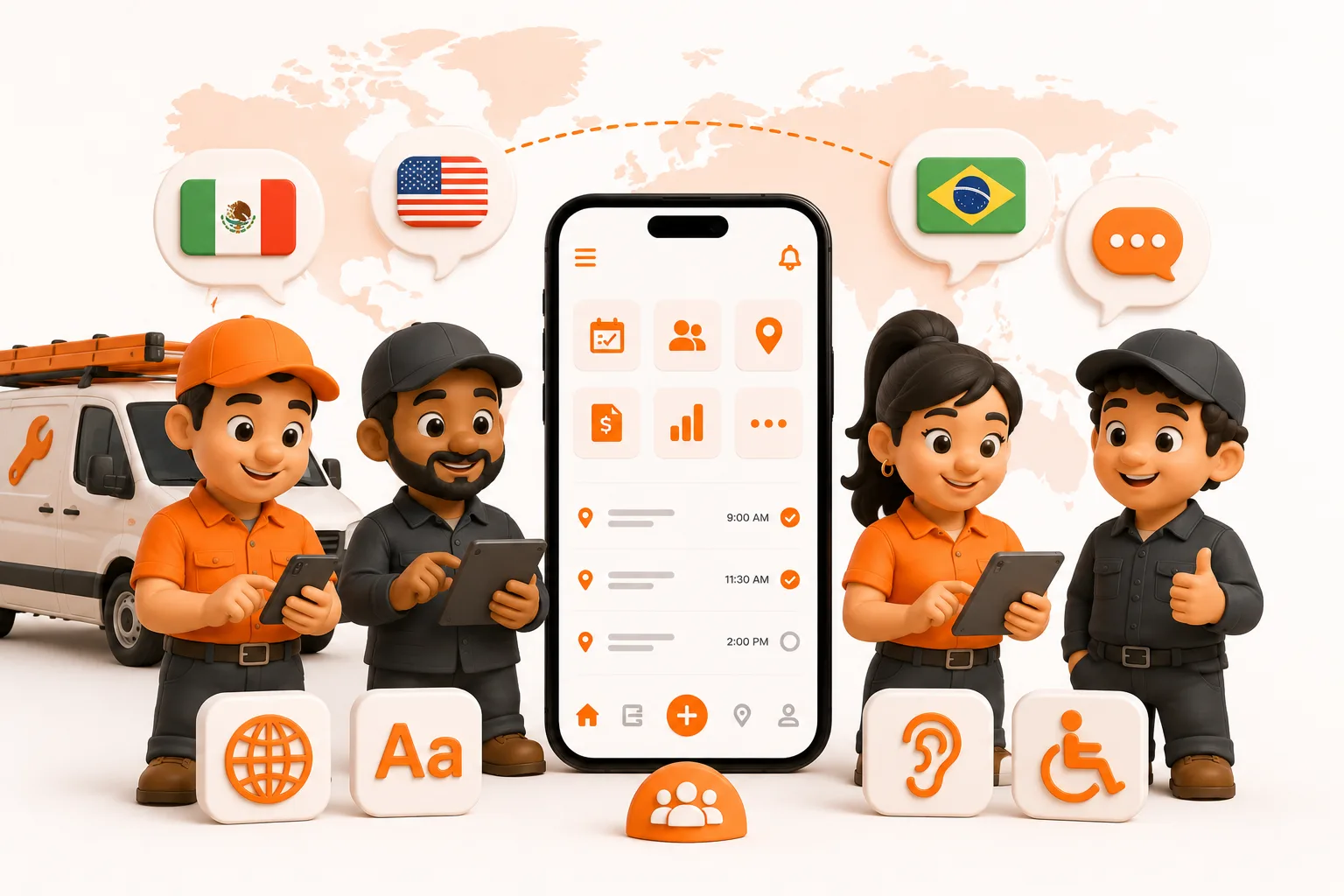
If your crew works in more than one language, your app should too.
Can a multilingual crew use ToolBerry?
Yes. ToolBerry ships in English, Spanish, Portuguese, and French today, and each person can use the language that works for them on the same app, free and offline. ToolBerry follows the language on each phone, or each person can choose inside the app. Need another language? Ask and we'll add it.
What happens when the app isn't in your crew's language?
Picture a five-person crew where the owner works in English, two techs prefer Spanish, one speaks Portuguese, and the newest hire is most comfortable in French. They all do the same jobs, but they don't all think and work in the same language. Making everyone read English off a screen slows the whole crew down. On a busy day, slow is expensive.
So here's what happens with a typical "field service app": the new guy stares at a screen full of English buttons, taps the wrong one, marks the wrong job done, and the boss finds out two days later when the customer calls. The app was supposed to save time. Instead the owner becomes a full-time translator, walking each man through the same screens over and over.
That's the real test of "does it work in your language." Not whether one button got translated. Whether the guy in the field can run his whole day without asking the boss what a word means.
This matters more than most software companies admit. Spanish is the clearest example in the U.S. trades, 44.5% of landscaping and groundskeeping workers are Hispanic (Data USA, 2024), 44.9 million people speak Spanish at home (U.S. Census Bureau, 2024 ACS), and Hispanic workers are now about a third of the construction workforce (2023 ACS). But the same wall goes up for a crew working in Portuguese, French, or anything else. When the software only speaks English, it isn't a tool for them, it's a wall.
How do other field service apps handle languages?
Most translate the shell, not the work, and for most of them, one non-English language is the whole offering. Two honest examples, both Spanish-only:
- Jobber added a Spanish mobile app in 2023, but only for non-admins. The crew's field app follows the phone's language (there's no in-app language switch), while admins and the desktop/web platform stay in English, per Jobber's own help center. So your guys get Spanish, and you run the back office in English.
- Housecall Pro has a Spanish mobile app you can set by phone or toggle by hand, a real, solid feature. The fine print: statuses, alerts, and notifications stay in English, the content you build (line items, job descriptions, price book, job types, tasks, notes, checklists) stays in English unless you redo it in Spanish, and Android users need version 13 or newer.
None of that makes them bad apps. They're built for a mostly-English back office with a single-language field crew, and if that's your shop, they're a fair pick. But it's a narrow bet: one language, crew-only, back office still in English, and no help at all if your crew speaks Portuguese or French. ToolBerry takes the opposite approach.
What ToolBerry actually does with your crew's language
ToolBerry is a free, offline-first field service management app for small service-trade businesses, and language is a first-class thing in it, not a bolt-on. It ships in four languages today - English, Spanish, Portuguese, and French - with more available on request, and every one gets the same treatment:
- One app, both seats. The owner running the schedule and the tech finishing a job both get the same language. There's no "admin stays in English" catch.
- It follows the phone, or you pick. Set the device's language and ToolBerry comes up in it on its own. Or tap the language menu and choose - English, Español, Português, or Français. ToolBerry remembers the choice.
- It works underground. Once the app has loaded a language, it keeps a copy on the device. Out at a job with no signal, the language doesn't fall apart, same as the rest of ToolBerry, which is built offline-first on purpose.
- The starter setup is already translated. When you spin up an industry pack, the job types, stages, and templates come pre-translated. Nobody gets handed a blank English shell to translate themselves.
- It counts the way each language counts. Plurals like "1 trabajo" vs "2 trabajos," dates and times the way people actually read them, handled per language, not glued on.
Why a tool in your language actually gets used
Because a tool nobody understands is a tool nobody uses. This is the whole point.
When the app is in the crew's language, the new guy stops guessing. He marks the right job done the first time. He fills out the form on-site instead of "later." The owner stops being the help desk and goes back to running jobs. The software finally does the thing it promised: it gets out of the way.
That's the accessibility that pays off here, not a feature list, but whether the person holding the phone can actually do their job in it.
The honest part: where translations in ToolBerry fall short
We'd rather tell you than have you find out on a job site.
- It's machine-translated first. The first pass of every string goes through automated translation, then we hand-fix it over time, term by term, through a glossary we control. It's good and getting better; it is not a human translator polishing every sentence on day one.
- Machine translation is context-blind. It's automatic, which is great for coverage, but a machine can't always tell which sense of a word you meant. An ambiguous term like "Check" (verify, or a paper check?) can land wrong until we pin the right one by hand. Catch one that reads off? Tell us, and it's a one-line fix.
- Four languages are live today, not the whole world. ToolBerry ships in English, Spanish, Portuguese, and French right now (Portuguese and French are the newest). More are scaffolded but not switched on yet. If your crew speaks something else, we're not there yet - tell us. Adding a language is cheap on our end, so your ask is usually what moves it up the list.
On regional wording: we aim for neutral, widely-understood phrasing in each language - the version most speakers read the same way - rather than heavy local slang. That's a goal, not a guarantee the machine hands us. We steer it there by pinning terms in a glossary and fixing anything that reads wrong. If something sounds off in the app, send it over. It's a quick fix on our end.
How to start in your language
- Set your phone's language. Open ToolBerry and it comes up in that language on its own - English, Spanish, Portuguese, or French.
- Prefer to keep your phone in English? Open the language menu in ToolBerry and pick Español, Português, or Français. The app reloads in that language and remembers it.
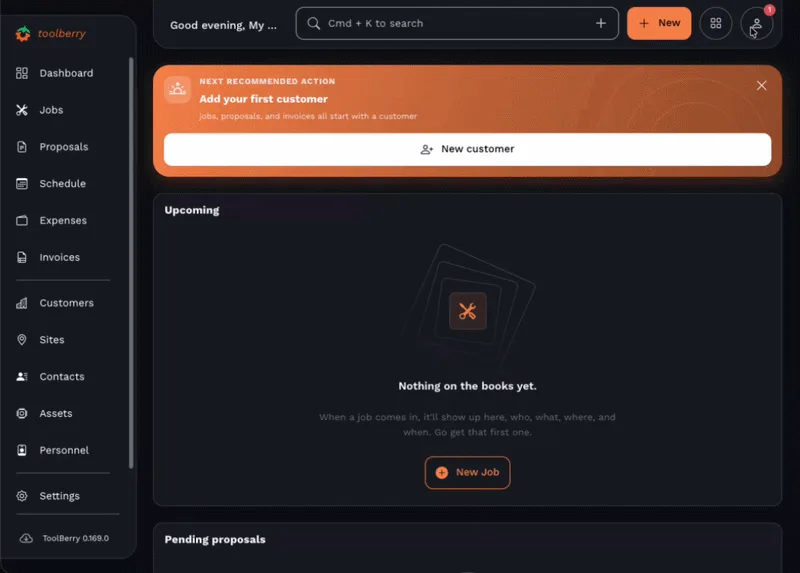
- Spin up your trade's starter pack so your job types and stages come in already translated.
It's free and works offline - switch it on your next job and see if your crew stops asking you what the buttons mean. Need a language we don't list yet? Email us; adding one is cheap, and your ask is what moves it up the list.
Have a question?
Email us at contact@toolberry.net. Get ToolBerry on the App Store and Google Play, or read more at toolberry.net.
Built for the truck, not the desk, in the language your crew actually speaks.
For the technically curious
If you want the under-the-hood version of how translation works in ToolBerry, here it is.
English isn't a translation in ToolBerry, it's the source. Developers write user-facing text inline in English, tagged so our tooling can find it. A build step walks the codebase, pulls every tagged string, and collects them into one English catalog. That catalog is the single list of everything the app can say.
On every merge to our main branch, a pipeline takes the strings that don't have a translation yet - in Spanish, Portuguese, French, or any language we've switched on - and runs them through DeepL, our machine-translation provider. Placeholders and plural/gender logic (ICU MessageFormat) are masked before translation so the machine can't mangle them, then restored after. The result is uploaded to a CDN as a plain catalog file, one per language. Turning on a new language is mostly adding it to this list.
Raw machine output isn't good enough on its own, so we layer human control on top with a glossary we keep in the repo. Each language gets its own; Spanish is the most built-out so far. It has two parts. Terms are domain words like Job → Trabajo, Stage → Etapa, and Timesheets → Hojas de horas, and they propagate everywhere that word appears. Corrections are exact, pinned translations for specific strings, and they always win. Editing that file and merging it is the deploy; there's no separate translation console.
On the device, the app loads the active language's catalog from the CDN using a stale-while-revalidate cache: it shows the cached copy instantly, then refreshes in the background. That's what makes a translated app survive offline. If a string has no translation yet, say, a feature shipped an hour ago, the app falls back to the English source text rather than showing a blank or an error. Nothing ever breaks; worst case, a word shows up in English.
That's the whole machine: English as the source, automated translation for coverage, a human glossary for quality, and an offline cache so it all works in a basement with no bars.
Further reading
- How ToolBerry Helps Landscapers Run Their Business, the pillar this post belongs to.
- Built to Bend: Why ToolBerry Lets You Customize Everything, renaming and customizing ToolBerry to match how you talk about the work.
- Why ToolBerry Is Offline-First, the architecture that keeps translations (and everything else) working with no signal.
- Hispanic share of the landscaping workforce, Data USA, 2024.
- Hispanics in the construction labor force, 2023 ACS via NAHB.
- Jobber's Spanish mobile app announcement and Housecall Pro's Spanish app guide, competitor specifics, straight from the source.