
The app, up close.
Free app. Pro for growing teams.
The free app runs your business from your phone: jobs, scheduling, proposals, invoices and more, with no account needed. ToolBerry Pro adds team accounts, real-time sync and online payments. Here's what it does, explained.
Everything you need on the truck.
Customers and sites
Every customer on one page with their sites, contacts, assets, jobs, proposals and invoices.
- Access codes and notes on every site
- Import from CSV and merge duplicates
- On My Way text with the ETA filled in
Jobs and dispatch
From first call to close-out: stages, checklists, photos and a customer signature.
- Dispatch board and route planner
- Recurring and multi-day jobs
- Drag and drop to reschedule or reassign
Proposals and invoices
Priced proposals with options and deposits, invoices and payments, and the profit of every job.
- Price book, sales tax and discounts
- Turn an accepted proposal into a job or invoice
- Record cash, check, card or transfer payments
Branded PDFs
Proposals, invoices and job reports with your logo, colors and layouts.
- Several templates and print layouts
- PDF preview, even offline
- Job reports with checklist answers and photos
Crew, timesheets and expenses
Add as many crew members as you need, with no per-user fees.
- Timesheets with approval, filled in when a job is completed
- Expenses with receipt photos
- Custom roles, and crew who see only their own jobs
Assets and inventory
Customer units, tools and stock with serials, barcodes, history and who has them.
- QR and barcode labels
- Equipment rentals with check-out and check-in
- Parts used on a job, billed on the invoice
Dashboard and reports
Your key numbers on one page, plus stats you build from any list.
- Custom stats pinned to the dashboard
- Profit per job, customer and site
- Export any list to CSV
Make it your trade
Pick your trade and ToolBerry comes set up with job types, fields, checklists and roles for it.
- Custom fields, stages and dropdowns
- Your own names for record types
- Turn modules on and off
Offline, with your own storage
Every record lives on your device. Back up, and share with a small crew, through your own Dropbox with no account.
- Create and edit work with no signal
- Optional encryption in your own Dropbox
- Download a backup file and restore it when you work solo
Your language, any device
Web, iPhone, iPad and Android apps with the same features.
- English, Spanish, Portuguese, French, Italian and German
- Light and dark themes
- Global search, even offline
Team accounts and live syncPro
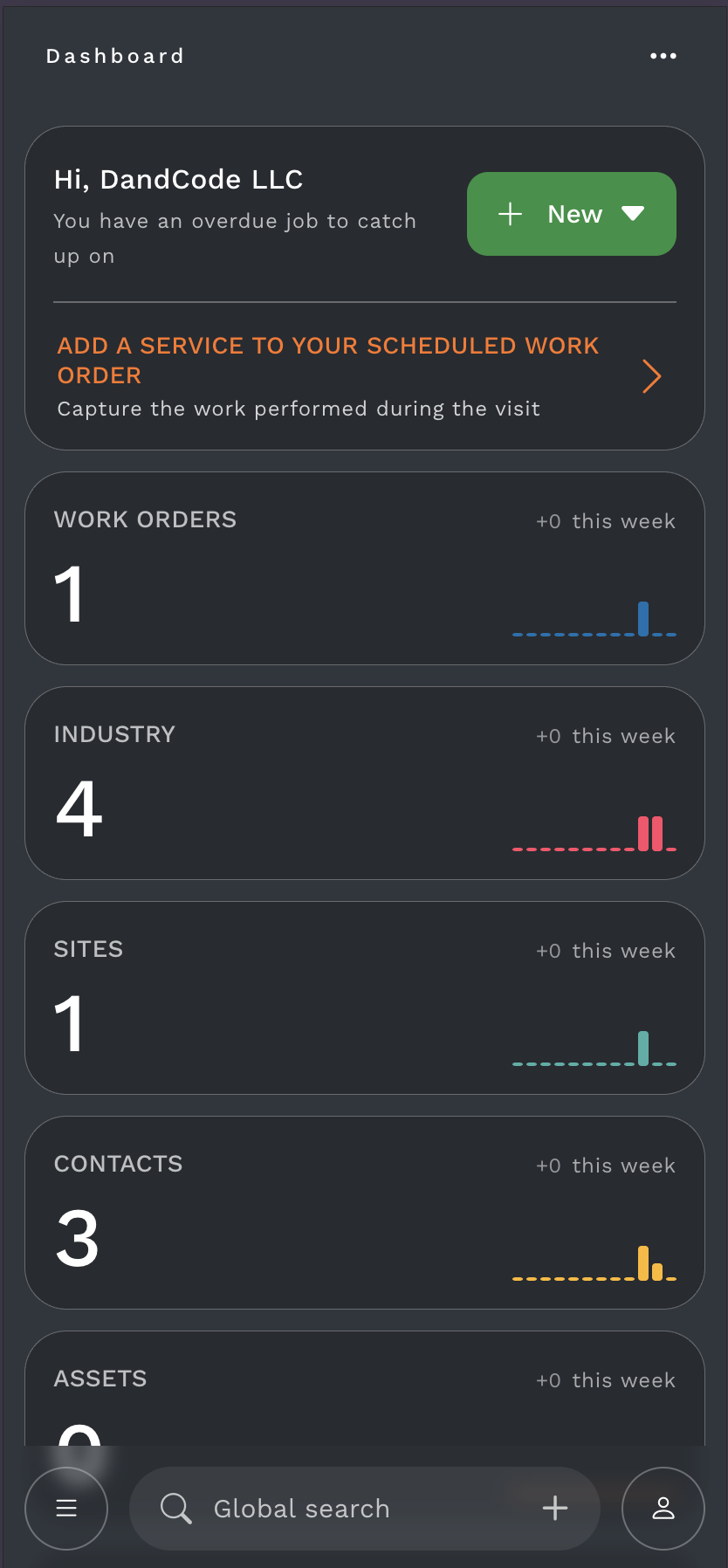
The whole team works on the same live data, with changes reaching every device in seconds.
- Team sign-in, including a one-time link for crew without email
- Server backup: lose or replace a phone, sign in, and everything comes back
- Audit log of who changed what and when
Send and get paid onlinePro
Email proposals and invoices from the app, and let customers accept and pay online.
- Accept and pay a deposit from the emailed link
- Card payment links and Tap to Pay
- QuickBooks Online sync
From first call to close-out.
Every job moves through clear stages: draft, scheduled, in progress, completed and closed. Your crew works through the checklist and takes photos, then captures the customer's signature and starts the invoice in one close-out step.
- Create a job step by step: site, then type and details, then when and who
- Checklists with notes and photos per item, graded pass, warning or fail
- Record the parts used and bill them on the invoice
- Turn the visit into a branded job report PDF
The network is optional. Your day is not.
Every record lives in a database on your device, so you create and edit work with no signal at all. On the free app it stays on your device, unless you download a backup file or sync it through your own Dropbox. On Pro, your changes sync through ToolBerry as soon as you are back online.
- Create, edit and close jobs with no signal
- Global search and PDF preview work offline
- Job reminders reach your phone without a signal
- Offline changes sync when you are back online
No signal. Keep working.
Jobs, checklists, photos, timesheets and PDFs all work with airplane mode on.
The address, the code, the dog, the note.
Your customers, their sites and every visit, in one book. Everything you need to walk up to a site and start work. Everything you want to remember from the last visit.
- Access codes and notes on every site
- Tap to call, email or get directions
- Job history per site and per asset
- Pick a site on the map, or type an address and pick a suggestion
A week that knows what day it is.
See every visit hour by hour for a day or a week, or on the month calendar, or plan the day on the dispatch board with each crew member side by side. Recurring jobs repeat every few days, weeks or months, and each visit is its own job.
- Repeat daily, weekly or monthly, skipping weekends if you like
- Drag a visit to another day, time or crew member
- Route planner with numbered stops and estimated travel times
- Crew suggestions ranked by skills, availability and distance
Weeks, not days
Recurring jobs roll forward on their own. Move one visit without touching the rest of the series.
Documentation, not camera roll.
Take photos straight onto a job, a checklist item or any record, and browse them in a gallery. They stay with the work, not scattered in your camera roll.
- Photos on each checklist item
- Attach documents, spreadsheets and links too
- Comments with photos, files and voice messages
- Stored on your device or your own Dropbox, or by ToolBerry on Pro
Attached to the job
Every photo is tied to the job or checklist item it belongs to. Not scattered in your camera roll.
Price the job. Send the PDF. Get paid.
Build proposals from your price book, offer options, take a deposit, and turn the accepted work into jobs and invoices. On the free app you share the PDF or send it from your own email app. On Pro you email it from the app, and customers can accept and pay online.
- Line items from your price book, with tax and discounts
- Good, better and best options
- Deposits billed as their own invoice
- Payments tracked until the invoice is paid
What the app does with your data
These promises are about the ToolBerry app, where your business data lives.
- It stays on your phone. On the free app, jobs, customers and invoices are stored on your device. If you connect Dropbox, the backup goes to your own Dropbox, not to us. Pro syncs your crew's data through our servers.
- We never sell it. We don't sell your data or your customers' data to anyone.
- No ads and no ad trackers in the app. The app has no cookies and no advertising trackers. We only collect anonymous error and usage reports so we can fix bugs and improve the app.
This website is separate from the app. It uses analytics and advertising cookies to measure our ads. Read our Privacy Policy
That's the app. Free to use, Pro when your team needs real-time sync.
If a feature isn't on this page, check the roadmap. We ship in public and listen to pros on the truck.
Try it on your next job
It takes a minute to install. Make one real job and see if it fits how you work.
For iPhone, Android, or use it in your browser.
Rather talk to someone first? Book a 15-minute call.