
Free Shared Workspace or Pro? What Each One Is For, and When to Switch
One Dropbox folder gets a small crew further than you'd think. Here's where it stops being enough.
Updated October 13, 2026
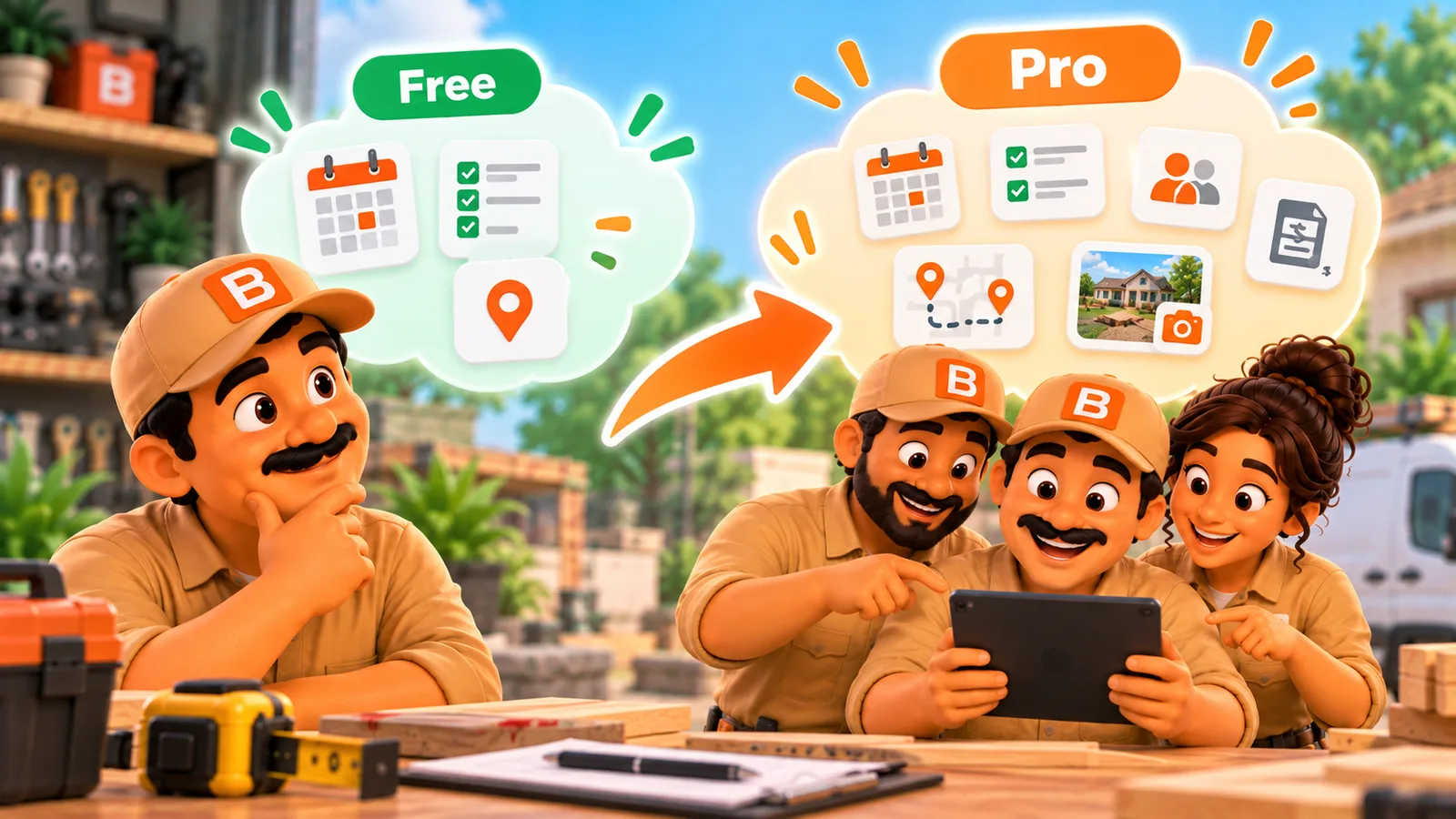
One Dropbox folder gets a small crew further than you'd think. Here's where it stops being enough.
A two-person crew runs the whole business from one phone's Dropbox folder: quotes, job notes, a few customer photos. Then they hire a third person, then a fourth, and someone starts asking "wait, did the schedule update?" before a job that already happened. Nothing broke. The workspace just outgrew the model it started on.
ToolBerry gives you two different ways to share a workspace with a team, and they're built on different foundations, not just a feature toggle. Free shares one Dropbox folder with a small, trusted crew, no ToolBerry account needed. Pro puts the workspace on ToolBerry's servers with real-time sync and per-person accounts. Knowing which one you're on, and why, saves you from diagnosing a scaling problem as a bug.
What the free shared workspace actually is
On Free, a small crew works out of one shared Dropbox folder. The owner invites teammates and gives each one a role, encryption is optional (switch it on before you invite anyone, since the key travels with the invite), and everyone's phone syncs through that folder. No ToolBerry account, no server, no monthly bill for extra seats.
The design assumption is explicit in how the feature is built: everyone in the folder is trusted. Roles here organize the app, they don't lock data away from someone who shouldn't see it. That's a fair trade for a two-or-three-person outfit where the owner and the crew already see each other's phones and vans every day.
You can add a second device to your own shared workspace with a QR code or a link, still with no account. What you can't do on Free is give one teammate narrower access than "everyone in this folder" or get the workspace itself backed up somewhere other than that Dropbox account.
What Pro actually is
Pro replaces the shared folder with a hosted workspace and real accounts. Each crew member gets their own sign-in (a one-time link sent by text or chat, if email isn't practical in the field), their own role, and access that can be revoked person by person instead of folder by folder, taking effect everywhere within seconds. Changes reach everyone's phone, tablet or browser within seconds, not whenever Dropbox happens to sync. And the workspace itself lives on ToolBerry's servers: lose a phone, buy a new one, sign in, and the records, photos and files come back.
That's a different trust model entirely. Free trusts the folder, and anyone in it. Pro trusts the account, and nobody else.
Why both exist instead of just one
The honest answer is architecture, not pricing strategy. ToolBerry is offline-first: every device keeps a real local database and works with no connection. Free's shared workspace extends that by letting Dropbox's own sync carry changes between devices, which is why it needs no server and no account. Pro adds a server in the loop on purpose, trading "no account needed" for "everyone sees the same state in seconds and the data isn't only as safe as one Dropbox login."
Both are legitimate choices. Neither is the "right" one by default.
Signals it's time to switch
- Someone outside the owner's immediate trust circle needs access. A subcontractor, a seasonal hire, an office admin who shouldn't see payroll-adjacent fields. Free's roles organize; they don't restrict. The moment you need to say "this person sees jobs but not costs," you need account-level access, which is a Pro feature.
- The office and the field need to see the same job at the same moment. Dropbox sync is real but not instant. If a dispatcher is rebooking a job while a tech is already driving to the old address, seconds matter.
- Losing one phone shouldn't put the business's records at risk. On Free, the workspace is only as durable as that one Dropbox account. On Pro, it's backed up on ToolBerry's servers regardless of what happens to any single device.
- You want to revoke one person's access on its own. Pro access is per person, and it takes effect everywhere within seconds, not just "in the folder or not."
The honest tradeoffs
Free shared workspaces are still a pilot, rolling out gradually, so not every account has them open yet. Crews already using them keep syncing without interruption. They also depend on Dropbox as the courier: if Dropbox is down or a teammate's phone hasn't synced, that teammate is working from stale data until it catches up, and there's no office dashboard watching that in real time.
Pro solves the real-time and backup problems but asks for more: an account per person, a connection to actually reach the server (the local database still works offline, syncing catches up after), and it's the paid tier. If your crew is two people who already share a van, Pro's real-time guarantees may be solving a problem you don't have yet.
How to decide
- Count who actually needs access right now, and whether you'd trust every one of them with everything in the folder.
- If the answer is yes and the crew is small, stay on Free and turn on encryption before you send the first invite.
- If the answer is no, or the office needs to see field updates within seconds rather than minutes, move to Pro and bring the crew in with per-person invites.
- Either way, you can change your mind later.