
How to Keep Your Crew on the Same Page Without a Group Chat - What a Shared Workspace Shares
Stop scrolling a group chat for the gate code. Put it on the job, where your whole crew can find it.
Updated October 9, 2026
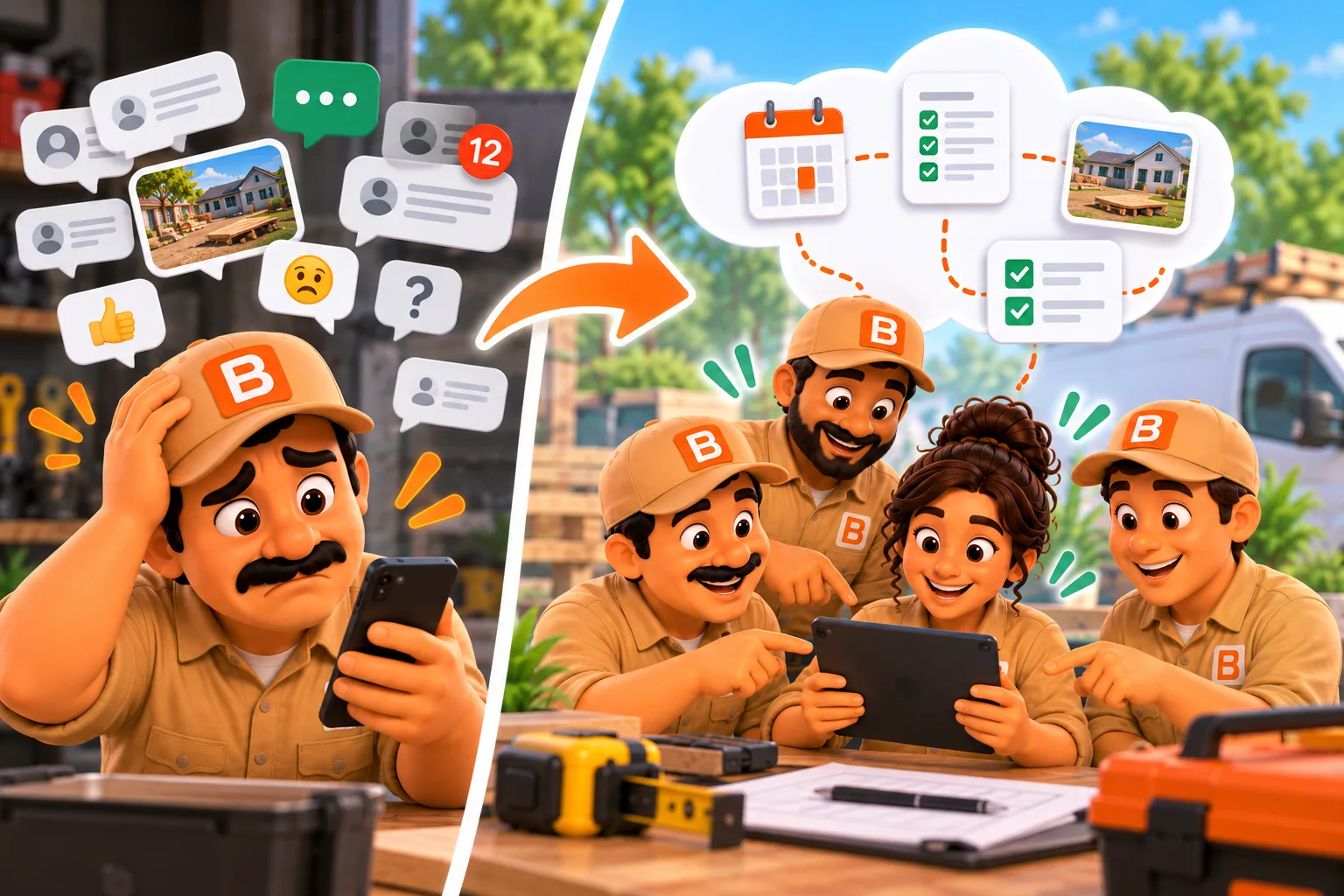
Stop scrolling a group chat for the gate code. Put it on the job, where your whole crew can find it.
Published October 9, 2026.
How do I keep my crew on the same page without a group chat?
Put everything about a job on the job itself, and give your crew that same job on their own phones. With Shared multi-user on ToolBerry Free, your helpers get the jobs you give them with the notes, checklists, comments and photos attached. Their work comes back to you without a single "done yet?" text, and it costs nothing per person.
A group chat is where most small crews start, and I get why. It's free, everyone already has it, and it's fine for "running ten minutes late." It falls apart the moment you need something from last Tuesday.
What goes wrong when jobs live in a group chat?
The information is there, but nobody can find it when they need it. The gate code is forty messages up. The before photo is in one person's camera roll. A new helper can't see anything from before they joined, and the one who left still has every address on their phone.
In the 2025 AGC and Sage construction outlook, 32% of contractors named communication between the field and the office as one of their biggest technology challenges (AGC, January 2025).
That's why I built ToolBerry around the job, not the conversation. A chat is sorted by time. Your work is sorted by job.
What does that look like on a real Saturday?
You set the job up once, your helper works from it, and you see the results without asking. No texts asking for an update, no scrolling for a photo, no rebuilding the day from memory on Monday. Here is how one Saturday goes for a small house cleaning business.
Imagine you mostly clean on your own. A landlord books two move-out cleans for Saturday morning, at two different addresses. You take one and send your usual weekend helper to the other.
On Friday night you open the second job and add what they need: the lockbox code, a note that the landlord wants the inside of the oven done, and the move-out checklist you use for every unit. You assign the visit to your helper, and their phone shows "New job assigned" once it arrives.
On Saturday your helper works the list room by room. They snap a photo of a water stain under the sink and leave a comment on the job: "Leak under kitchen sink, photo attached." They log their hours and add the receipt for the extra oven cleaner they had to buy.
You never text them. Between your own rooms you open their job and, within minutes of their updates, see the checklist two-thirds done, the leak photo and the comment with their name on it. You forward the photo to the landlord before your helper has left.
On Monday, the hours and the receipt are already on the job. You pay your helper and bill the landlord without digging through a single thread.
What does my crew actually share?
The jobs you give them, with everything they need to do the work, on their own phone. Each piece lives on the job it belongs to, so nobody has to remember where it was posted. A helper who joined yesterday still sees each job's notes, photos and past visits, and nothing gets lost in a scroll.
- Jobs and visits. Who's going where and when, with your notes, codes and directions.
- Services and checklists. The scope of work and the steps, checked off as they go.
- Time and expenses. Hours and costs, with receipt photos, on the job they belong to.
- Comments. Dated, with the writer's name, on the job or any record.
- Photos and signatures. Before and after shots, receipts and the customer's signature, kept in your Dropbox and opened when someone needs them.
- Past visits. So a helper at a house they've never been to still knows what happened last time.
Two people can work the same job at once without wiping out each other's work, as long as you're not changing the very same detail.
When a helper leaves, you remove their access and their phone deletes its copy of your business the next time it's online.
Adding someone takes a role and a link and costs nothing per person: see How to Add Your Team to ToolBerry, Step by Step (Including Your Own Tablet) and What It Costs to Add a User to Field Service Software - One Job, a Season, or Your First Hire.
The honest tradeoffs
ToolBerry keeps the job straight, but it isn't a chat app and it isn't instant. I'd still keep the phone for "come now" and "I'm running late." Use the job for everything you'll want to find later. Here is what to expect, so nothing surprises you or your crew.
- Updates take up to about 10 minutes while the app is open. They come sooner when someone saves a change or reopens the app. Live updates are a Pro feature.
- There's no alert when a teammate changes something. The one exception is "New job assigned." Team notifications are part of Pro.
- When the app is closed, updates are best-effort. Open ToolBerry before you head out to be sure you have the latest.
- Roles hide screens, they don't lock data. Invite people you'd trust with a paper work order.
- No team-wide history of who changed what. Comments show their writer, and each phone keeps its own Recent activity. The full Audit log is Pro.
What should I do next?
Pick your next job that needs a second person and run it from ToolBerry instead of the chat. Put the codes, notes and checklist on the job, invite your helper and assign them the visit. Afterward, check whether you sent a single "done yet?" text.
Questions? Email contact@toolberry.net. ToolBerry is a free, offline-first field service management app for small service-trade businesses. Get it on the App Store or Google Play.
For the Technically Curious
- What syncs. Every record in the app database syncs, apart from a few device-only things: your GPS trail, screen layouts and your own Recent activity list. How the copies stay in step is in Can a crew shares one app without a server, in plain words (Coming Soon).
- Merging. Each field carries the time of its last edit, and the newest edit of each field wins on every device. So if you fix the address while your helper ticks off the checklist, both changes stay. Fields that must change together merge as a group.
- Timing. An open device checks the owner's Dropbox every 10 minutes, and also when it comes online, comes to the foreground or saves a change. ToolBerry polls rather than using a push channel.
- Files. Photos, receipts and signatures upload to the owner's Dropbox. Other devices download a file only when something shows it.
Further reading
- Shared multi-user is here; your data, your Dropbox, your team
- Add an Employee With a Link - No Account, No Email, No Password
- How to Add Your Team to ToolBerry, Step by Step (Including Your Own Tablet)
- Can a crew shares one app without a server, in plain words (Coming Soon)
- Who Can See What: Roles and Permissions for a Growing Service Business
- Hiring Your First Employee: Getting the Business Out of Your Head