
Gate codes in old texts. Customers lost in your phone.
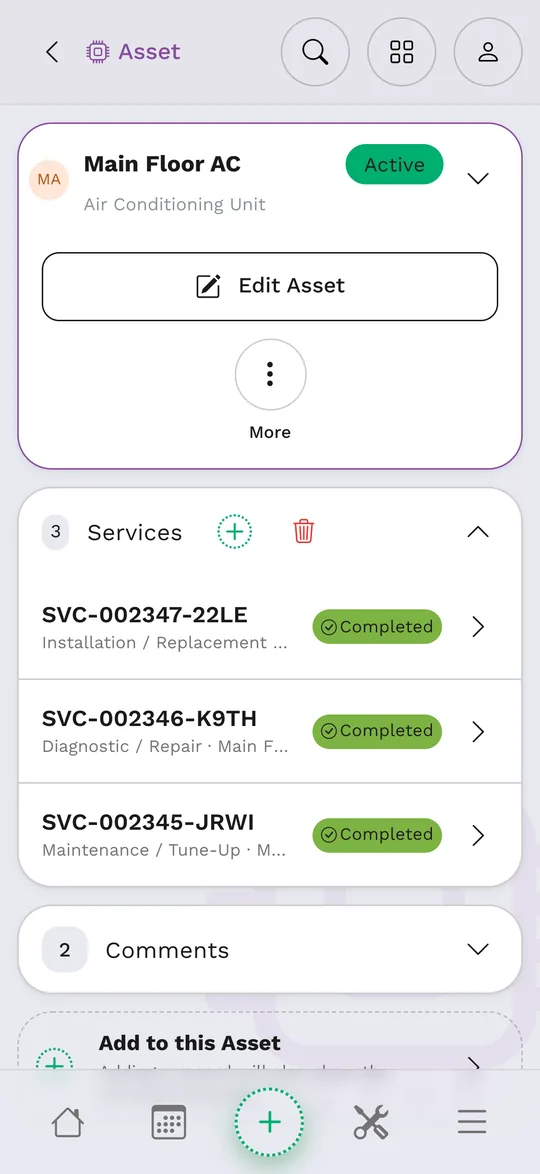
ToolBerry is a customer management app for contractors. Each customer page brings together their sites, contacts, equipment, jobs, estimates and invoices. Save the address, access code and notes for the crew on each site. Pick contacts from your phone's address book, merge duplicates, and see the profit on each customer.
On a computer? Scan with your phone to get the app.
No account and no credit card. Works offline.
How it works
Add the customer
Add a customer, or pick a contact from your phone.
Add their sites
Add a site for each address, with the access code and notes for the crew.
See the history
Open the customer to see every job, estimate and invoice.
What else it does
- Call, email or get directions with one tap.
- Contacts that belong to more than one customer.
- Download any list as a spreadsheet.
Free, Crew and Pro
What each plan includes, from our feature list.
| Feature | Free | Crew | Pro |
|---|---|---|---|
| Customers | Included | Changes reach the whole team in seconds | Changes reach the whole team in seconds |
| Sites | Included | Included | Included |
| Contacts | Included | Included | Included |
| Merge duplicates | Included | Included | Included |
| Documents in the customer's language | Not included | Included | Included |
For your trade
Related features
Help articles
Questions
Can I add my phone contacts?
Yes. Pick someone from your phone's address book on the contact form, and their name, phone and email fill in.
Can I get my data out?
Yes. Download any list as a spreadsheet.
What is a site?
A place you work. One customer can have many sites.
Can I see what a customer is worth?
Yes. The app shows revenue minus labor and expense costs for each customer.
Every customer, every site, one tap away.
On a computer? Scan with your phone to get the app.
No account and no credit card. Works offline.