
Paper time sheets come in late, smudged and rounded up.
ToolBerry is a timesheet app for small crews. Each timesheet covers one person on one day: travel, work and break times, plus the miles driven. When a job is completed, the app fills in a timesheet for each person sent to the visit. The crew submits hours from their phones, and the office approves them or sends them back with a note.
On a computer? Scan with your phone to get the app.
No account and no credit card. Works offline.
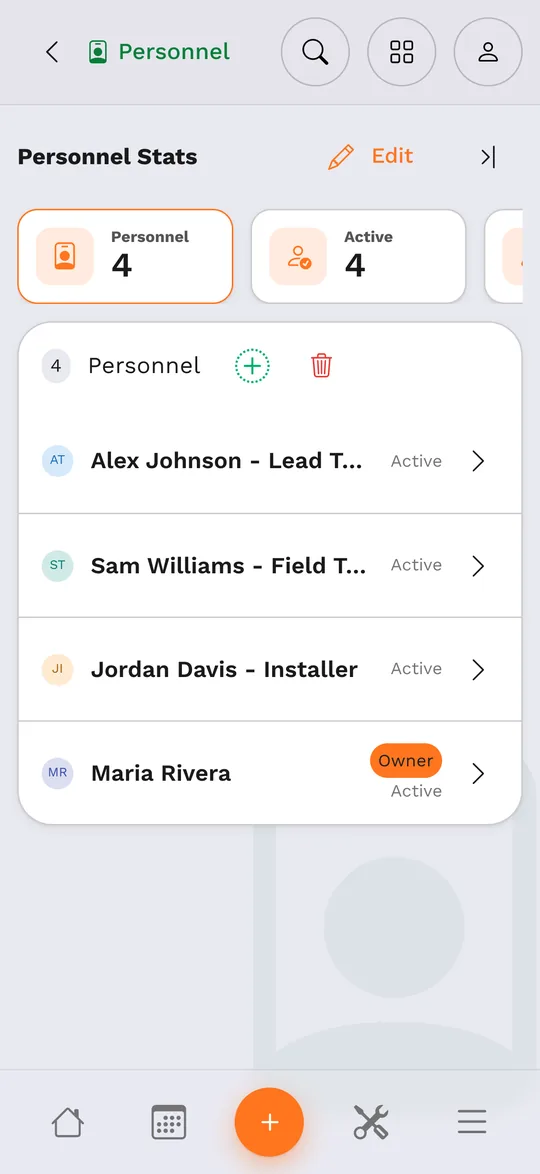
How it works
Complete the job
The app offers a timesheet for each crew member, from when the job started to when it was completed.
The crew submits
Each person checks the times and submits from their phone.
You approve
Approve the hours, or send them back with a note. Approved hours lock.
What else it does
- Approve a whole pay period at once.
- Each timesheet keeps its pay rate, and the list totals hours and pay.
- A warning before saving hours that overlap.
- Hours count toward the cost and profit of each job.
Free, Crew and Pro
What each plan includes, from our feature list.
| Feature | Free | Crew | Pro |
|---|---|---|---|
| Timesheets | Included | Hours reach the office in seconds | Hours reach the office in seconds |
| Timesheet from job completion | Included | Included | Included |
| Approved records lock | Applied by the app in shared storage | Enforced on every device and on the server | Enforced on every device and on the server |
| Bulk submit and approve | Included | Included | Included |
| Pay rate and amount on timesheets | Included | Included | Included |
For your trade
Related features
Help articles
Questions
Is there a clock in button?
There is no punch clock. Hours come from the job itself, when the crew starts and completes it, or the person types them in.
Can two people on one job each get a timesheet?
Yes. Everyone sent to the visit gets their own.
Can I export hours for payroll?
Yes. Download the list as a spreadsheet or save it as a PDF, for example one person's pay period.
Can I log hours that are not on a job?
Yes. A timesheet can be on a job or have no job, for example for shop or office time.
Hours logged before the crew leaves the site.
On a computer? Scan with your phone to get the app.
No account and no credit card. Works offline.