
Stop doing invoices at the kitchen table at night.
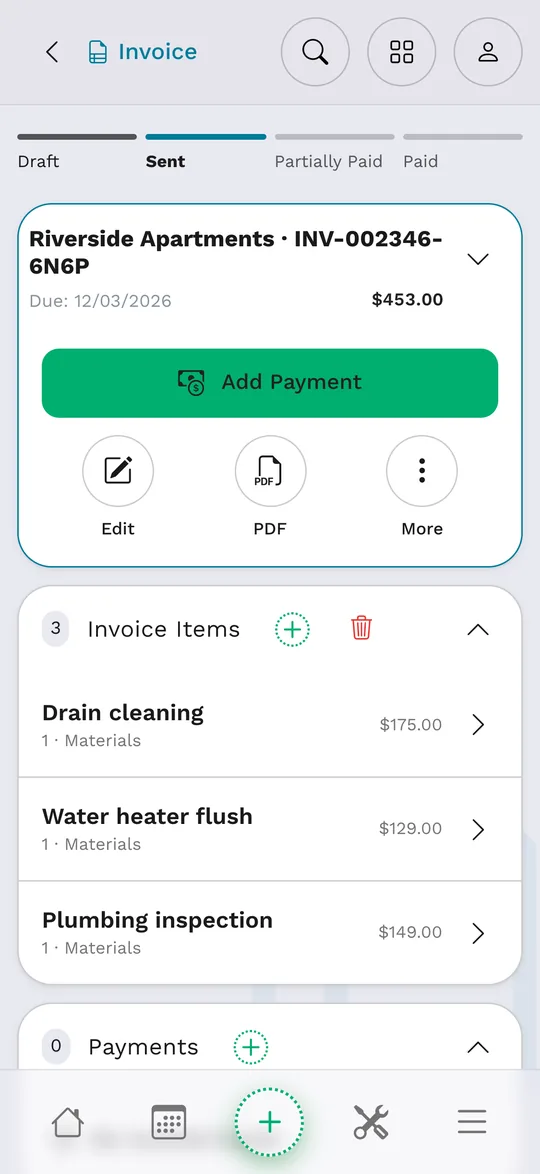
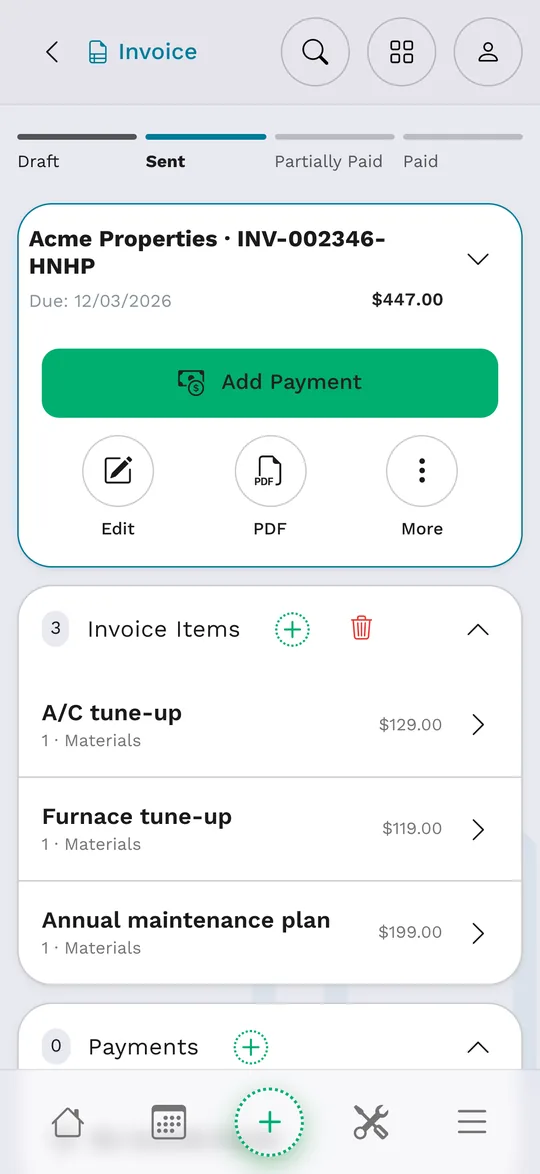
ToolBerry is an invoice app for contractors and trade businesses. It turns a finished job or an accepted estimate into an invoice on your phone, with sales tax and discounts in the totals. Share a PDF with your logo before you leave the driveway, then record cash, check, card or bank payments until the invoice shows Paid.
On a computer? Scan with your phone to get the app.
No account and no credit card. Works offline.
How it works
Complete the job
Tap Complete on the job. The app offers the invoice, filled in from the job.
Check it
Check the lines, the tax and any discount, then preview the PDF.
Send it and get paid
Share the PDF or send it from your own email. Record the payment when it comes in.
What else it does
- Invoice an accepted estimate without retyping it.
- Ask for a deposit, billed as its own invoice and credited to the final one.
- Payment terms set the due date, and late invoices are marked overdue on their own.
- A partial payment moves the invoice to Partially Paid.
Free, Crew and Pro
What each plan includes, from our feature list.
| Feature | Free | Crew | Pro |
|---|---|---|---|
| Invoicing | Share the PDF or send it from your own email | Email invoices to customers from the app | Email invoices to customers from the app |
| Invoice on job completion | Included | Included | Included |
| Record payments | Included | Included | Included |
| Payment terms and overdue | Included | Included | Included |
| Email proposals and invoices | Not included | Included | Included |
| Online document page | Not included | Included | Included |
On ToolBerry Pro, you email invoices to customers from the app. Proposals & invoicing
For your trade
Related features
Questions
Is the invoice app free?
Yes. The features of the free app that run on your phone are free forever. There is no sign-up, card or email to start.
Can I make an invoice with no signal?
Yes. The invoice saves on your phone and syncs through your own Dropbox, or through ToolBerry Pro, once you are back online.
Can I put my logo on invoices?
Yes. Every PDF carries your logo, colors, business details and footer.
Do I have to retype the estimate?
No. An accepted estimate becomes an invoice in one tap.
Can I record card payments?
Yes. Record cash, check, card, bank transfer or other payments on any invoice, and the balance updates.
Send the invoice before you leave the job.
On a computer? Scan with your phone to get the app.
No account and no credit card. Works offline.