
Job photos lost in someone's camera roll?
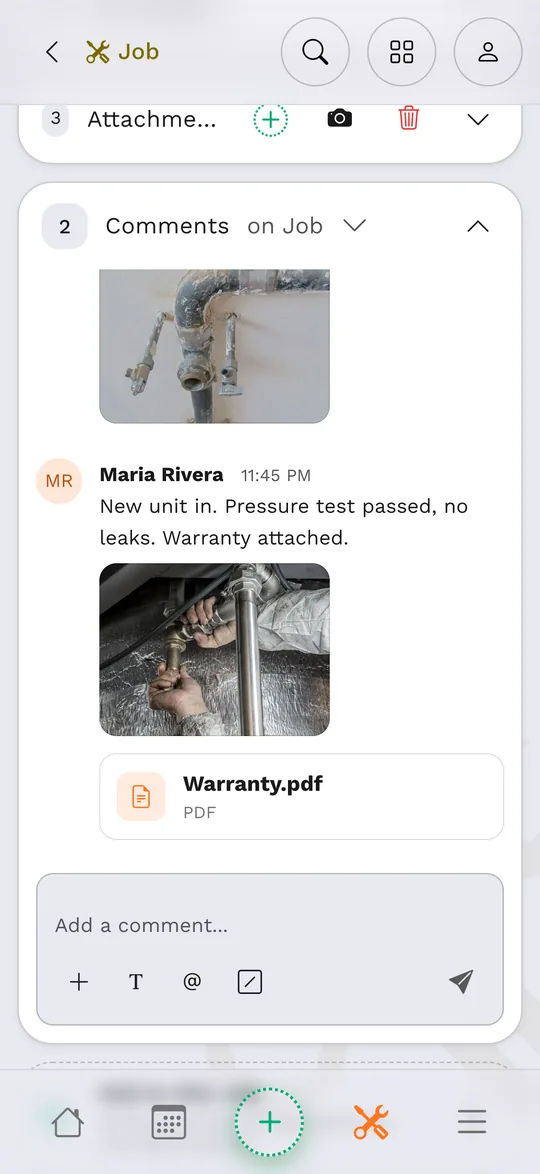
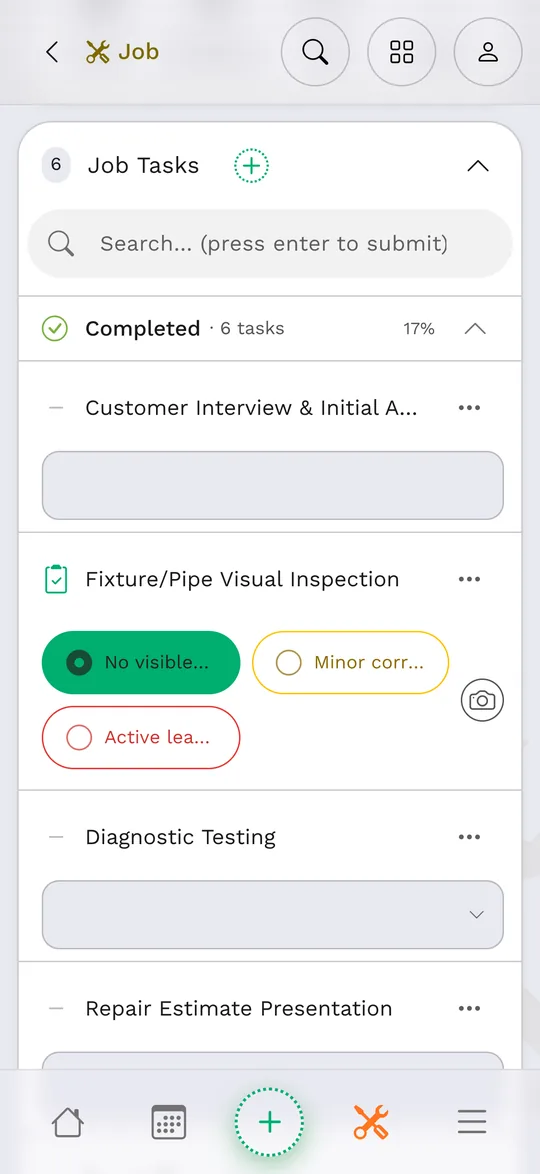
ToolBerry is a job photo app for field crews. Take a photo or pick one from the phone, and it lands on the job, the checklist item or the record you are on. Add a caption, browse every photo in a gallery, and choose which ones go on the customer's report. Photos stay on the phone, so they open without a signal.
On a computer? Scan with your phone to get the app.
No account and no credit card. Works offline.
How it works
Take the photo
Open the job and take the photo, or pick one from the phone.
Put it where it belongs
Add a caption, or attach it to the checklist item it proves.
Choose what the customer sees
Pick the photos for the PDF report and put them in order.
What else it does
- Require a photo on a checklist item.
- Attach files such as warranties or permits.
Free, Crew and Pro
What each plan includes, from our feature list.
| Feature | Free | Crew | Pro |
|---|---|---|---|
| Job photos | Cloud copy in your own storage | Cloud copy stored by ToolBerry | Cloud copy stored by ToolBerry |
| Choose photos for the report | Included | Included | Included |
| Files and documents | Cloud copy in your own storage | Cloud copy stored by ToolBerry | Cloud copy stored by ToolBerry |
On ToolBerry Pro, ToolBerry stores the cloud copy of your photos and files. Unlimited file storage
For your trade
Related features
Help articles
Questions
Where are the photos stored?
On the phone, plus a cloud copy: in your own Dropbox on the free app, or with ToolBerry on Pro.
Can I take photos with no signal?
Yes. They are saved on the phone and upload when you are back online.
Can I choose which photos the customer sees?
Yes, photo by photo, on the PDF report.
Can I require a photo?
Yes, on any checklist item.
Proof of every job, on the job.
On a computer? Scan with your phone to get the app.
No account and no credit card. Works offline.